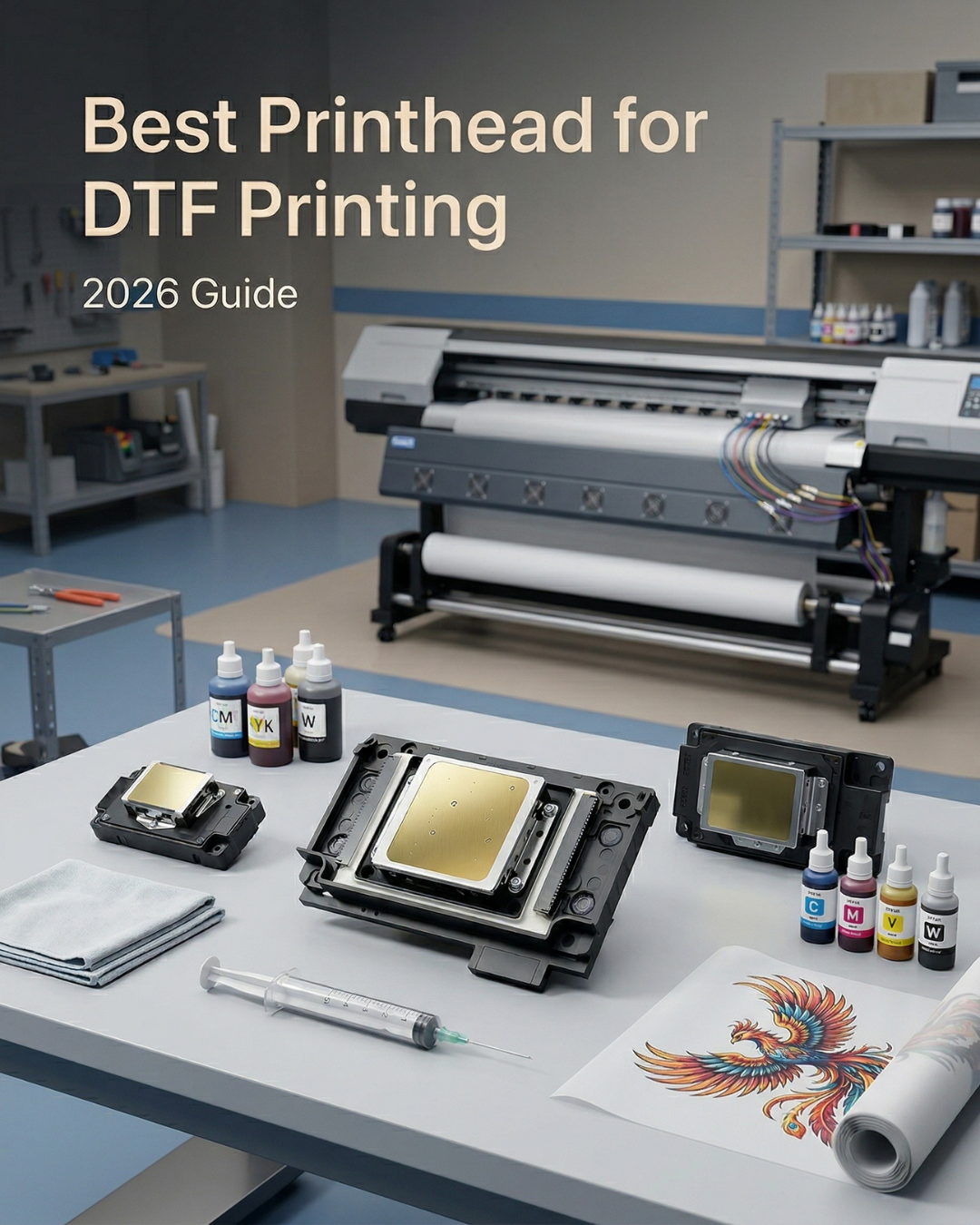
If you've spent any time researching DTF printing, you've probably landed on the same conclusion most shop owners reach about six months in: the printhead determines almost everything.
Not the software. Not even the ink brand. The head determines your print quality, your production speed, how often things go wrong, and what your per-transfer cost actually looks like over a year. Get it right early and the rest of the setup tends to fall into place. Get it wrong and you spend your first year troubleshooting and replacing.
This guide covers the three Epson printheads you'll see in almost every DTF machine on the market — the i3200-A1, the XP600 (F1080-A1), and the DX5 — what each one actually does in a working shop, and how to decide which one fits where you are right now.

What actually matters in a DTF printhead
Before comparing models, it helps to know which specs translate to real-world differences and which ones are marketing numbers.
Nozzle count and density affect print speed and resolution. The more nozzles firing per pass, the faster the machine moves and the finer the detail it can hold. Droplet size range matters for gradients and photographic images — variable drop technology lets the head fire larger drops for fills and smaller ones for edges, which is how you get smooth gradients without visible banding.
Ink compatibility is specific, not general. A head rated for water-based aqueous ink (what DTF uses) has different internal coatings than a UV or eco-solvent head. Using the wrong ink in a head isn't just a quality problem — it degrades the internal materials over time.
Maintenance burden is the number most people underestimate. A cheaper head that clogs every three days costs more in lost production than a more expensive head that runs clean for a year. Daily DTF white ink agitation, proper capping, and capping station condition all affect how long either head stays trouble-free. For a full breakdown of what causes recurring clogs, see our guide on how to clean an Epson i3200 printhead — the root causes apply to all DTF heads.
Epson i3200-A1 — the production standard
The Epson i3200-A1 is the head most serious DTF shops end up on, whether they started there or upgraded to it after outgrowing something cheaper.
It has 3,200 nozzles across eight rows, firing droplets from 3.8 to 12.3 picoliters with variable drop technology. Effective print width is 33.8mm. The A1 designation means it's built specifically for aqueous (water-based) inks — which is exactly what DTF pigment inks are. The internal coatings are rated for the binder chemistry in DTF white ink, which is more aggressive than standard color channels. That matters for longevity.
In a properly maintained setup, an i3200-A1 typically lasts 12 to 24 months in daily DTF production. Epson's own data puts it at 106 billion piezoelectric cycles before performance degradation. Print quality on demanding artwork is the other reason shops choose it. Fine text, small detail, photographic gradients — the variable drop firing and high nozzle density handle all of it without the banding and inconsistency you see on lower-tier heads at the same resolution setting.
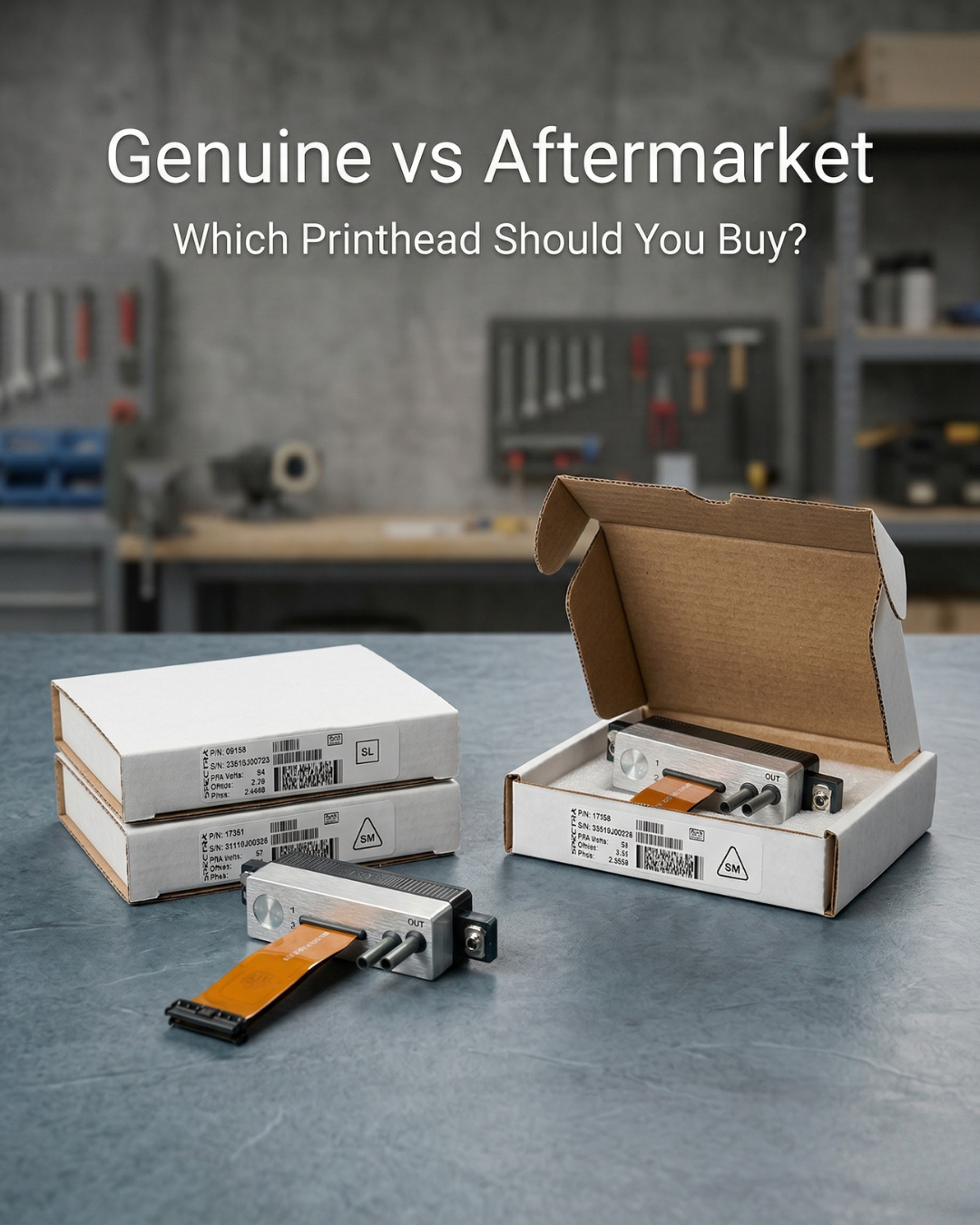
It's not cheap. The genuine OEM i3200-A1 is available at Digiprint — and if you want to understand exactly what you're risking with a non-genuine version, read our breakdown of genuine vs aftermarket printheads.
The i3200-A1 makes sense if DTF is your primary revenue source, you're printing more than 100 to 150 transfers per day, or print quality on complex artwork is important to your customers.
Epson XP600 (F1080-A1) — the entry point

The XP600 (F1080-A1) is where most people start their DTF journey, and there are real reasons for that beyond just price.
It's a six-color DX11 head with a maximum resolution of 360 DPI across two rows. Print speed runs 10 to 12 square meters per hour under normal DTF settings — enough for a shop finding its footing or running part-time production. The head costs $398 genuine OEM at Digiprint, compared to $997 for the i3200-A1. For a shop that isn't sure yet whether DTF will stick as a revenue stream, starting on the XP600 is a reasonable way to learn the workflow and validate the business before committing to production-grade equipment.
The trade-offs are predictable. Lifespan under DTF production is 3 to 9 months depending on volume and maintenance. The lower nozzle density means fine detail and small text don't hold as cleanly as on the i3200-A1. White ink maintenance frequency is the consistent complaint from XP600 shops — if you're not printing every day or running proper agitation cycles, white ink clogs faster on this head than on higher-tier alternatives.
Most shops that start on the XP600 move to the i3200-A1 within 6 to 12 months once volume increases. That's not a failure — it's the natural progression.
Epson DX5 — still running in legacy setups
The DX5 has been in the market for over a decade. You'll find it in older wide-format eco-solvent and sublimation machines, and it shows up in some DTF setups on refurbished or budget hardware. It's a proven head with a long track record of reliability in eco-solvent applications. In DTF specifically, it runs slower than either the i3200-A1 or XP600 on modern machines and it's gradually being replaced in new printer designs.
If you're maintaining an existing machine that uses a DX5 and it's working, there's no urgent reason to change hardware. But it's not a head to seek out for a new DTF build in 2026. Browse the full Epson printhead collection if you need a specific DX5 variant.
Side-by-side comparison

⚠️ NOTE FOR PUBLISHER: The two image URLs you provided for Image 3 and Image 4 are identical. Once you confirm which file is which in Shopify Files, replace one of the two img src values above with the correct URL. The comparison table belongs in this section; the workflow diagram belongs in the intro section.
A few things worth adding that don't fit cleanly in a table: the cost-per-month calculation almost always favors the i3200-A1 at production volume. An XP600 replaced three times in 18 months at $398 each costs $1,194 in heads alone, plus the downtime of three head swaps. One i3200-A1 lasting 18 months at $997 costs less and keeps the machine running longer between interruptions.
Maintenance requirements are stricter on the i3200-A1 than people expect. The tighter operating specs — temperature, humidity, white ink agitation — mean the head performs as advertised only in a properly controlled environment. The dampers and capping stations need to be in good condition regardless of which head you run — a worn cap degrades either one. See our guide on why your printer keeps clogging for the full maintenance picture.
Common buying mistakes
Buying refurbished or "unlocked" heads is the most expensive mistake in this category. A refurbished i3200-A1 with the serial number removed, or a clone head sold as genuine, will fail faster, has no warranty path, and in documented cases has damaged printer boards through electrical spec deviations. The Epson OEM seal is the only reliable authenticity marker.
Choosing based on price alone without factoring in lifespan and maintenance frequency leads to a higher total cost of ownership in almost every case. Run the numbers over 18 months, not just the purchase price.
Ignoring compatibility with your specific printer model is another issue. The i3200-A1 (water-based) and i3200-U1 (UV/solvent) are different heads with different internal coatings. Using the wrong variant for your ink type degrades the head regardless of maintenance discipline.
Which one is right for your shop
If you're starting out and want to validate DTF before spending heavily: the XP600 is a reasonable entry point. Lower cost, lower stakes on the learning curve, and a clear upgrade path once volume justifies it.
If DTF is already your primary revenue source: the i3200-A1 is the right tool. The higher upfront cost pays back through longer lifespan, better output consistency, and fewer production interruptions.
If you're maintaining an existing machine on a DX5: keep it running with genuine replacement heads until the machine warrants a full upgrade.
Digiprint USA stocks genuine OEM versions of all three, shipping same day from Florida. Browse the full DTF supplies catalog or go straight to all printheads to find your specific model.


Leave a comment
This site is protected by hCaptcha and the hCaptcha Privacy Policy and Terms of Service apply.