
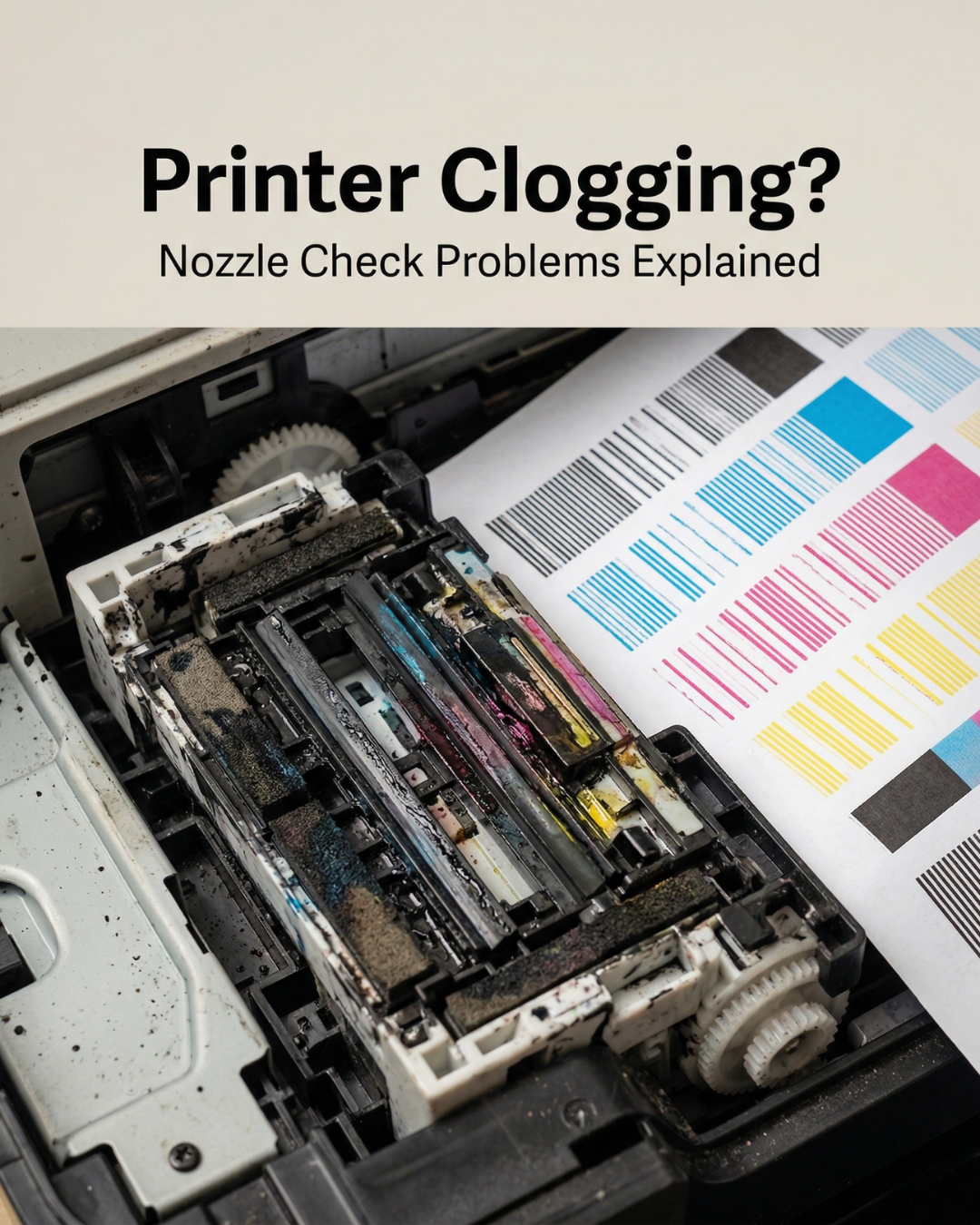
If you're clearing a clog every week, the problem isn't bad luck. Recurring clogs follow patterns, and those patterns have specific causes. This is the diagnostic most shops need before they spend money on cleaning solutions or replacement heads.
The clog you keep having is probably not what you think it is
The standard advice — run a cleaning cycle, do a nozzle check, repeat — addresses the symptom. It doesn't touch the cause. A head that keeps clogging after cleaning cycles is telling you something about the environment, the ink, the maintenance components, or the usage pattern. Finding out which one saves you from the loop of clearing and re-clogging indefinitely.
Here's how to work through it.
Cause 1: The printer sits idle between jobs
This is the most common reason for recurring clogs in shops that don't print every day.
Wide format printheads are designed to run. The ink channels are narrow — some as small as a few microns — and ink that sits still in those channels starts to thicken. Water-based and sublimation inks begin showing viscosity changes within 48 to 72 hours of no use. Eco-solvent ink is more forgiving, but not indefinitely.
When the printer re-fires after sitting idle, the thickened ink doesn't push through cleanly. Automated cleaning cycles move it temporarily, but the underlying issue (ink sitting still) hasn't changed. The next idle period produces the same result.
The fix is not more cleaning cycles. The fix is either printing a test strip every morning to keep ink circulating, or wet-capping the head if the printer will sit for more than two days. A wet cap means parking the head on the capping station with a small amount of cleaning fluid, not just resting on a dry cap.
Shops in humid climates like South Florida have an extra variable: high ambient humidity affects ink surface tension and can accelerate the capping station's rubber degradation. Check the cap for cracks or loss of suction quarterly.
Cause 2: The capping station or wiper blade is worn out
The capping station and wiper blade are consumables. Most shops don't treat them that way.
The capping station creates an airtight seal around the printhead when the printer parks. If the rubber has cracked, distorted, or built up ink deposits, the seal breaks. The head sits exposed to air during downtime and dries out even though the printer thinks it's protected.
The wiper blade runs across the nozzle face before each print cycle to clear debris and maintain a clean surface. A wiper that's saturated with dried ink doesn't clean — it transfers ink back onto the nozzle plate. That transferred ink dries in the nozzles between passes.
Both parts cost $20 to $60 depending on the machine. Most shops replace them only after a major problem, which is backward. A worn capping station causes the head failures that eventually require a $900 replacement. The math on preventive replacement isn't close.
Replace wiper blades every 2 to 3 months under normal production volume. Inspect the capping station every 3 months and replace it annually or sooner if there's visible cracking or weak suction.
Cause 3: The ink isn't right for the head
This one gets missed because the shop has been using "the same ink" for a year. But ink can change — a new batch from a supplier with different viscosity specs, a switch to a cheaper third-party ink, or an ink that was stored improperly (exposed to temperature swings, past its shelf date, or contaminated by a dirty fill line).
Each Epson i-series head has a specific viscosity range it's engineered for. The i3200-A1 runs best between 2.2 and 3.8 mPa·s for water-based applications. If the ink viscosity drifts outside that window — typically because of temperature changes in the print room or an inconsistent ink batch — the head misfires.
If your clogs started shortly after opening a new ink batch or after a supplier switch, check the ink first. Digiprint carries DTF and sublimation inks with consistent batch specifications — if you've been sourcing from unknown suppliers, that's worth revisiting.
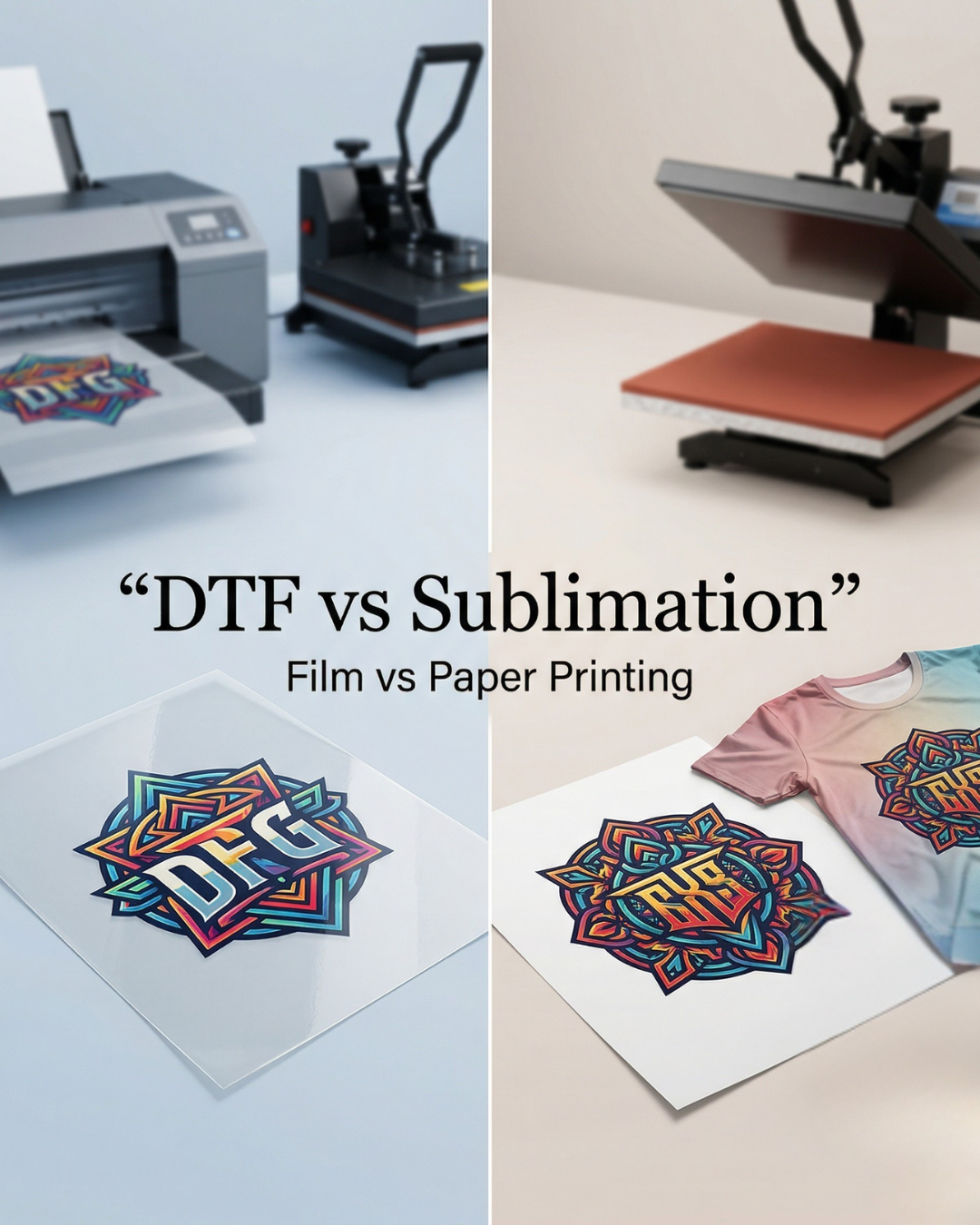
For DTF specifically: white ink requires daily agitation. The pigment load is high enough that it settles in the channel and the ink line overnight. Shops that skip the morning agitation routine accumulate a slow buildup in the white channel that eventually turns into a full blockage. If you're running DTF and haven't settled on the right setup yet, our DTF vs sublimation guide covers which workflow makes most sense for different shop types.
Cause 4: The print environment is outside spec
Temperature and humidity have a direct effect on ink performance and printhead longevity. This is not a minor variable.
For DTF printing, Epson and most ink manufacturers specify 55% to 75% relative humidity and 75°F to 80°F (24°C to 27°C). Outside that range — too dry, too cold, too hot, or too humid — ink viscosity shifts, drying behavior changes, and the mechanical tolerances inside the head work differently than they were designed to.
In South Florida, the primary issue is heat and humidity variation. A print room without climate control can swing 15°F over the course of a day, and humidity can hit 90% in summer. Even printers not in direct heat still accumulate ambient temperature in a building without proper ventilation.
A dedicated print space with an air conditioning unit that maintains a stable environment is one of the most effective "maintenance" investments a shop can make. It costs less than one printhead replacement per year, in most cases much less.
Cause 5: The cleaning solution doesn't match the ink type
This is straightforward but gets ignored constantly. Water-based, eco-solvent, UV, and sublimation inks each require a chemically compatible cleaning solution. Using a solvent-based cleaner on a water-based ink system doesn't just fail to clean — it can react with the dried ink residue and create a harder deposit than you started with.
The Epson i3200 has two variants for a reason. The A1 is water-based and uses aqueous cleaning solutions. The U1 is for UV and eco-solvent and requires solvent-compatible fluids. Mixing them degrades the internal coatings.
If you're buying generic "printhead cleaner" without checking compatibility with your specific ink type, that's worth looking at before the next cleaning session.
The recurring clog diagnostic
Work through these in order before replacing the head:
- Check the capping station for seal integrity and cleanliness. A bad cap is the most frequent culprit.
- Check the wiper blade for ink saturation or physical wear. Replace if it's been more than 3 months.
- Print a test strip every morning for one week. If clogs clear up and stop recurring, idle time was the cause.
- Check your print room temperature and humidity with an inexpensive gauge. If either is outside spec consistently, address the environment.
- Verify ink batch consistency. If clogs started with a new batch, test viscosity or switch back to the previous batch.
- Verify cleaning solution compatibility with your ink type.
If you work through all of these and the head still clogs immediately after cleaning, the issue is likely inside the head itself — either a manufacturing defect or damage from a previous incorrect cleaning method. At that point, the head needs professional evaluation or replacement. For a full step-by-step on how to safely clean and flush an Epson i3200, see our dedicated guide on how to clean an Epson i3200 printhead without damaging it.
When it actually is the head
Heads wear out. That's normal. An i3200-A1 in a high-volume DTF shop typically lasts 12 to 24 months depending on ink quality, maintenance discipline, and production volume. When nozzle recovery after a proper flush is consistently below 80% across multiple sessions, the head has reached end of life.
Before buying a replacement, make sure you're buying genuine OEM. A counterfeit or grey-market head that fails in three months costs more than the original — read our breakdown of genuine vs aftermarket printheads before spending money on a replacement.
Digiprint USA carries genuine OEM replacement heads for Epson, Roland, Mimaki, and other major brands across our full printheads catalog, shipping same day from Florida. If you've worked through the diagnostic above and the head needs to go, we can have a replacement to you in days, not weeks.
Recurring clogs are almost always a solvable problem at the maintenance level. The head is usually fine. The capping station, wiper, environment, or ink is usually not. Start there, and most shops clear the cycle without buying anything expensive.



Leave a comment
This site is protected by hCaptcha and the hCaptcha Privacy Policy and Terms of Service apply.