
Printhead Data Cables — Epson, Roland, Mutoh & Chinese DTF/UV Printers
Head data cables that connect printheads to carriage boards. 14-pin and 16-pin cables for Epson i3200/i1600/XP600/5113, 21-pin for Roland DX4, 28/29-pin for Roland RA-640/RE-640/VS-640, and 31-pin for Mutoh VJ-series and Allwin E-series eco-solvent and UV printers. Same-day shipping from our Doral, Florida warehouse on orders placed before 2 PM EST.
Browse the cables below, or search by your printhead model, pin count or Roland/Mutoh part number (e.g. 14-pin, 16-pin, 21-pin, 31-pin, 1000006702, 1000006703).
Frequently Asked Questions
Should I replace the data cables when I replace my printhead?
Yes — and this is the single most overlooked step in printhead installation. Used cables develop micro-cracks in the flex circuit and oxidation on the contacts, which cause intermittent nozzle dropouts on the new head. The symptoms look exactly like a defective new printhead — missing nozzles that come and go, weak channels, or random misfires. Many buyers RMA a perfectly good new head when the real culprit is the old cable. Cables cost $7–$50 — replacing them at the same time as a $400–$1,500 printhead is cheap insurance and protects your warranty claim if the head actually does fail.
Which data cable do I need for my printhead?
Match by pin count and printhead family. 14-pin — Epson i3200 (A1/E1/U1), Epson i1600 (most variants), XP600. 16-pin — Epson i1600 wide-carriage variant. 21-pin — Roland DX4 printhead (older SP-300/540 and Mimaki JV3/JV22 systems). 28/29-pin — Roland RA-640, RE-640, VS-640 (part numbers 1000006702 and 1000006703 — typically sold as a 4-piece set). 31-pin — Mutoh VJ-1604/1618/1624/1638 and Allwin E-160UV/E-180/E-320 Chinese eco-solvent and UV printers. If you're unsure, contact us with your printer model and we'll confirm before you order.
What cable length do I need?
Cable length depends on your printer's carriage layout — most common lengths are 40cm and 60cm. Always check the existing cable in your machine before ordering. Using too short a cable strains the connector and pulls the cable taut at the end of carriage travel, which is exactly what creates the micro-cracks that cause intermittent nozzle dropouts. Using too long a cable creates slack that can interfere with the carriage or rub against other components.
How do I know if a cable is the cause of my print issue?
Cable failures produce intermittent symptoms — nozzles that print correctly during a test, then drop out mid-job; channels that work cold and fail when the carriage warms up; or random pattern misfires that don't correlate with cleaning cycles. If you've run multiple deep cleans, checked dampers, and the issue still comes and goes, the cable is the likely culprit. Try gently flexing the cable while watching the test print — if the symptoms change, replace the cable.
Are these cables genuine OEM or compatible?
Both. OEM Roland cables (1000006702, 1000006703) carry the Roland vendor tag. Compatible cables (labeled "Britomatics" or "digiprint-usa.com" or "Generic Chinese Printer") are quality-tested aftermarket parts that perform identically at a fraction of OEM price. For data cables specifically, compatible quality is excellent — these are simple flex circuits with well-known specifications, so reputable aftermarket suppliers produce equivalent parts at a significant discount.
What is the return policy on data cables?
Sealed, unused cables are eligible for store credit only, not a refund to the original payment method. Used or installed cables cannot be returned. Inspect your delivery on arrival; hidden defects must be reported within 48 hours. Same-day shipping from Doral, Florida — orders before 2 PM EST go out the same business day. See our full refund and return policy.
Filters
10 products
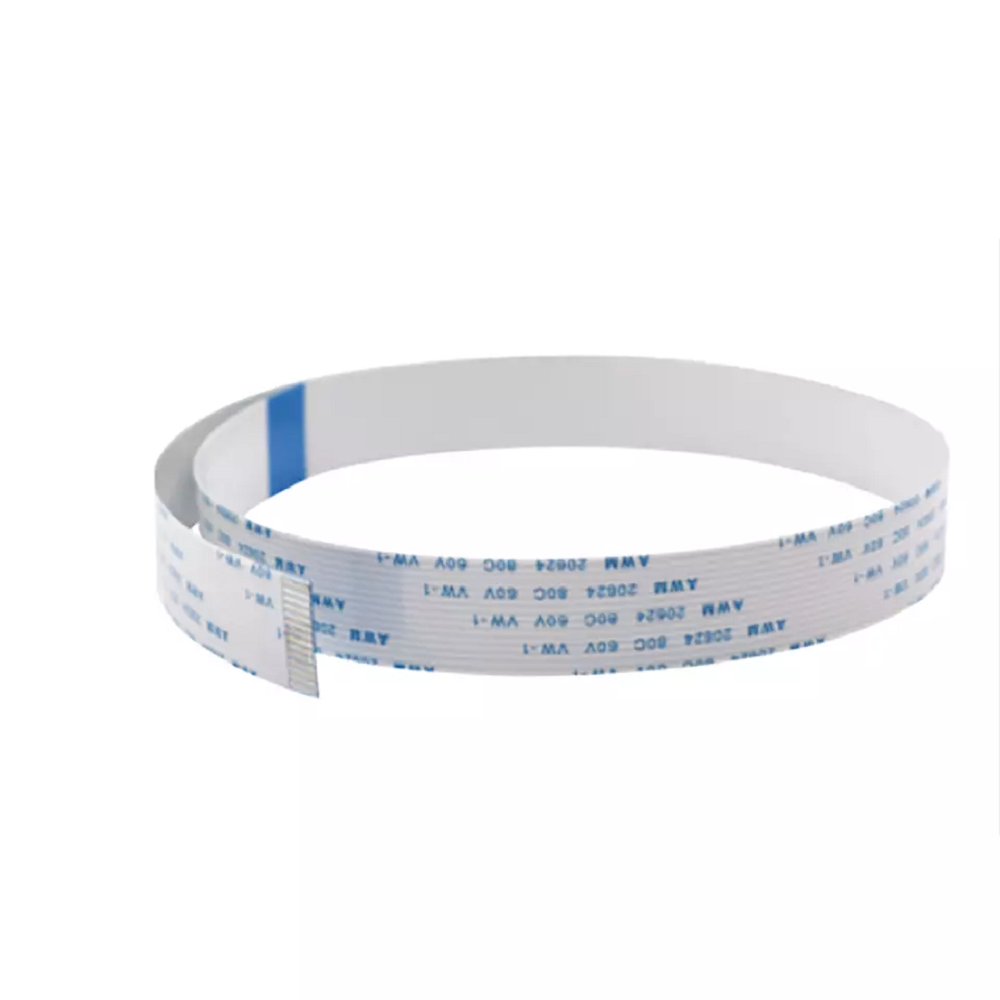
Epson i3200 4720 WF-4720 Printhead Data Cable 14-Pin
Sale priceFrom $7.50 USD
Regular price$14.00 USD
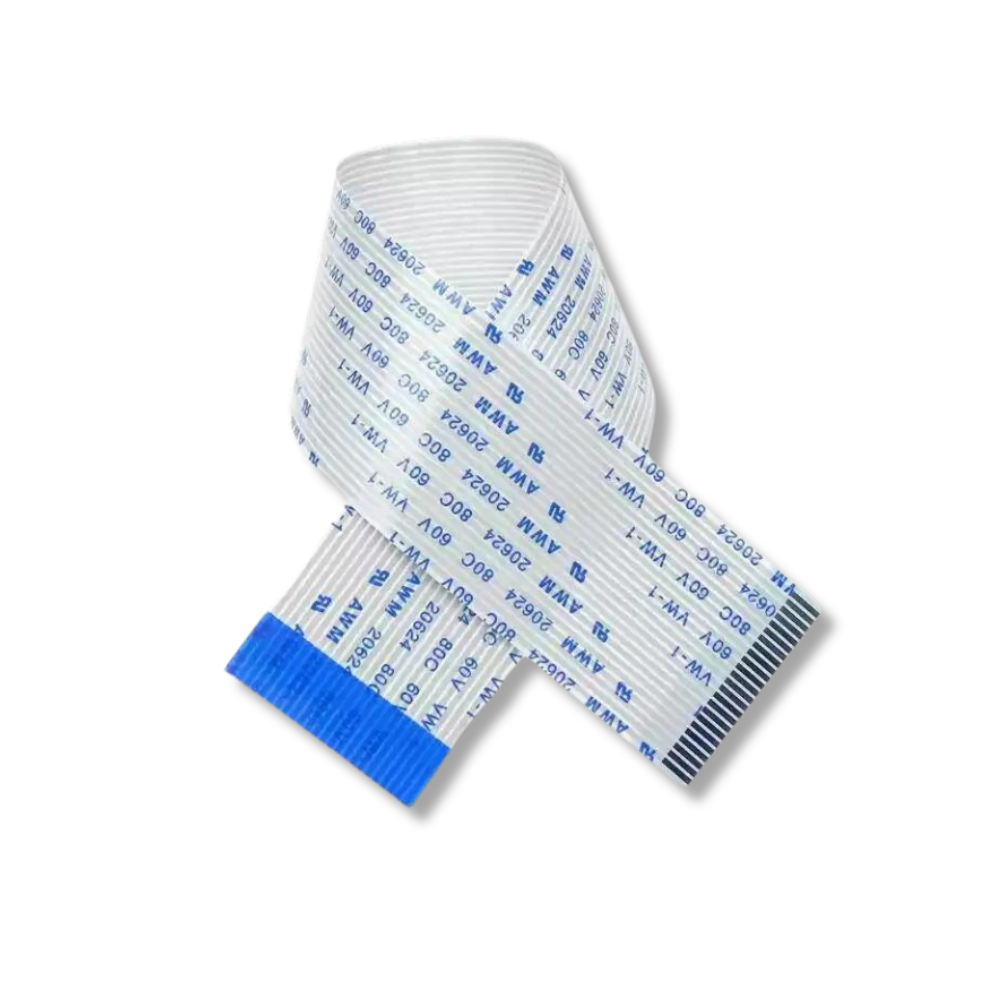
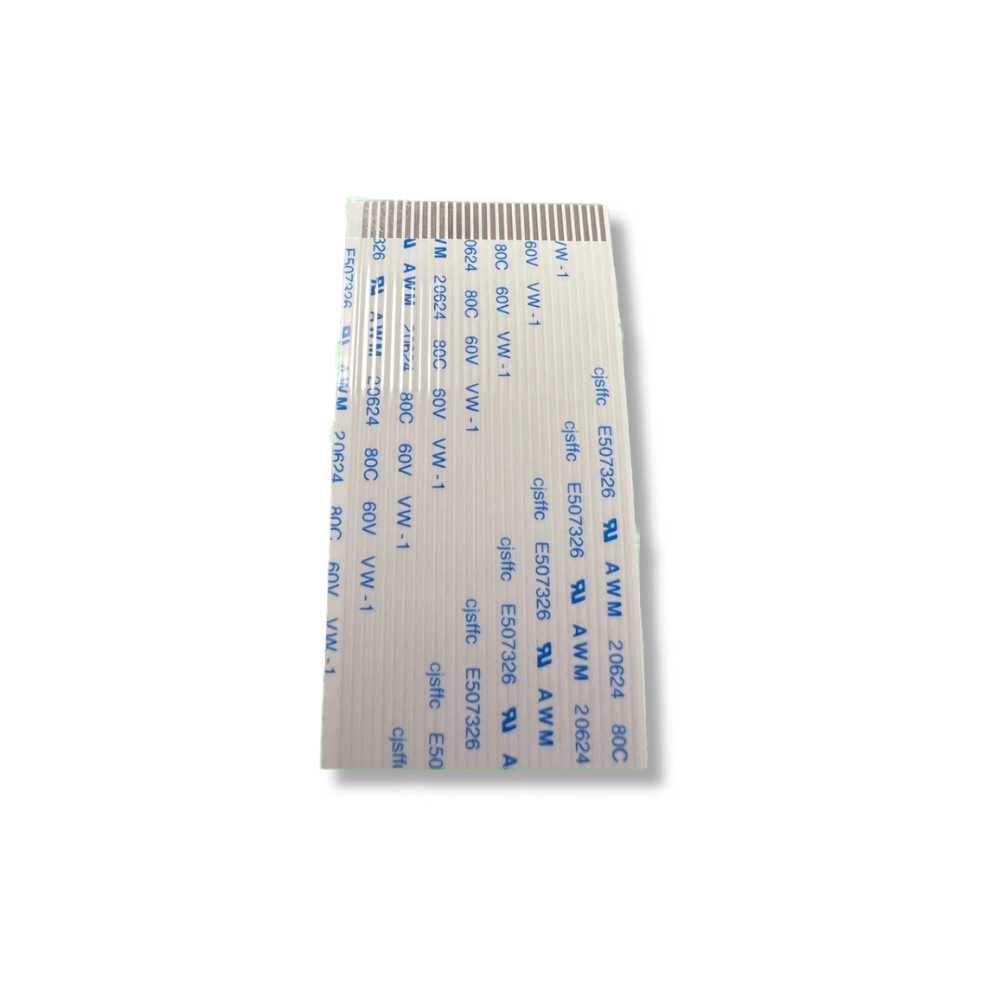
Epson XP600 Printhead Data Cables 29-Pin
Sale price$10.00 USD
Regular price$15.00 USD
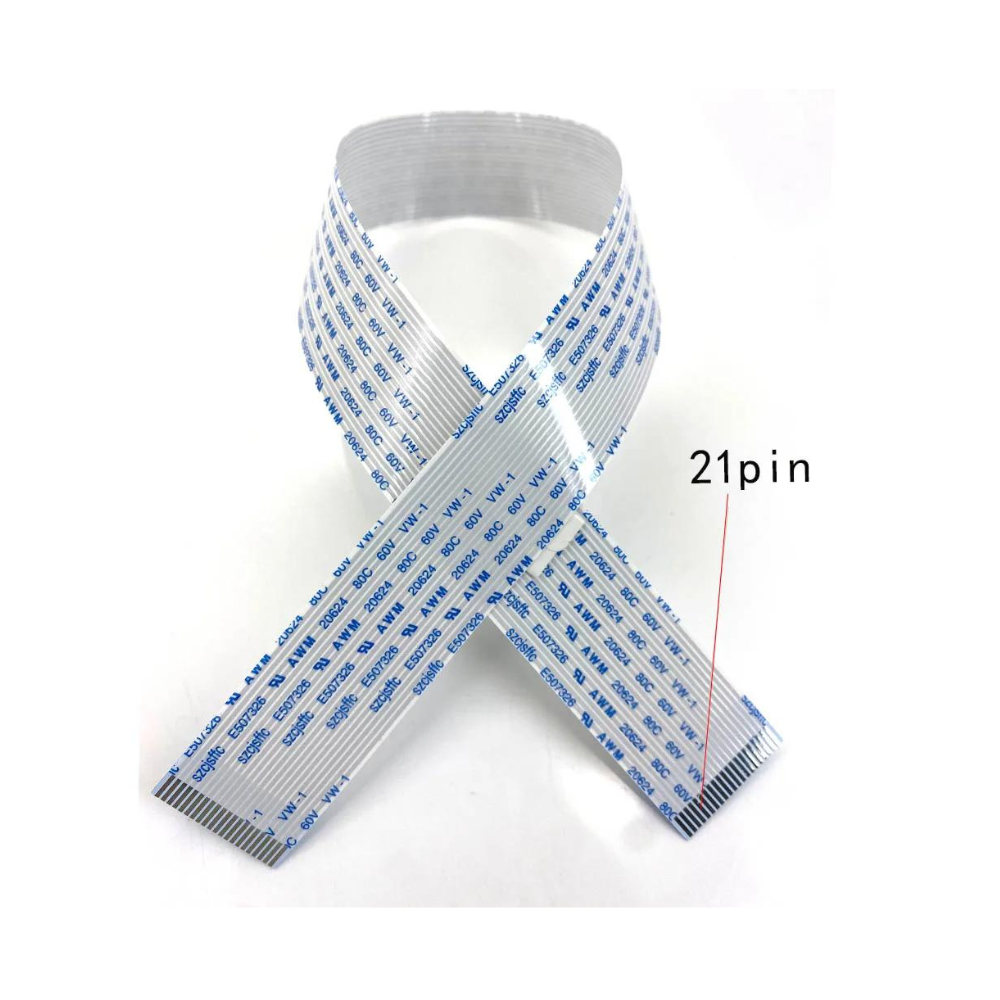
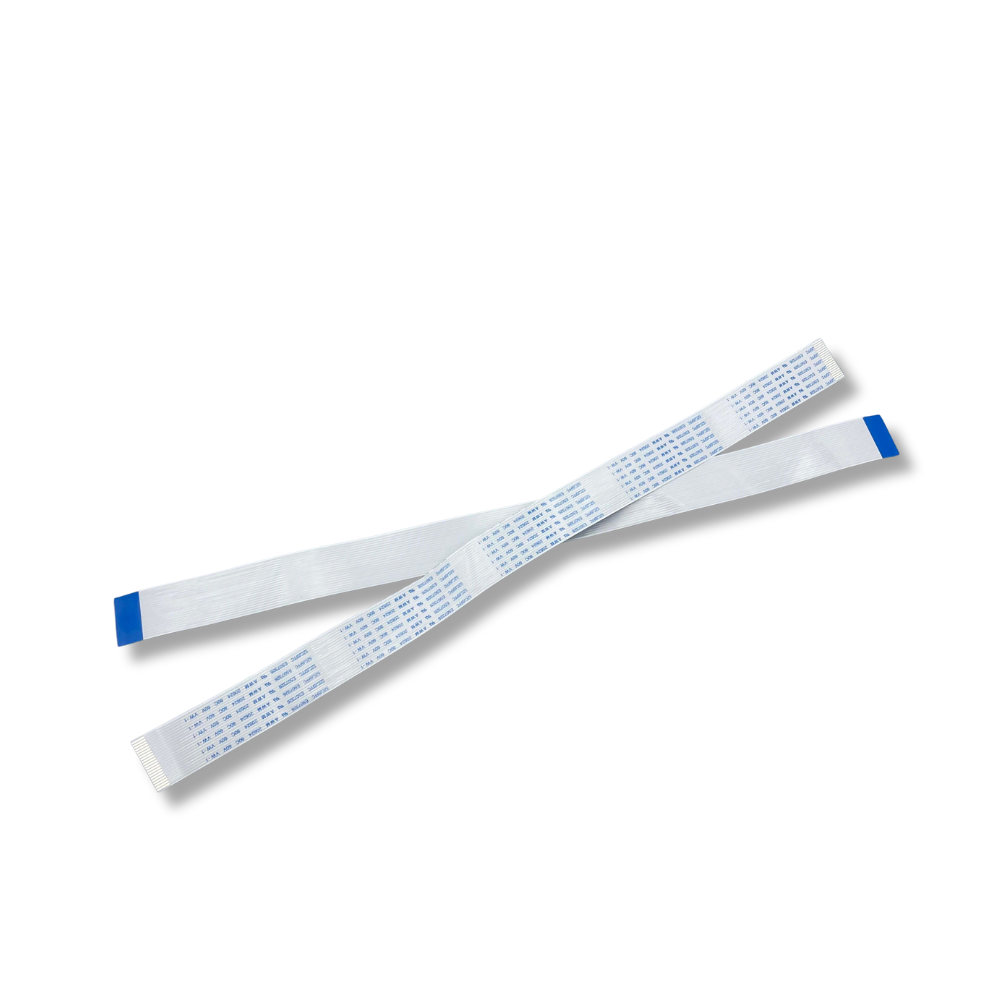
Roland DX4 Printhead Data Cable 21-Pin FFC
Sale price$8.99 USD
Regular price$12.99 USD
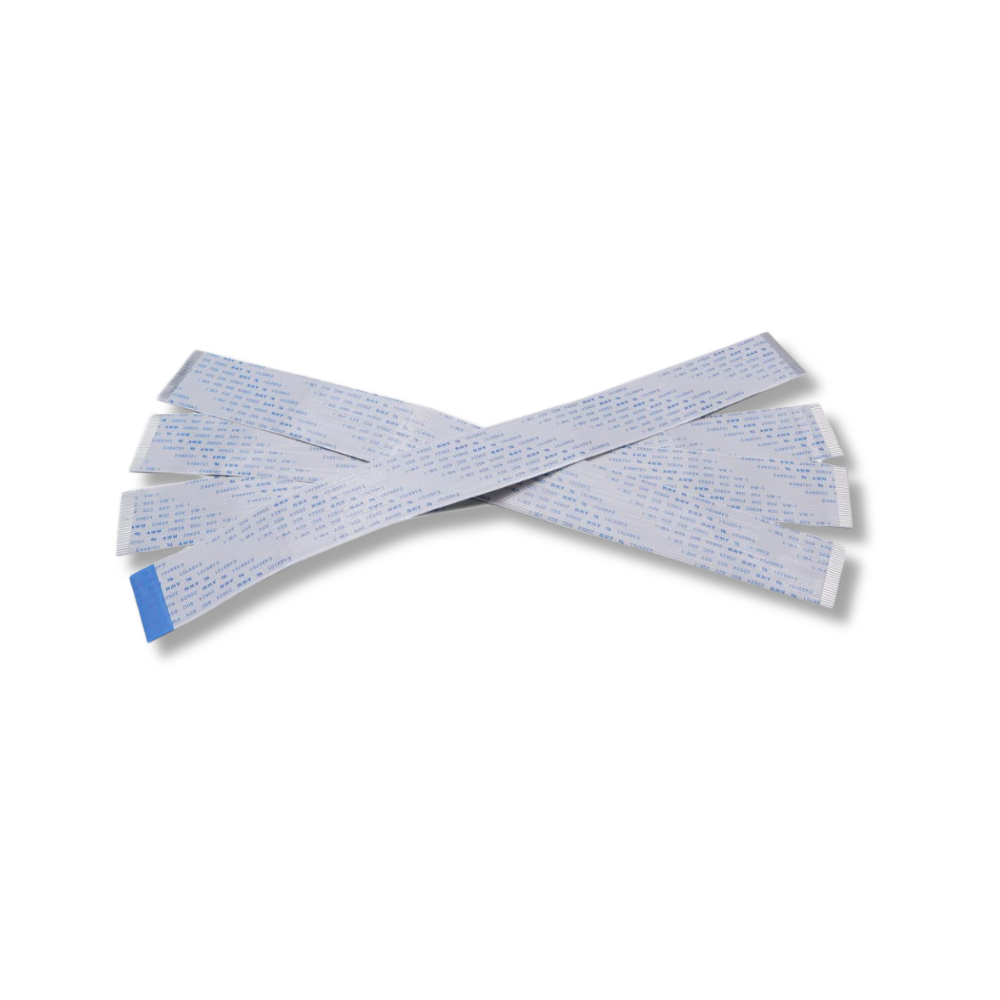
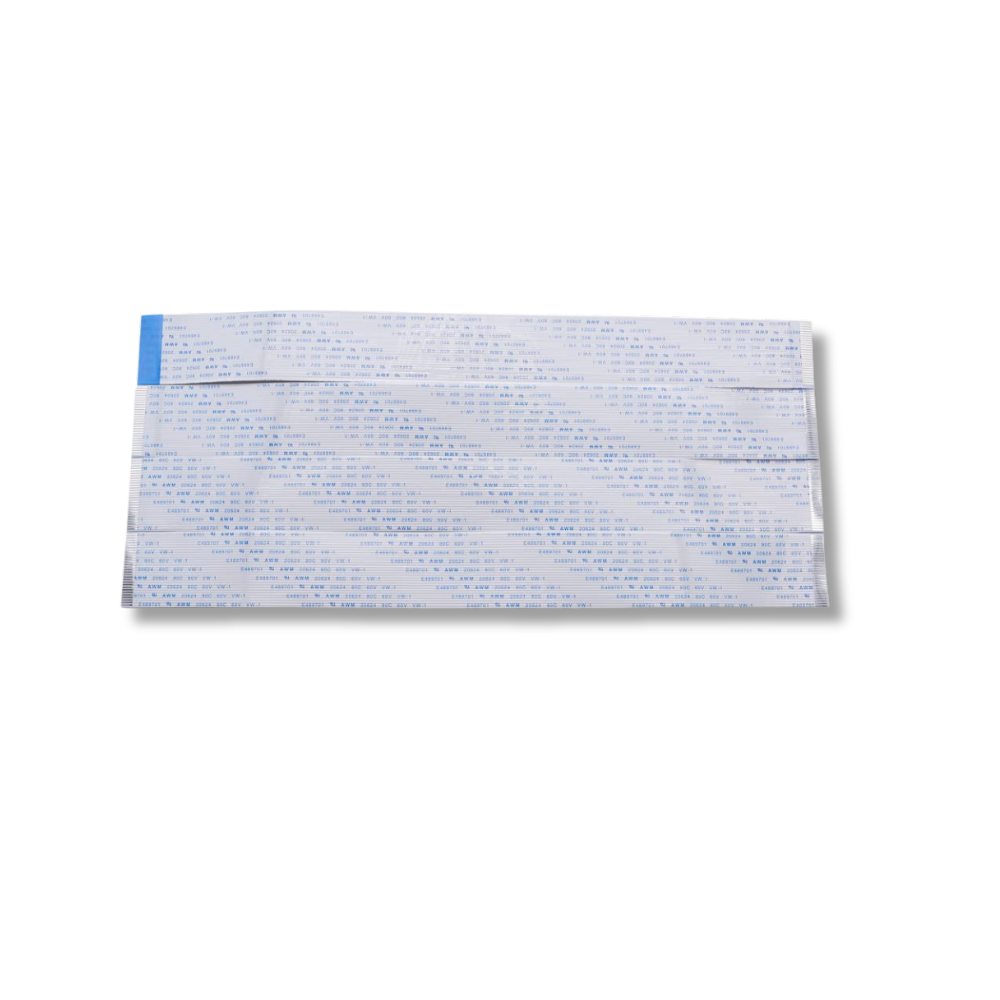
Roland RA-640 RE-640 VS-640 Head Data Cable Set 4-Piece
Sale price$46.98 USD
Regular price$70.00 USD
5.0
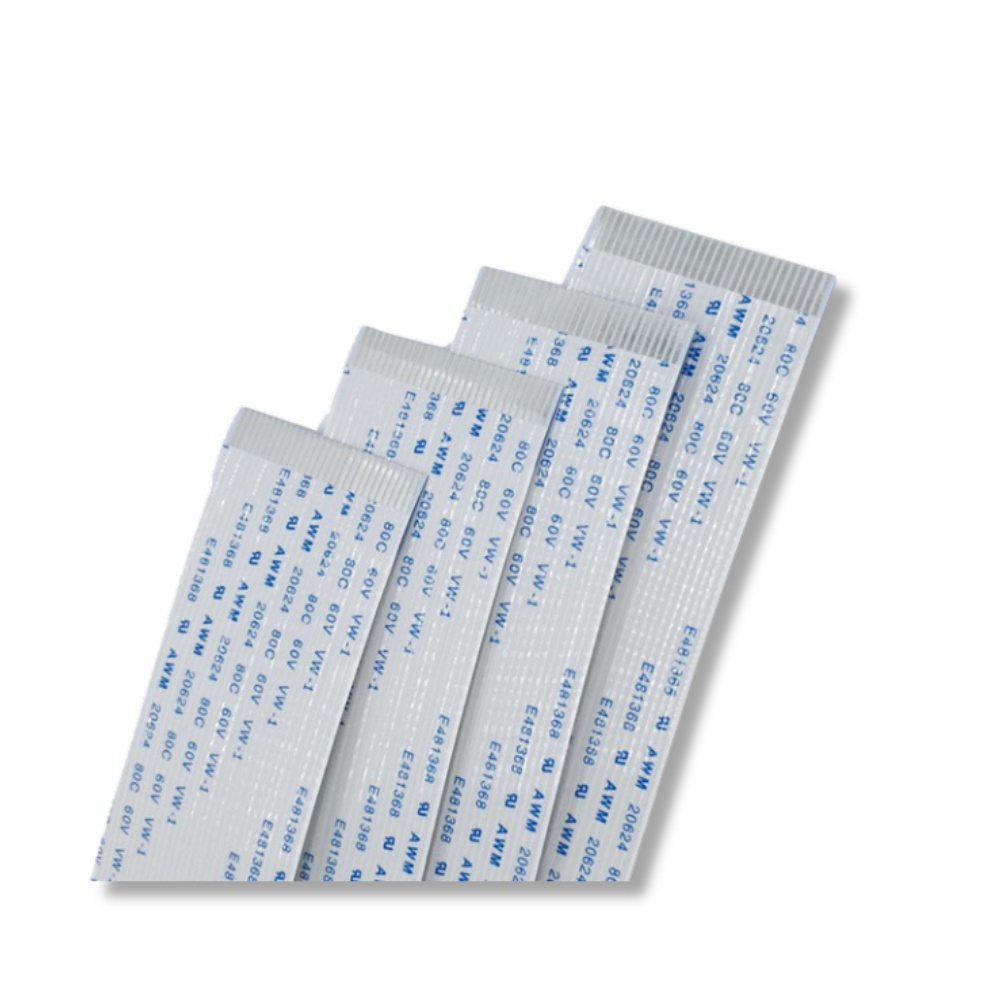
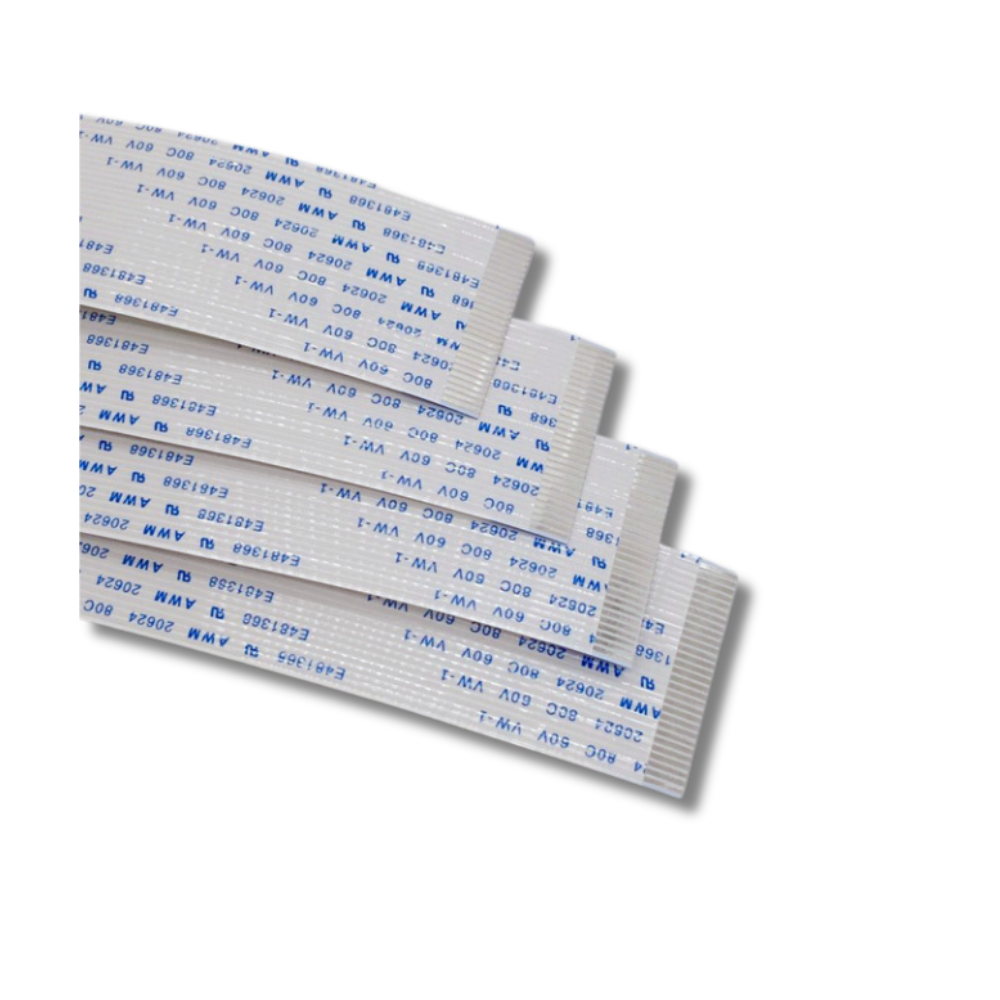
Roland VS-640 Cable-Card 29P1 256L 1000006702
Sale price$39.00 USD
Regular price$49.00 USD
Epson i1600 Printhead Data Cable 14-Pin FFC
Sale priceFrom $7.50 USD
Regular price$14.00 USD
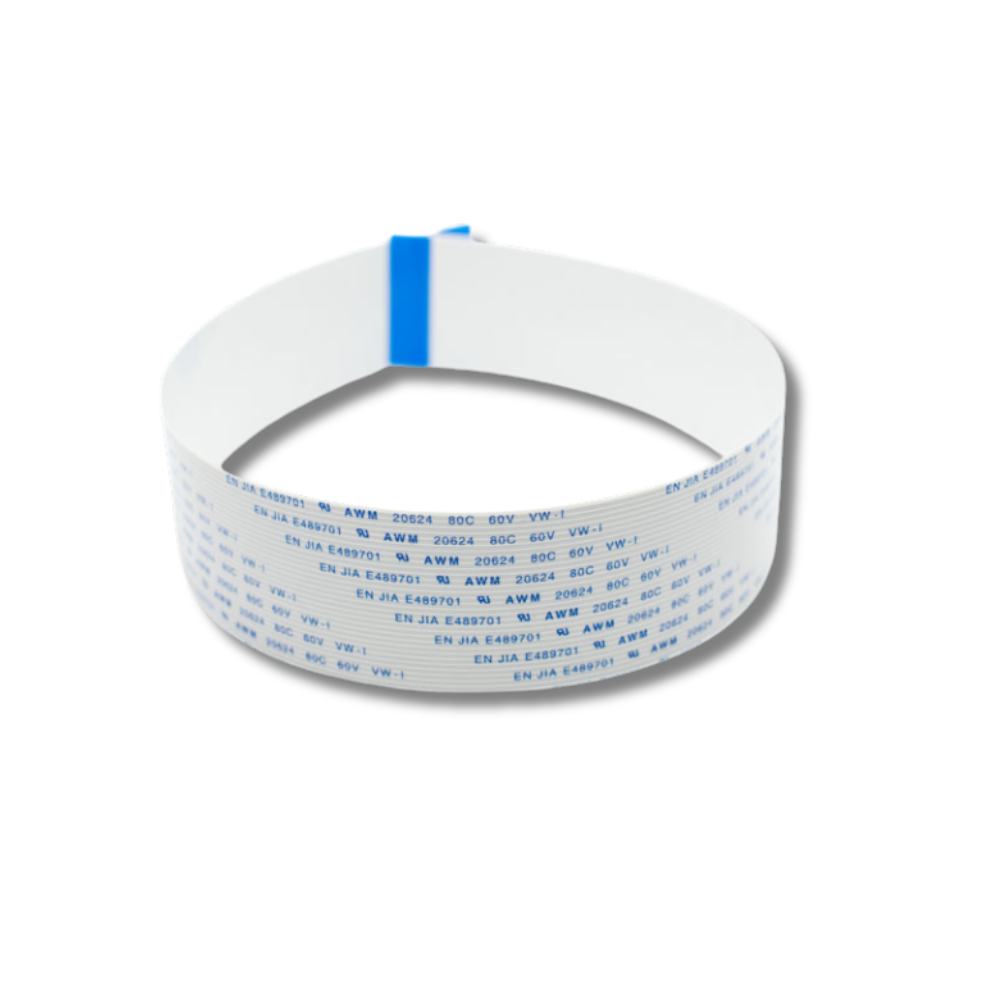
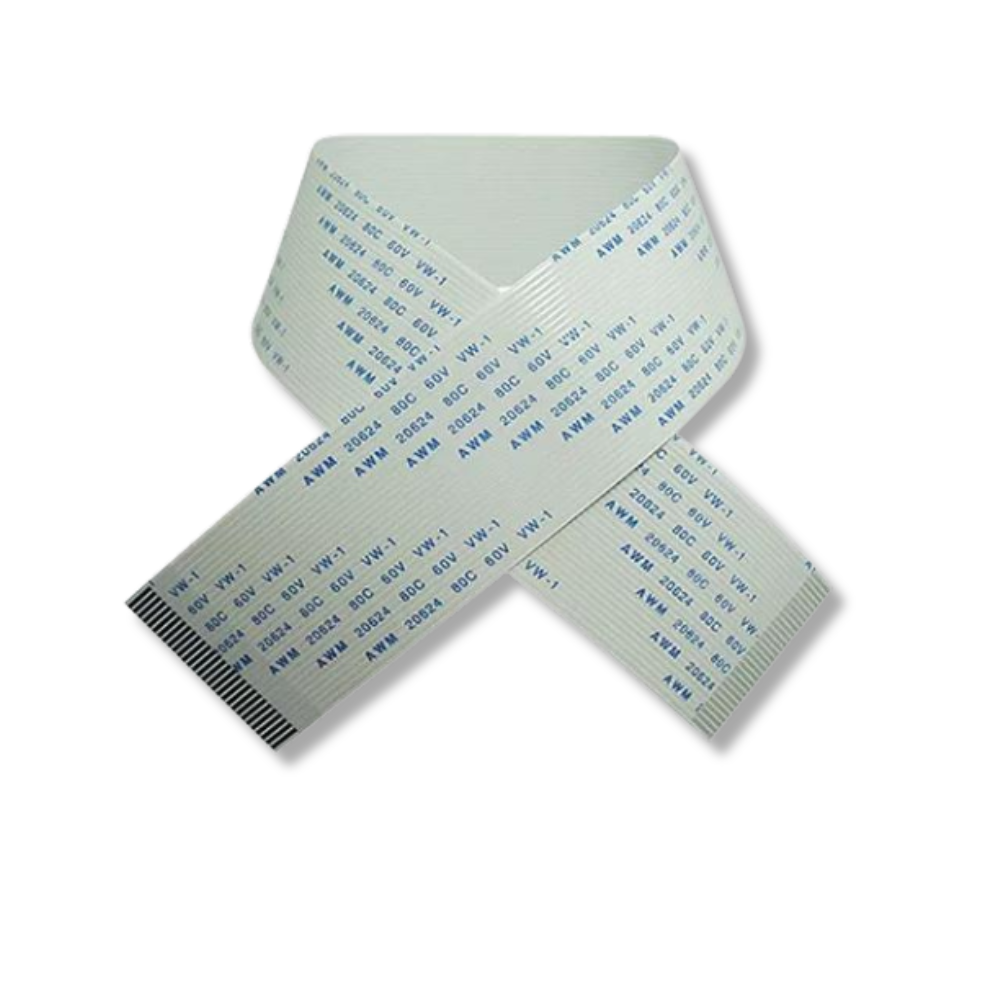
Allwin E-160UV E-180 E-320 DX5 Printhead Data Cable 31-Pin 40cm
Sale price$10.00 USD
Regular price$18.00 USD

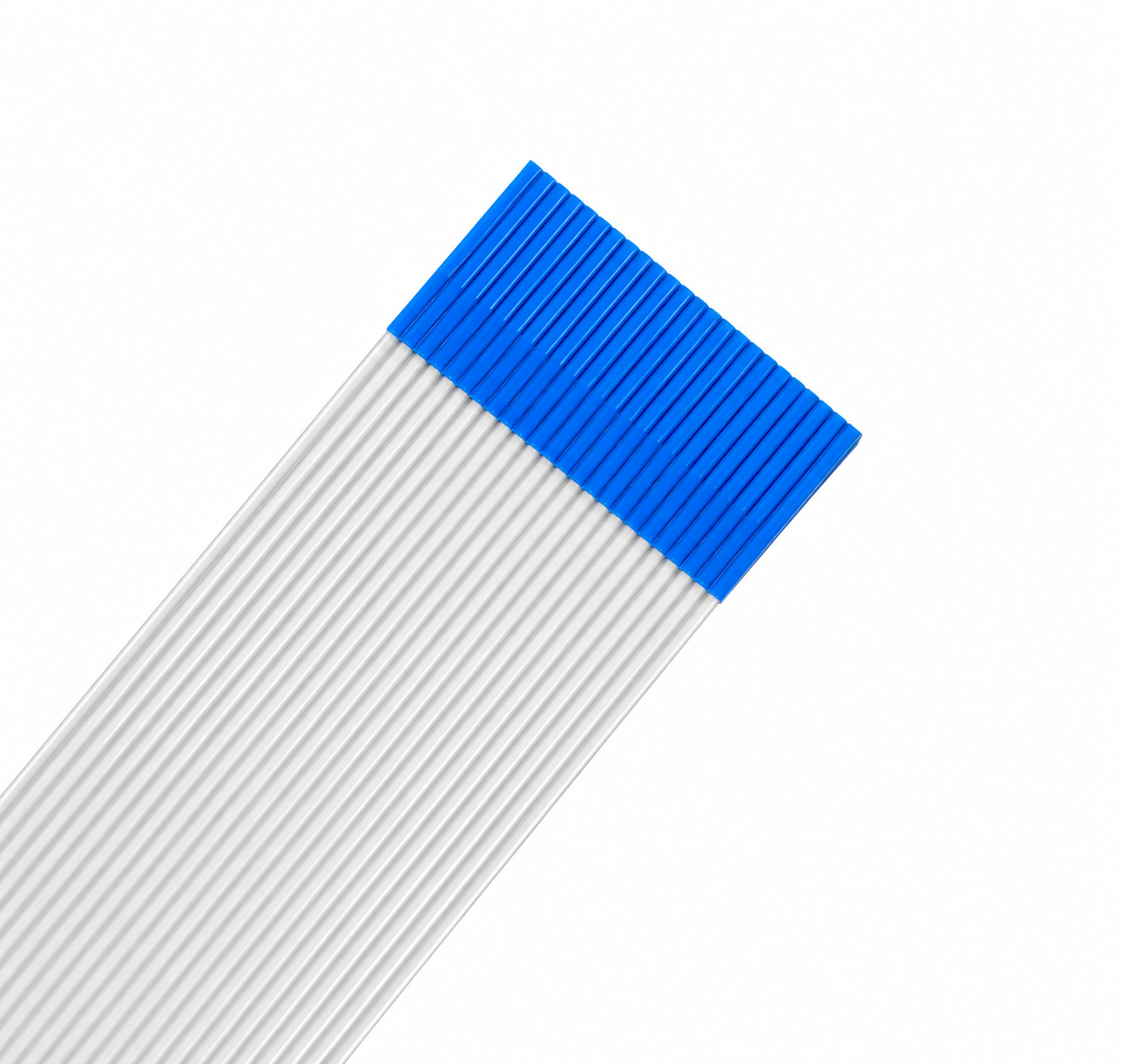
Ricoh GH2220 Printhead Data Cable (550mm, 24-Pin)
Sale price$9.00 USD
Regular price$12.00 USD
5.0
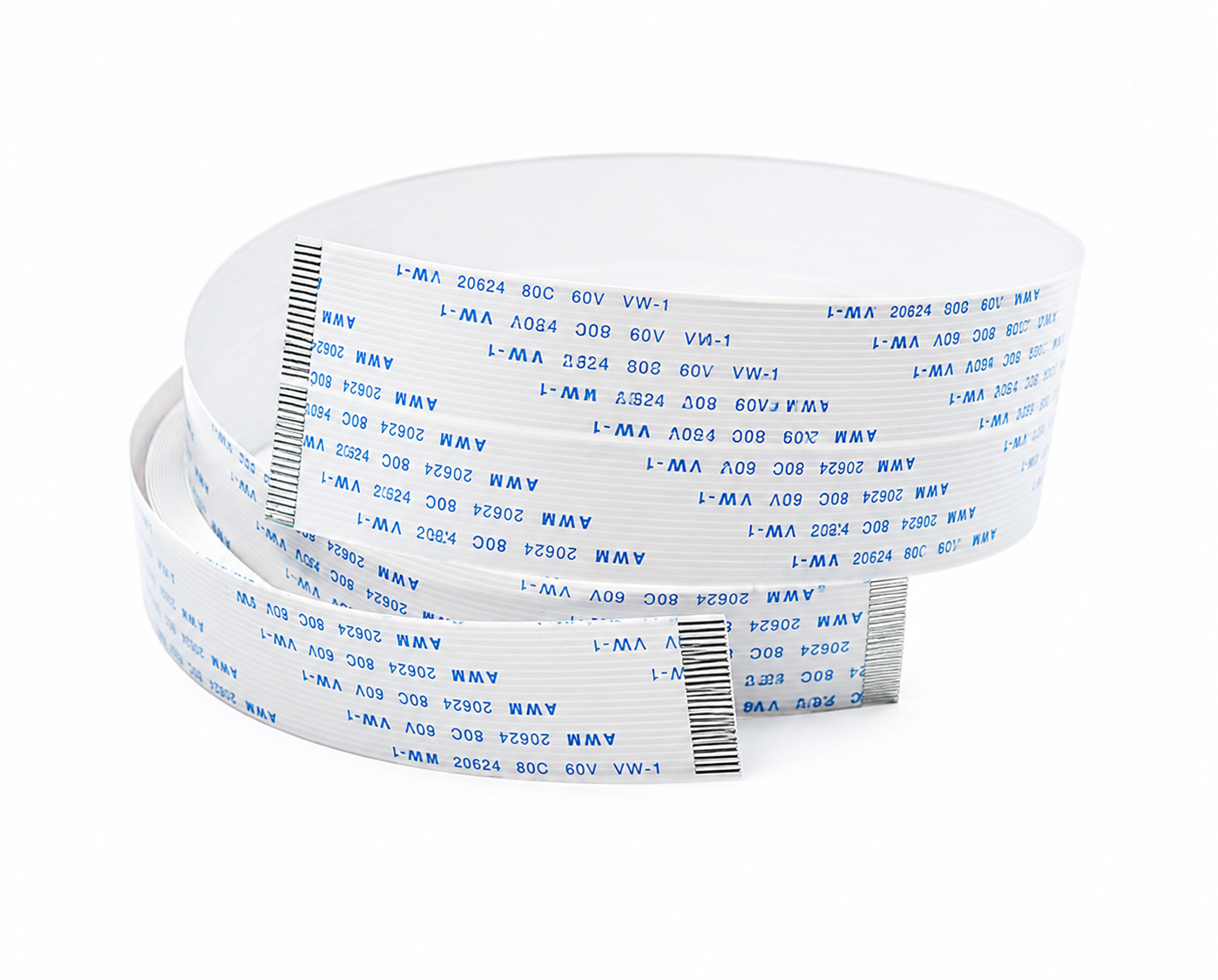
Ricoh Gen5i TH5241 Printhead Cable Set (65cm, 30-Pin /25-Pin)
Sale price$17.00 USD
Regular price$24.00 USD
4.0
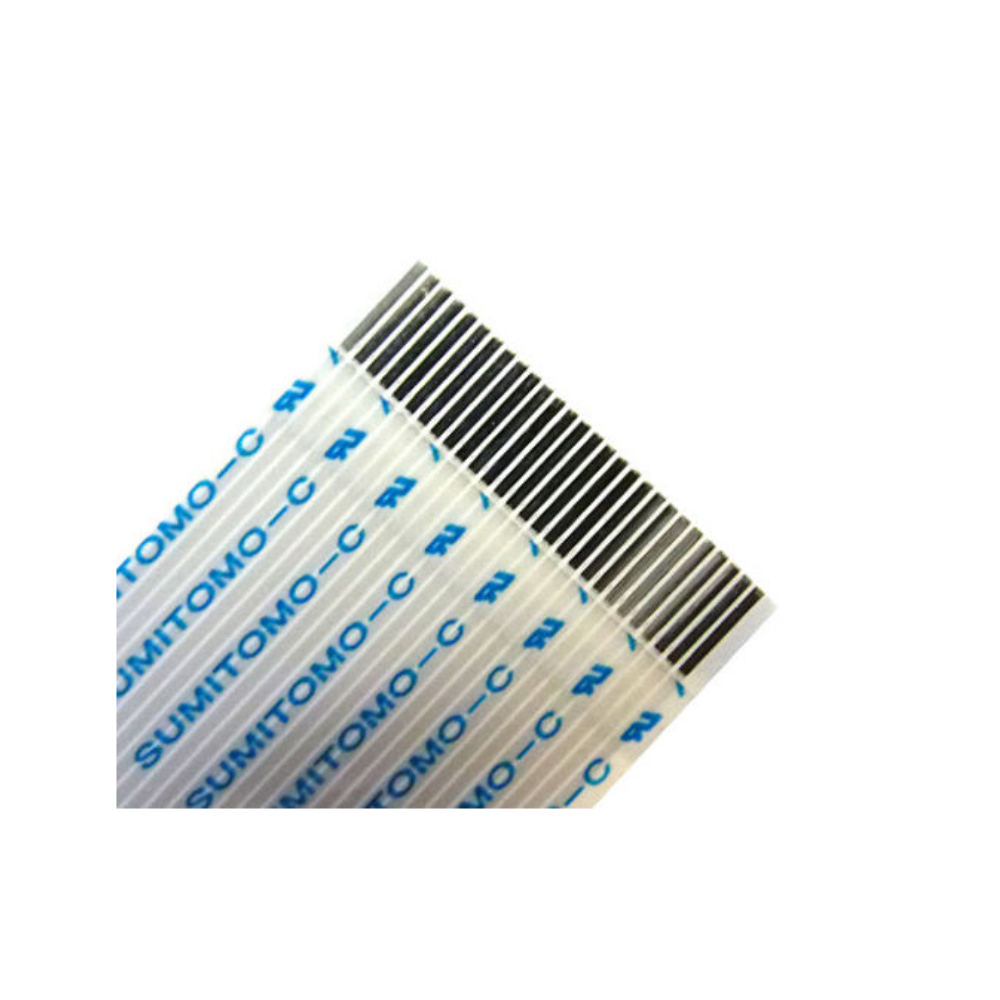
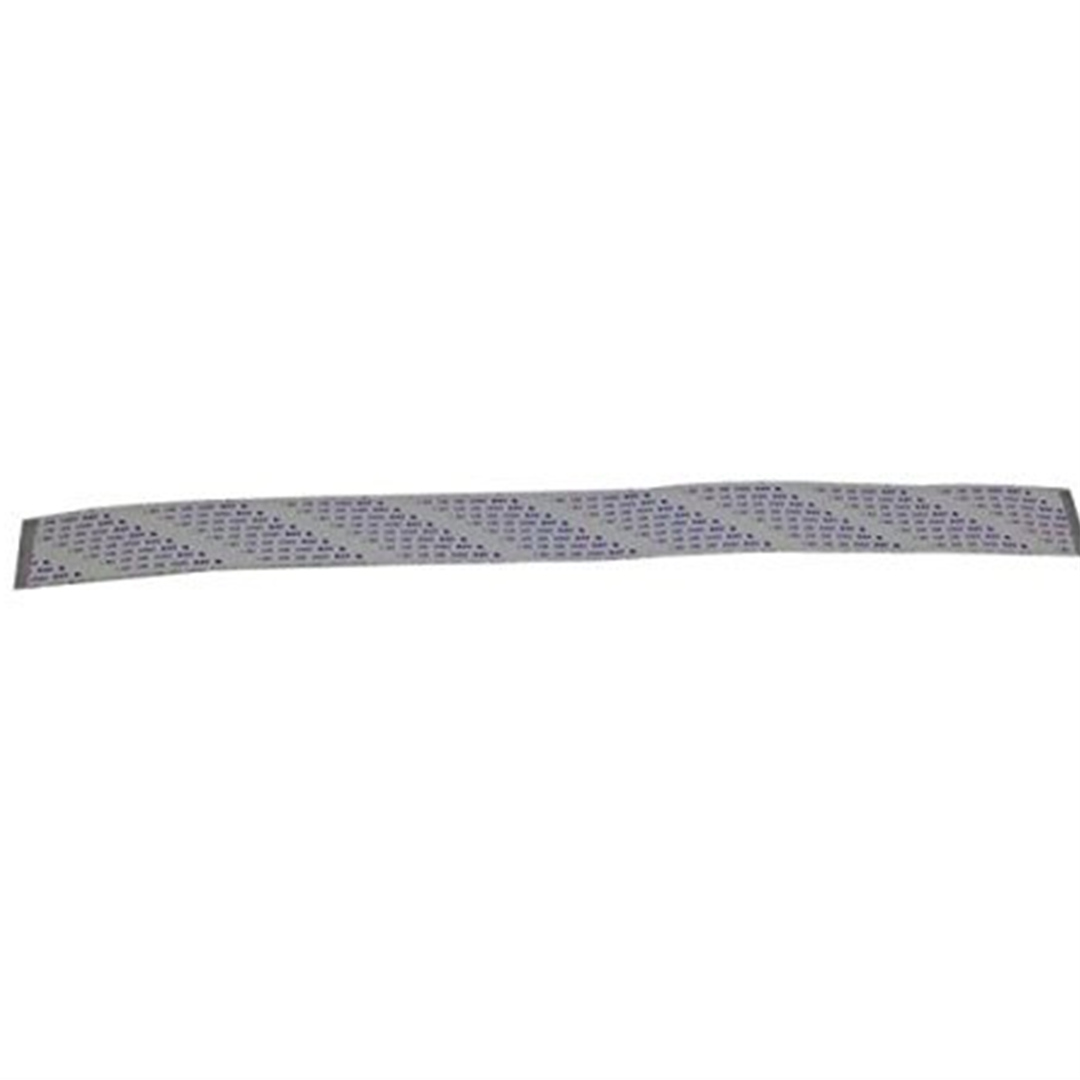
VS-640 Cable-Card, 29P1 256L BB High-V - 1000006702
Sale price$10.00 USD