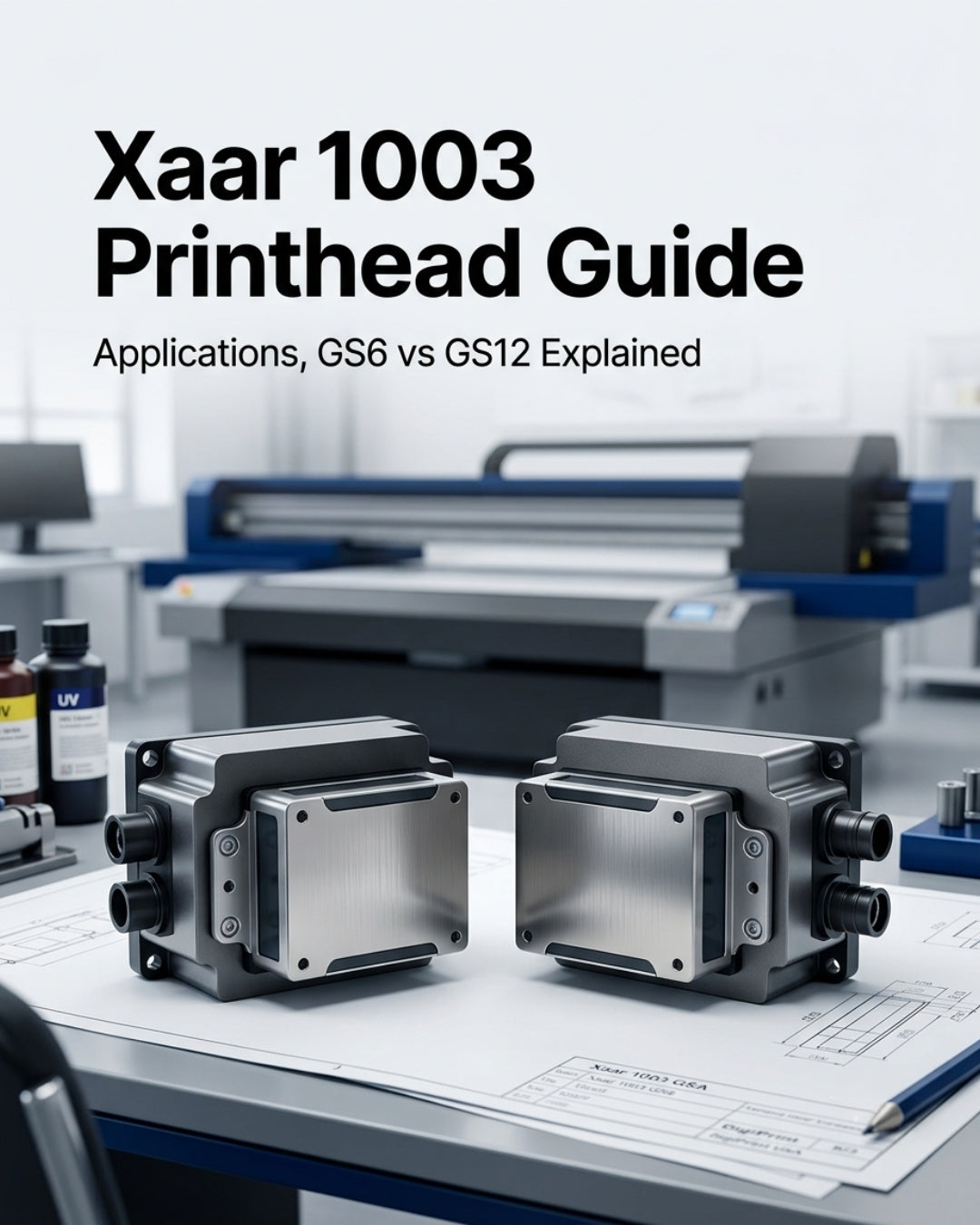
What the Xaar 1003 is actually used for, and how to tell whether your machine needs the GS6 or GS12 variant before you order — since this is a one-way purchase once installed.
The Xaar 1003 shows up in searches a lot more than it shows up explained clearly. If you know your printer takes "a Xaar 1003" but aren't sure which variant, this covers what the line is for and what GS6 vs GS12 vs the C/U suffix actually means for your output.
What the Xaar 1003 Is Used For
The 1003 is an industrial inkjet printhead built for high-productivity single-pass printing — not desktop or wide-format graphics, but production-line environments. The two dominant applications are:
- Ceramic tile decoration — digital printing directly onto tiles during manufacturing
- Label and packaging printing — high-speed single-pass label production and direct-to-shape/packaging decoration
It's built on Xaar's TF Technology, which continuously recirculates ink directly past the back of the nozzles during firing. That constant flow carries away air bubbles and particles as printing happens, which is what allows the 1003 to run largely unattended through a production shift with maintenance cycles as infrequent as once per shift.
It's also engineered as a direct upgrade path: the 1003 is backward compatible with printers built around the older Xaar 1001 and 1002 heads, so it can be installed as a single-head replacement or used to upgrade a full print bar without replacing the printer itself.
GS6 vs GS12 — What the Number Actually Means
The number in "GS6" and "GS12" refers to the minimum drop size in picoliters that variant is built around. That difference determines what kind of job each one is suited for:
- GS6U — 6 to 42pl drop volume range. The finer minimum drop size gives more precise control at the low end, better suited to work where detail and controlled ink laydown matter more than raw coverage speed.
- GS12U — 12 to 84pl drop volume range. Coarser minimum drop, meaning higher ink laydown per pass — the right choice when the job calls for faster coverage, bolder color density, or heavier ink deposition (spot color work, high-opacity printing).
Both variants share the same physical footprint: 1,000 active nozzles, 70.5mm print swathe width, 2 rows, 360 nozzles-per-inch density, and 144g dry weight. The difference is entirely in drop size and the jobs that size range is tuned for — not in resolution or nozzle count.
The "C" vs "U" Suffix
Beyond the drop-size number, you'll also see a C or U suffix (e.g., GS12C vs GS12U):
- U (Universal): Broader ink compatibility across solvent, UV-curable, and oil-based fluids — the more common choice for label and packaging applications
- C (Ceramic): Ink chemistry and configuration tuned specifically for ceramic tile printing systems
Getting this suffix wrong is the single most common ordering mistake we see on the 1003 line, because the physical head looks identical across variants — the difference is entirely in the ink-path tuning, which isn't visible until it's running the wrong ink for its configuration.
Why Getting the Variant Right Matters Before You Order
Industrial printheads like the 1003 can't be returned once installed — that's standard across the category, not specific to any one supplier. Confirm your exact printer model, ink type, and current head part number before ordering. If you're replacing a head that's already in the machine, matching the exact part number on the old head is the fastest way to confirm you're ordering the right variant.
Frequently Asked Questions
What is the Xaar 1003 printhead used for?
Primarily ceramic tile decoration and label/packaging printing in industrial single-pass production environments. It's not designed for desktop or wide-format graphics applications.
What's the difference between Xaar 1003 GS6 and GS12?
The number refers to the minimum drop size in picoliters. GS6 (6–42pl) gives finer control suited to detail-focused work. GS12 (12–84pl) lays down more ink per pass, suited to faster coverage and bolder, higher-opacity output. Both share the same 1,000-nozzle, 70.5mm swathe physical design.
What does the C or U suffix mean on a Xaar 1003?
U (Universal) indicates broader ink compatibility across solvent, UV, and oil-based fluids, common in label and packaging use. C (Ceramic) indicates a configuration tuned specifically for ceramic tile printing systems. The two are not interchangeable even though the physical head looks the same.
Is the Xaar 1003 compatible with older Xaar 1001 or 1002 printers?
Yes. The 1003 is built as a backward-compatible upgrade for printers running the 1001 or 1002 — it can be installed as a single-head replacement or used to upgrade a full print bar without replacing the printer.
Every Xaar 1003 at Digiprint USA — GS6U, GS12U, and GS12C — is 100% genuine original, shipping same day from our Doral, FL warehouse. Not sure which variant your machine needs? Send us your printer model and the part number on your current head at info@digiprint-usa.com and we'll confirm before you order — these can't be returned once installed, so we'd rather confirm twice than have you order the wrong one.


Leave a comment
This site is protected by hCaptcha and the hCaptcha Privacy Policy and Terms of Service apply.