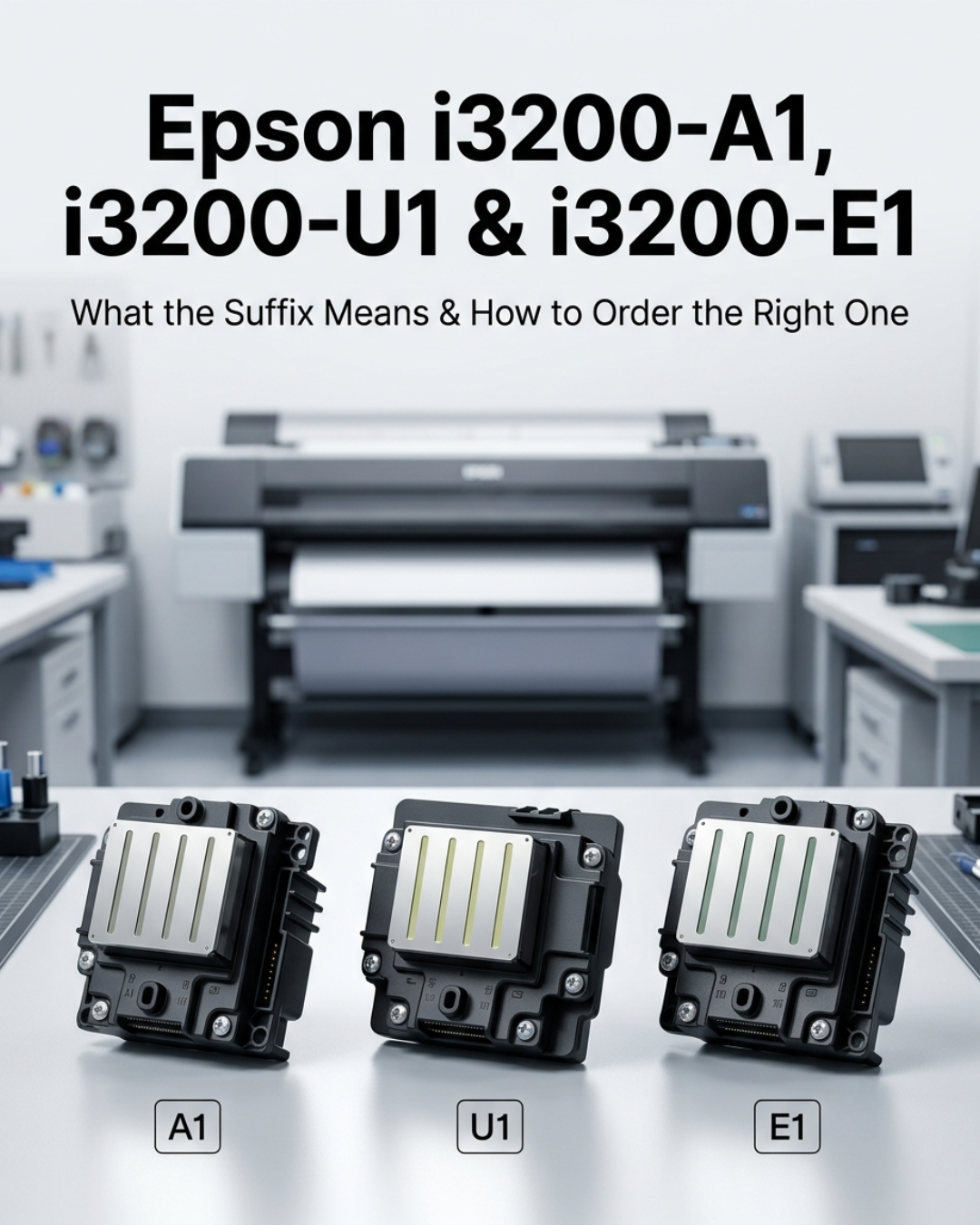
Every week we field at least a few calls from shops that ordered the wrong i3200 variant. Not because the buyer was careless — because the three models look identical in photos, ship in similar packaging, and nobody clearly explains what A1, U1, and E1 actually mean before the order goes through.
Here's what the suffix tells you, why it matters more than most buyers realize, and how to confirm which one your printer needs before you order.
What the letters actually stand for
Epson designed the i3200 naming system to tell you the ink type at a glance. Break it down:
- I — "Innovative," indicating the newer PrecisionCore MicroTFP architecture
- 3200 — the nozzle count (3,200 nozzles across 8 rows of 400)
- A / U / E — the ink system the head is built for
- 1 — first generation of that variant
So i3200-A1 = aqueous first generation. i3200-U1 = UV first generation. i3200-E1 = eco-solvent first generation. The hardware platform is the same across all three. The differences are in the internal materials and ink path construction.
What's different between each variant
On paper, the three heads are nearly identical — same nozzle count, same resolution, same outer dimensions. The differences are in viscosity tolerance, corrosion resistance, and the internal surfaces the ink contacts.
| Spec | i3200-A1 | i3200-U1 | i3200-E1 |
|---|---|---|---|
| Ink system | Aqueous (water-based) | UV-curable | Eco-solvent / mild solvent |
| Viscosity range | Low — standard aqueous | 5–7 mPa·s (at 45°C) | 3–4 mPa·s (at 25°C) |
| Ink path construction | Standard aqueous-compatible | UV-hardened internals, requires heating | Solvent-resistant resin enclosure |
| Nozzles | 3,200 (8 rows) | 3,200 (8 rows) | 3,200 (8 rows) |
| Resolution | 600 npi | 600 npi | 600 npi |
| Typical applications | DTF, DTG, sublimation, pigment | UV flatbed, UV roll-to-roll | Outdoor signage, banners, vehicle wraps |
| Heated ink system required | No | Yes — UV ink needs ~45°C to reach correct viscosity | No |
Why using the wrong suffix causes real damage
The viscosity values are where the problem starts. UV ink at room temperature is too thick for the i3200-E1's ink path — even if you force it through, the viscosity is wrong and you'll see flying ink, inconsistent drop formation, and colour accuracy problems. The head itself can be damaged by extended contact with the wrong fluid chemistry.
Going the other direction is worse. Running eco-solvent ink through a UV-spec head (i3200-U1) will work for a short time, but eco-solvent at room temperature has a viscosity around 4.5 mPa·s — below the U1's operating range even when the sub-tank is heated to 45°C. The result is that the head operates outside its design parameters from day one, affecting jetting stability and shortening lifespan.
How to confirm which variant your printer needs
The most reliable source is the label on your existing printhead — pull the current head and read the model number directly off it. It will say i3200-A1, i3200-U1, or i3200-E1 clearly on the label. Match that exactly.
If the head is already gone or unreadable, check in this order:
- Your printer's service manual — the parts list will specify the exact head model. This is the authoritative source.
- Your printer manufacturer — contact the OEM directly with your printer's serial number.
- Your ink system — if you're running DTF or DTG, it's almost certainly A1. UV flatbed or UV roll-to-roll, it's U1. Outdoor signage or eco-solvent roll-to-roll, it's E1.
- Call us before ordering — we confirm compatibility at no charge. Tell us your printer make, model, and ink type and we'll tell you exactly which head you need.
What about the i3200(8)-A1HD and i3200-U1HD?
The HD variants are a more recent addition to the i3200 family. Same ink system as the base variant (A1HD = aqueous, U1HD = UV) but with a higher physical profile at 36.7mm, support for 8 colours, and 1,200 npi resolution rather than 600 npi. These are used in higher-end systems and are not a drop-in replacement for the standard A1 or U1 — the printer needs to be designed for HD spec specifically.
If nobody has mentioned HD variants in the context of your printer, you're almost certainly not using one. Standard A1, U1, or E1 is what you need.
The i1600 uses the same suffix system
The Epson i1600 — the smaller sibling with 1,600 nozzles across 4 rows — uses the same A1/U1/E1 naming. i1600-A1 is aqueous, i1600-U1 is UV, i1600-E1 is eco-solvent. Same logic applies: match the suffix to your ink system. The i1600 is not a drop-in replacement for the i3200 despite using the same naming convention — different nozzle count, different board, different cable.
Need to order an Epson i3200? We confirm the right variant before shipping.
In stock in Doral, Miami FL. Same-day shipping before 2PM EST. Tell us your printer model and ink type and we'll confirm the correct suffix before you order.
Shop Epson i3200 → Full i3200 guide →Frequently asked questions
Related: Epson i3200 Complete Guide | Epson i1600 Guide | Printhead Lifespan Guide


Leave a comment
This site is protected by hCaptcha and the hCaptcha Privacy Policy and Terms of Service apply.