 }
}DTF Double Matte Hot Peel Film 24in x 328ft
Brand: Britomatics America
Tax excluded. Shipping calculated at checkout
Availability: In stock
%20is%20a%20professional-grade%20PET%20transfer%20film%20for%20Direct-to-Film%20(DTF)%20printing%20on%20all%20fabric%20types%20%E2%80%94%20cotton,%20polyester,%20blends,%20dark%20and...
)
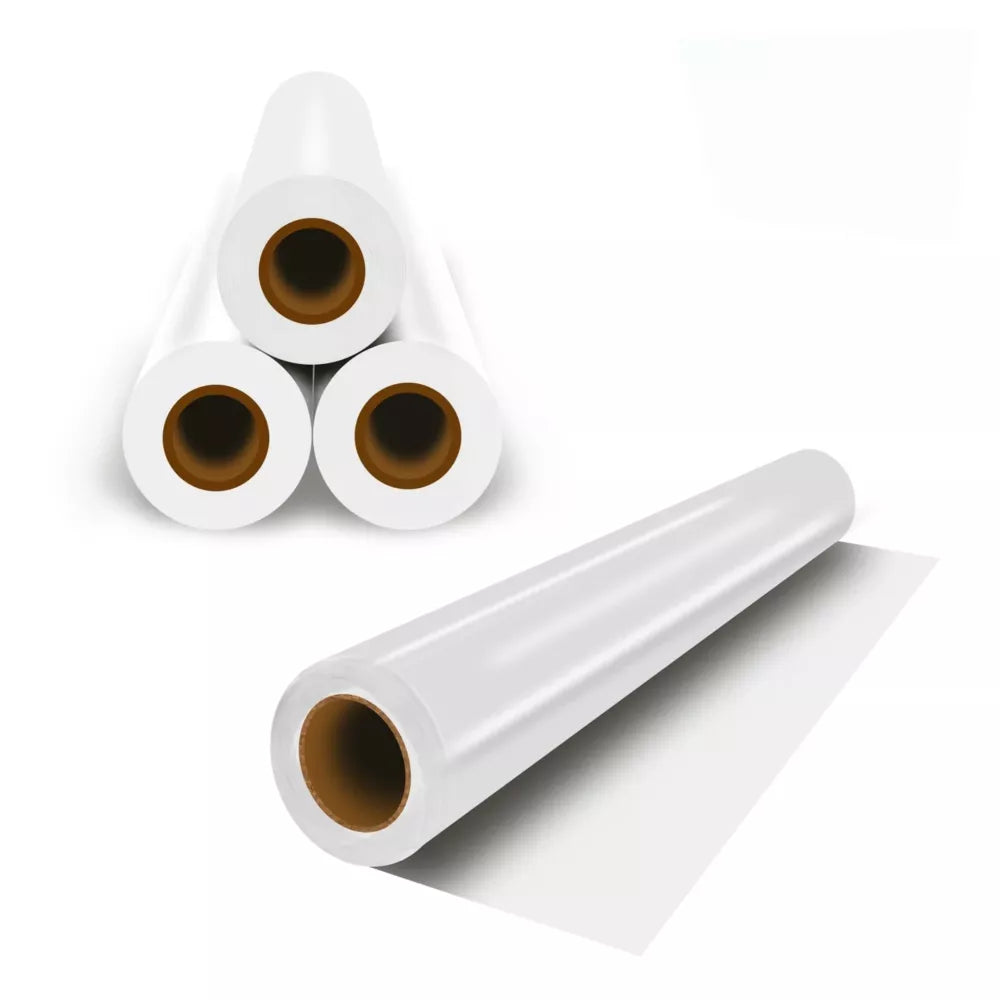
The DTF Double Matte Hot Peel Film (24" × 328ft / 60cm × 100m) is a professional-grade PET transfer film for Direct-to-Film (DTF) printing on all fabric types — cotton, polyester, blends, dark and light garments, sportswear, and accessories. The double matte coating — an ink-receptive layer on the print side and a matte anti-slip backing on the reverse — prevents curling, warping, and slipping during printing and curing, while delivering vivid colour output, sharp fine-detail reproduction, and a soft hand feel after transfer. Hot peel design: peel the film immediately while still warm after heat pressing for fast production throughput. Compatible with all 24" DTF printers using Epson i3200-A1, XP600/DX11, i1600, 4720, and L1800 printheads.
Product Details
| Specification | Detail |
|---|---|
| Width | 24 inches (60cm) |
| Length | 328 feet (100 metres) |
| Core diameter | 3 inches |
| Film thickness | 75µm |
| Material | PET (polyethylene terephthalate) |
| Surface type | Double matte — print side (ink-receptive coating) + back side (matte anti-slip, non-printable) |
| Peel type | Hot peel — remove immediately while warm after pressing |
| Press temperature | 266–320°F (130–160°C) |
| Press time | 10–15 seconds |
| Compatible printheads | Epson i3200-A1, XP600/DX11, i1600, 4720/WF-4720, L1800 |
| Fabric compatibility | Cotton, polyester, blends, tri-blends, spandex, nylon, leather, dark and light fabrics |
| Storage | Cool, dry place away from direct sunlight and humidity |
What Is "Double Matte" — and Why It Matters
Standard single-sided DTF film has an ink-receptive coating on the print side and a glossy or smooth surface on the back. This asymmetric coating creates uneven tension across the film as it absorbs ink and heats during curing, causing the film to curl away from the print side — a persistent problem in high-production DTF workflows that causes misfeeds, uneven powder application, and inconsistent transfers. Double matte film applies a matte coating to both sides, balancing the surface tension across the entire film thickness. The result: the film stays flat during printing, curing, and transfer — no curling, no warping, no edge lifting. The matte back surface also provides friction against the conveyor belt of powder shakers and curing ovens, preventing film from drifting during the automated workflow.
Hot Peel vs Cold Peel — Which Is Right for Your Production?
| Peel Type | Method | Best For |
|---|---|---|
| Hot peel (this listing) | Peel immediately after pressing while still warm | High-volume production — no cooling wait, faster throughput |
| Cold peel | Wait until transfer fully cools before peeling | Lower volume; slightly higher wash durability in some applications |
DTF Transfer Process — Step by Step
1. Print: Load film into your 24" DTF printer, print side up. Print CMYK layer first, then white ink layer over it (the white acts as the adhesive base for the powder).
2. Powder: Apply DTF hot melt adhesive powder to the wet white ink layer immediately after printing. Shake off excess.
3. Cure: Pass through curing oven or use heat gun/heat press to melt and cure the powder — typically 250–300°F for 90–120 seconds in a conveyor oven.
4. Press: Position cured transfer on fabric, film side up. Press at 266–320°F for 10–15 seconds with firm pressure.
5. Hot peel: Immediately peel the film while still warm — this is the hot peel step.
6. Final press (optional): For enhanced durability, place a Teflon sheet over the transfer and press for an additional 5–10 seconds.
Compatible DTF Printers
• All 24" (60cm) DTF printers using Epson i3200-A1 printheads — dual head, quad head, and multi-head configurations
• All 24" DTF printers using XP600/DX11 printheads
• All 24" DTF printers using i1600-A1 or 4720/WF-4720 printheads
• Converted/modified Epson L1800, L1300, and similar printers running DTF inks
• Any roll-fed or roll-to-roll 24" DTF printer using DTF pigment inks and hot melt powder
Fabric Applications
• 100% cotton — including ringspun, combed cotton, and fleece
• 100% polyester and performance fabrics
• Cotton/poly blends and tri-blends
• Spandex and elastane-blend athletic wear
• Nylon and synthetic fabrics
• Leather and faux leather
• Dark and light coloured garments — white DTF ink layer provides full opacity on dark fabrics
Storage and Handling
• Store in original packaging in a cool (59–77°F / 15–25°C), dry location away from direct sunlight
• Do not store near high humidity — moisture absorption affects ink adhesion and powder bonding
• Keep roll covered between production runs to prevent dust accumulation on the print surface
• Allow cold storage rolls to reach room temperature before printing to prevent condensation on the print surface
Why Buy from Digiprint USA
• 100m / 328ft roll — sufficient for substantial production runs before a roll change
• Double matte — prevents the curling and warping common with single-sided film in production workflows
• Hot peel — no cooling wait between press and peel for maximum production throughput
• In stock in Doral, Miami FL — same day shipping before 2PM EST
• We also stock DTF pigment inks, hot melt adhesive powder, and i3200-A1 spare parts
• Ideal for Latin American DTF operations using Miami freight forwarders
View our full range of DTF printing supplies and consumables stocked by Digiprint USA.
Frequently Asked Questions
What is the difference between double matte and single-sided DTF film?
Single-sided film has an ink-receptive coating on the print side and a smooth or glossy surface on the back. The asymmetric coating creates uneven surface tension that causes the film to curl as it absorbs ink during printing and heat during curing. Double matte applies a matte coating to both sides — balancing tension and keeping the film flat throughout the printing, curing, and transfer workflow. For production DTF operations with automated powder shakers and curing ovens, double matte film significantly reduces misfeeds and processing problems.
What heat press settings should I use?
Suggested starting parameters: 266–320°F (130–160°C), 10–15 seconds, firm pressure. These are guidelines — your optimal settings depend on your specific heat press, DTF ink brand, RIP software colour profile, fabric type, and powder. Always perform a test press on a sample garment before committing to a full production run. Lighter-weight fabrics typically need lower temperatures; thick fleece or canvas may need the upper end of the temperature range.
Can I use this film with a cold peel process?
This film is designed as a hot peel — peel immediately while warm for optimal results. Some operators peel at warm (not cold) which also works well. Waiting for the film to fully cool before peeling may cause adhesion issues or ragged peel edges on a hot peel film. If your workflow requires cold peel, contact us — we can advise on cold peel film variants.
Do you ship DTF film to Latin America?
Yes — same day shipping from our Doral, Miami FL warehouse. Ideal for Latin American DTF operations, apparel decorators, and print shops using freight forwarders in the Doral area.