
 }
}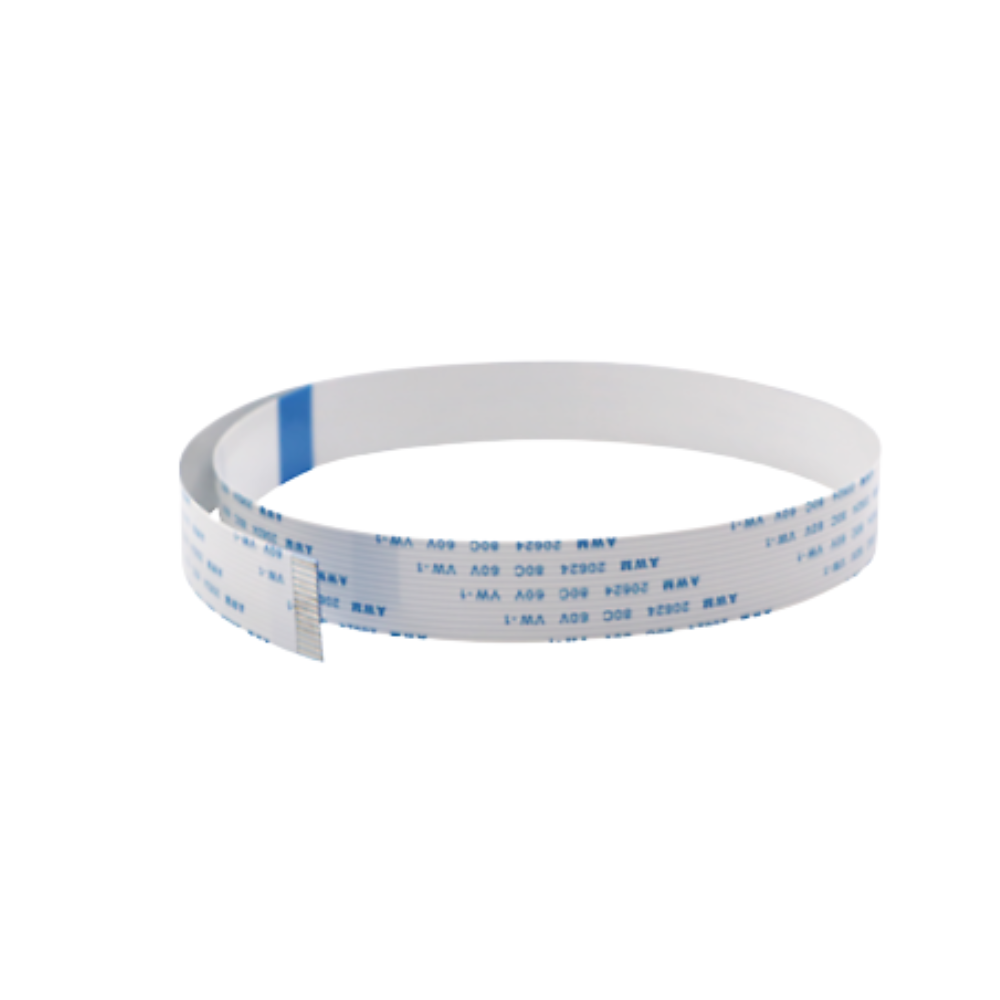 }
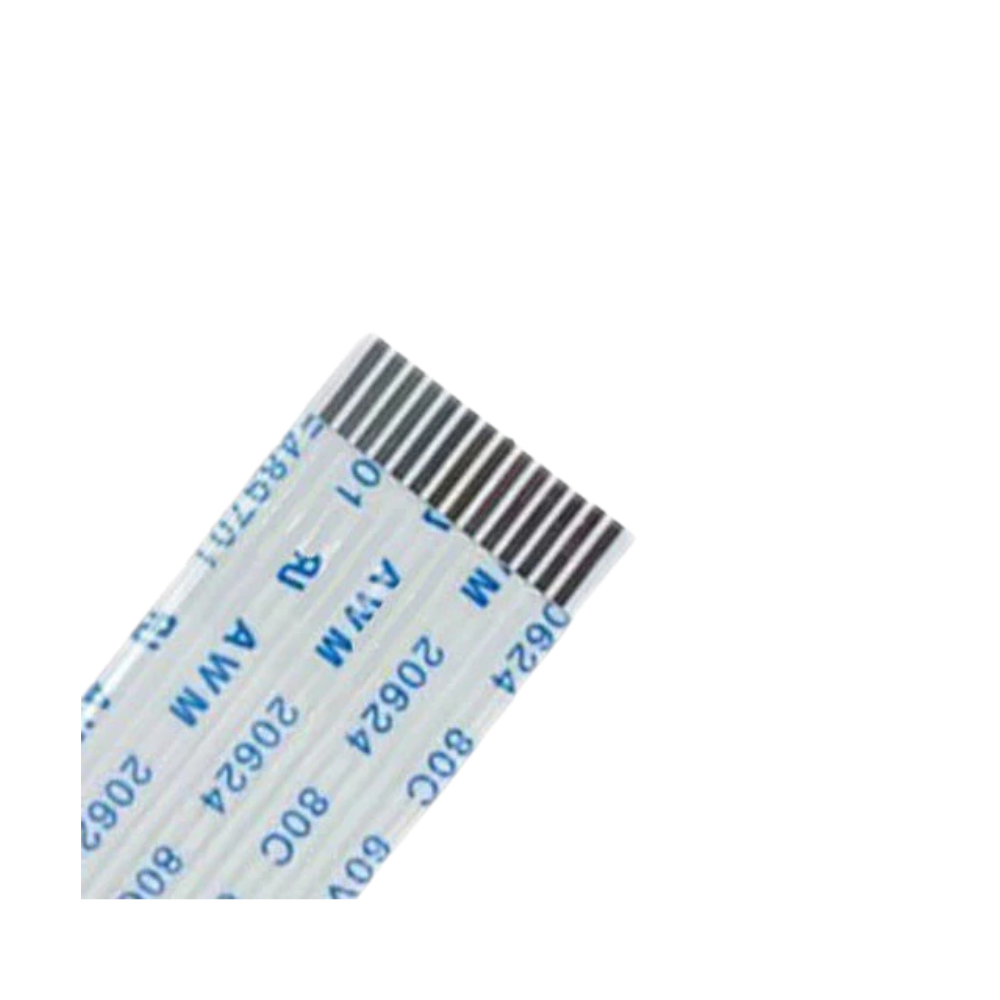
}Epson i3200 Head Data Cable 14 Pin (2 pieces Length 60cm)
Brand: Britomatics America
Tax excluded. Shipping calculated at checkout
Availability: In stock
%20contains%20two%20replacement%20flat%20flexible%20cables%20(FFC)%20for%20printers%20using%20the%20Epson%20i3200-A1,%20i1600-A1,%204720,%20and%20WF-4720%20printheads...
)
The Epson i3200 / i1600 Printhead Data Cable 14-Pin (2-piece pack) contains two replacement flat flexible cables (FFC) for printers using the Epson i3200-A1, i1600-A1, 4720, and WF-4720 printheads in DTF, UV, and eco-solvent applications. These cables connect the printhead to the printer's carriage control board, transmitting nozzle firing signals across the i3200's 3,200-nozzle PrecisionCore array. Specs: 14 pins, 15mm wide, 0.5mm pitch. The i3200 and i1600 require 4 cables per printhead — this 2-pack covers half a head replacement. For a complete head installation, order 2 packs (4 cables total).
Verify cable length before ordering. The i3200 data cable is available in multiple lengths (most commonly 45cm and 60cm) — the correct length depends on your specific printer model's carriage travel distance and cable routing. Confirm your printer's required cable length before ordering. Contact us with your printer model if unsure — we will confirm the correct length variant for your machine.
Product Details
| Specification | Detail |
|---|---|
| Cable type | Flat Flexible Cable (FFC) |
| Pack quantity | 2 cables per pack — order 2 packs for a full 4-cable head replacement |
| Pin count | 14 pins |
| Cable width | 15mm |
| Pin pitch | 0.5mm |
| Length | ⚠️ Verify from stock — confirm correct length for your printer before ordering |
| Compatible printheads | Epson i3200-A1 / i3200-U1 / i3200-E1 / i1600-A1 / 4720 / WF-4720 |
| Compatible printer types | DTF, UV DTF, UV flatbed, eco-solvent wide-format |
| Cables per head | 4 cables per printhead — 2 packs required for a full head replacement |
| Replacement rule | Replace all 4 at every head installation — never reuse |
2-Pack vs Single — Which to Order
| Use Case | What to Order |
|---|---|
| Full single head replacement (4 cables) | 2× this 2-pack (= 4 cables total) |
| Dual head DTF printer (8 cables) | 4× this 2-pack (= 8 cables total) |
| Spare stock / single cable replacement | Single cable listing (also stocked separately) |
| Service shop keeping stock for multiple printers | Multiple 2-packs — standardise on one length for your fleet |
14-Pin vs 16-Pin i1600 Cable
| Cable | Pins | Compatible with |
|---|---|---|
| 14-pin (this listing) | 14 pins | i3200 (all variants) and most i1600 printers — most common |
| 16-pin (separate listing) | 16 pins | Specific i1600 printer models with 16-pin board interface |
Why Data Cables Fail
The i3200 data cable flexes with the carriage on every print pass — thousands of cycles per day in production DTF environments. Micro-fractures develop in the conductor traces at flex and bend points over time, causing intermittent or permanent signal loss that manifests as missing nozzle rows, banding, or colour channel drop-out. These symptoms are easily misdiagnosed as a defective printhead. Problems appearing immediately after a new head installation are frequently caused by worn cables carrying residual micro-fractures, not the new head itself. Replacing all 4 cables at every head swap eliminates this variable entirely.
How to Mark Cables During Installation
The i3200 uses 4 identical 14-pin cables. Before disconnecting during a head swap, mark each cable with a fine-tip marker (1, 2, 3, 4 from left to right) so they reconnect to the same channel positions. Misrouting cables causes channel misalignment producing colour errors — not a cable failure, but easily avoided with simple marking before removal.
i3200 Printhead Installation — Full Consumable Checklist
• Data cables (this listing ×2) — all 4 per head; never reuse
• Dampers — replace all dampers (A1 water-based or U1 UV variant matching your ink type)
• Capping station — replace at every head swap; white head cap every 4–6 months in DTF production
• Wiper blade — replace together with capping station
Why Buy from Digiprint USA
• 2-pack — cost-effective for service shops and multi-head printer operators
• 14-pin 15mm 0.5mm pitch — confirmed spec for i3200-A1/U1/E1 and i1600 platforms
• Single cable also available separately for spare stock
• 16-pin i1600 cable stocked separately for specific i1600 board configurations
• In stock in Doral, Miami FL — same day shipping before 2PM EST
• Ideal for Latin American DTF operations and UV print shops using Miami freight forwarders
View our full range of printhead data cables and printer spare parts stocked by Digiprint USA.
Frequently Asked Questions
How many cables does a full i3200 head replacement require?
4 cables per printhead. This listing contains 2 cables — order 2 packs for a single complete head replacement. For a dual-head DTF printer, order 4 packs (8 cables total). Replace all cables simultaneously — never replace only the visibly failed cable.
What length cable does my i3200 DTF printer need?
Cable length varies by printer model and carriage design — common lengths are 45cm and 60cm for standard i3200-based DTF printers, with some models requiring 20cm, 30cm, 55cm, or up to 80cm. Contact us with your specific printer brand and model before ordering and we will confirm the correct length variant in stock for your machine.
Does the i3200-U1 (UV) use the same 14-pin cable as the i3200-A1 (DTF)?
Yes. All three i3200 variants — A1 (aqueous/DTF), U1 (UV-curable), and E1 (eco-solvent) — use the same 14-pin cable interface. The cable is not affected by ink chemistry differences between variants. Dampers and capping stations differ between A1 and U1 applications, but the cable is identical across all three.
Do you ship i3200 data cables to Latin America?
Yes — same day shipping from our Doral, Miami FL warehouse. Ideal for Latin American DTF operations and UV print shops using freight forwarders in the Doral area.