
 }
} }
}Roland DX4 Printhead Data Cable 21-Pin FFC
Brand: Roland
Tax excluded. Shipping calculated at checkout
Availability: In stock
%20for%20wide-format%20eco-solvent%20printers%20using%20the%20Epson%20DX4%20printhead%20%E2%80%94%20including%20Roland%20SOLJET,%20VersaCAMM,%20Versa...
)
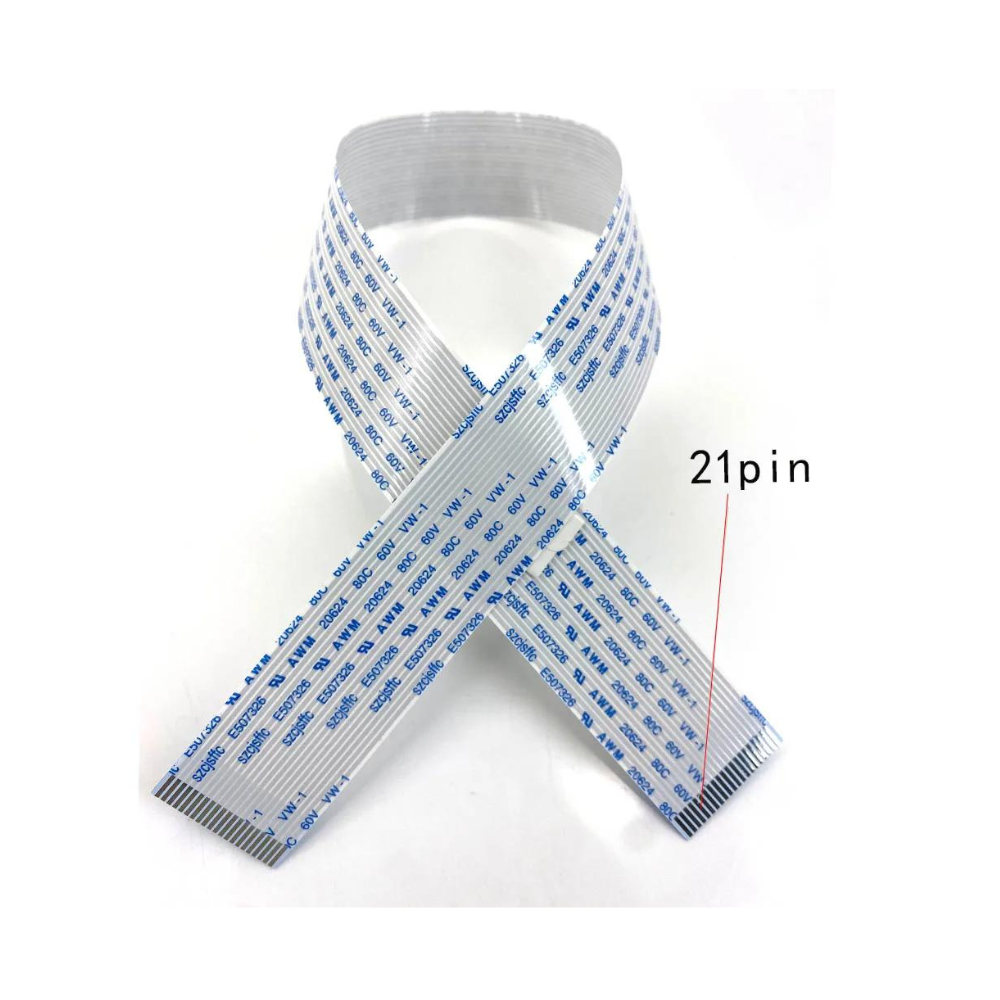
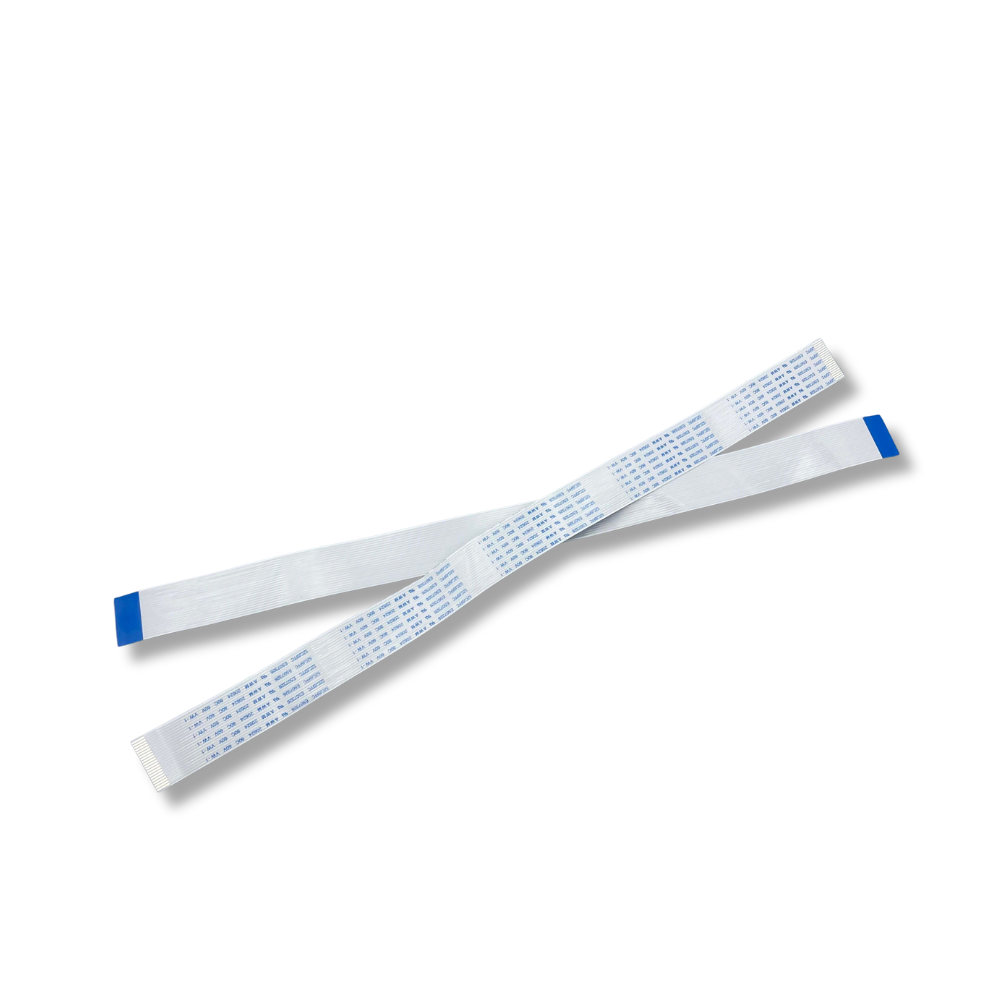
The Roland DX4 Printhead Data Cable is a replacement 21-pin flat flexible cable (FFC) for wide-format eco-solvent printers using the Epson DX4 printhead — including Roland SOLJET, VersaCAMM, VersaArt, and FJ/SC/XC series printers, as well as Mimaki JV3/JV4 and Mutoh Rockhopper/Spitfire/Blizzard series machines. This cable connects the DX4 printhead to the printer's carriage control board, transmitting the nozzle firing signals that drive the DX4's 360-nozzle array. The DX4 printhead requires two (2) data cables per head — replacing both at every printhead installation is essential to avoid residual wear causing nozzle communication errors on the new head.
Always replace both DX4 data cables when installing a new printhead. The DX4 uses two 21-pin cables per head. Replacing only one while leaving the other worn introduces a weak link in the circuit — residual damage in the old cable causes nozzle drop-out and banding that is indistinguishable from a defective printhead. Order two cables per head replacement as standard practice.
Product Details
| Specification | Detail |
|---|---|
| Cable type | Flat Flexible Cable (FFC) |
| Pin count | 21 pins |
| Pin pitch | 1.0mm |
| Cable width | 22mm |
| Compatible printhead | Epson DX4 (6000005213 / 6000005180) |
| Compatible platforms | Roland, Mimaki JV3/JV4, Mutoh eco-solvent printers |
| Cables required per head | 2 cables per DX4 printhead |
| Function | Connects DX4 printhead to carriage control board — transmits nozzle firing signals |
| Replacement interval | Replace both cables at every printhead installation — do not reuse |
Compatible Printers
Roland SOLJET Pro II Series
• SJ-540 / SJ-640 / SJ-645EX / SJ-655EX
• SJ-740 / SJ-745EX / SJ-1045EX / SJ-1000
• SC-540 / SC-545EX
Roland VersaCAMM / VersaArt Series
• SP-300 / SP-300i / SP-300V / SP-540i / SP-540V
• VP-300 / VP-300i / VP-540 / VP-540i
• RS-540 / RS-640
Roland SOLJET Pro III / FJ / CJ / XC Series
• XJ-540 / XJ-640 / XJ-740
• XC-540 / XC-540W / XC-545MT
• FJ-540 / FJ-640 / FJ-740 / FP-740
• CJ-540 / LEJ-640
• LEC-300 / LEC-330 / LEC-540
Mimaki
• JV3-130 / JV3-130SP / JV3-160 / JV3-160SP / JV3-250 / JV3-250SP
• JV4 series
Mutoh
• Rockhopper II (RH-II) / RH-3
• Spitfire 65 / Spitfire 90
• Blizzard 65 / Blizzard 90
• RJ8000 / RJ8100
If your wide-format eco-solvent printer uses the Epson DX4 printhead (Roland part 6000005213 or 6000005180), this 21-pin cable is the correct interface. Contact us with your printer model to confirm the correct cable length for your machine.
DX4 Cable Length by Printer Model
The 21-pin DX4 cable is produced in multiple lengths. Common lengths by platform:
| Printer Platform | Common Cable Length |
|---|---|
| Mimaki JV3 / JV22 | 230mm |
| Roland FJ-540 / FJ-740 / RS-640 and most Roland models | 350mm |
| Mutoh RJ8000 / RJ8100 | 400mm |
| Mimaki JV4 | 350mm |
Always verify against your service manual or existing cable measurement before ordering. Contact us with your printer model for confirmation.
Why Data Cables Fail — and Why Replacing Both Matters
The DX4 data cable travels with the carriage on every print pass — flexing and straightening thousands of times per day at high speed. Over time, micro-fractures develop in the conductor traces inside the cable at flex points, causing intermittent or permanent loss of signal on one or more of the 21 pins. Because the DX4 uses two cables per head, replacing only one while leaving the second worn cable in place is a common mistake that produces the same symptoms as a defective printhead. Symptoms of a worn DX4 data cable include:
• Missing nozzle rows on a nozzle check — specific colour channels or partial rows dropping out
• Horizontal banding in output — regularly spaced stripes at the carriage reversal points
• Complete colour channel loss while other channels fire normally
• Intermittent errors that vary with carriage speed, position, or temperature
• Problems appearing immediately after a new DX4 head installation — often misdiagnosed as a defective head
DX4 Printhead Installation — Full Consumable Replacement Checklist
For a successful DX4 installation that maximises new head life and avoids post-installation failures, replace these consumables simultaneously:
• Data cables (this listing) — both cables per head, never reuse
• Dampers — worn dampers restrict ink flow to the new head; replace all dampers for the head position being swapped
• Capping station — a degraded cap prevents proper head sealing during idle, causing drying and nozzle clogging on a new head
• Wiper blade — worn wipers deposit debris on the nozzle face during maintenance cycles, causing premature clogging
We stock the Epson DX4 printhead (6000005213), DX4 dampers, and DX4 capping stations — contact us to bundle all required installation consumables.
Why Buy from Digiprint USA
• Priced for routine replacement — order two per DX4 head as standard practice
• In stock in Doral, Miami FL — same day shipping before 2PM EST
• We also stock the genuine Epson DX4 printhead (6000005213) and full DX4 installation consumable set
• Ideal for Latin American Roland, Mimaki, and Mutoh service operations using Miami freight forwarders
View our full range of printhead data cables and printer spare parts stocked by Digiprint USA.
Frequently Asked Questions
How many cables does the DX4 require per printhead?
The Epson DX4 uses two (2) 21-pin data cables per printhead. Both must be replaced simultaneously when installing a new head — replacing only one leaves residual wear in the second cable that will cause nozzle communication errors indistinguishable from a defective printhead. For a dual-head Roland printer, order four cables total.
Does this cable work with both the standard DX4 (6000005213) and the gold DX4 (6000005180)?
Yes. Both the standard Roland DX4 eco-solvent head (6000005213) and the gold DX4 UV head (6000005180) use the same 21-pin physical cable interface. The cable is compatible with both variants. Note that the standard and gold heads are not interchangeable in the same printer — all heads in one printer must be the same type — but the data cable itself works with either.
Is the DX4 cable the same as the DX5 or DX7 cable?
No. The DX4 uses a 21-pin FFC cable (22mm wide, 1.0mm pitch). The DX5 and DX7 use different cable specifications with different pin counts. Do not substitute DX4 cables for DX5 or DX7 cables or vice versa — the connectors are different.
Do you ship DX4 data cables to Latin America?
Yes — same day shipping from our Doral, Miami FL warehouse. Ideal for Latin American Roland, Mimaki, and Mutoh service centres and wide-format print shops using freight forwarders in the Doral area.