
 }
}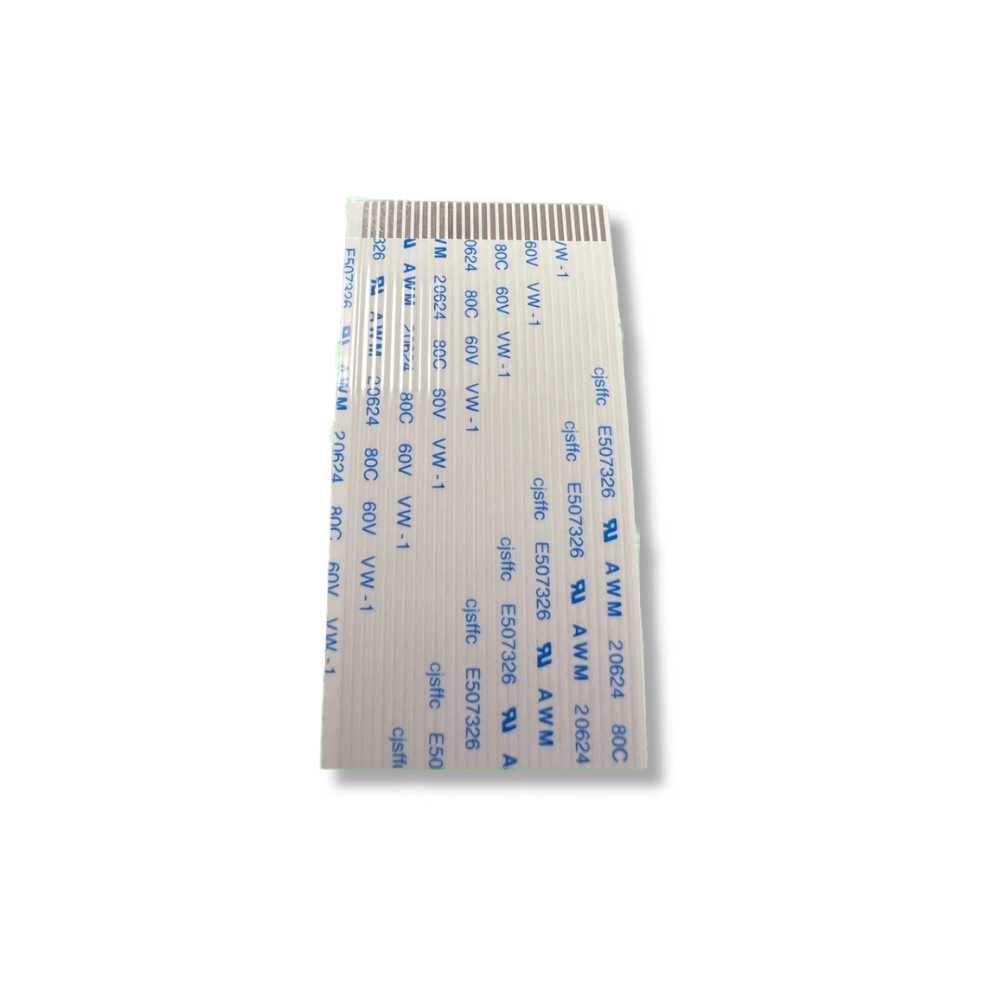 }
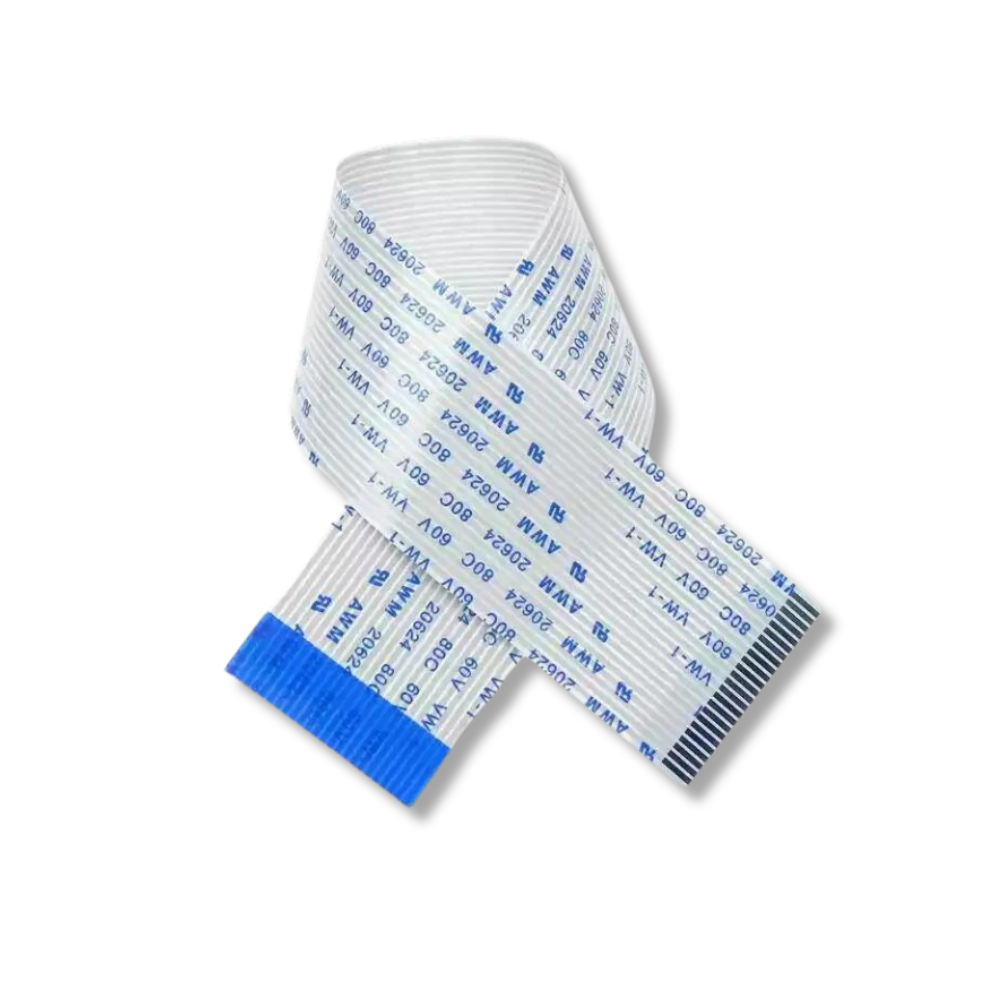
}Epson XP600 Printhead Data Cables 29-Pin
Brand: Epson
Tax excluded. Shipping calculated at checkout
Availability: In stock
%20for%20the%20XP600%20/%20DX11%20printhead%20platform%20%E2%80%94%20the%20print%20engine%20used%20across%20a%20wide%20range%20of%20DTF,%20UV%20DTF,%20and%20eco-...
)
The Epson XP600 Printhead Data Cables are replacement 29-pin flat flexible cables (FFC) for the XP600 / DX11 printhead platform — the print engine used across a wide range of DTF, UV DTF, and eco-solvent printers built on the Epson XP600 and TX800 printhead. These cables connect the XP600 printhead to the printer's mainboard, transmitting the firing signals that control each of the 1,080 nozzles across the printhead's 6 ink channels. Every printhead installation on an XP600-based machine requires fresh cables — worn or degraded cables are the leading cause of nozzle communication errors, missing nozzles, and drop-out immediately after a new head is installed.
Product Details
| Specification | Detail |
|---|---|
| Cable type | Flat Flexible Cable (FFC) — 29-pin |
| Pin count | 29 pins |
| Compatible printhead | Epson XP600 / DX11 / TX800 (FA09050, FA09121, F1080-A1) |
| Compatible printer types | DTF, UV DTF, eco-solvent, and water-based printers using XP600/TX800 printhead |
| Function | Transmits nozzle firing signals from mainboard to printhead |
| Replacement interval | Replace at every printhead installation — do not reuse |
Why Data Cables Fail — and Why It Matters
The XP600 printhead data cable is a flat flexible ribbon that travels with the carriage on every print pass — bending, flexing, and straightening thousands of times per day. Over time this repeated mechanical stress causes micro-fractures in the conductor traces inside the cable, typically at the bend points near the carriage termination. The result is intermittent or permanent loss of signal on one or more of the 29 pins, which manifests as:
• Missing nozzle rows on a nozzle check — entire colour channels or partial rows dropping out
• Banding in output — regular horizontal stripes at the carriage reversal points
• Colour shifts or missing colours — typically affecting one or two channels while others fire normally
• Symptoms that appear immediately after a new printhead is installed — often mistaken for a defective head
• Intermittent errors — problems that come and go depending on carriage position or temperature
Because cable degradation is gradual, the symptoms often appear to coincide with a printhead swap — leading operators to suspect the new head when the cable is the actual cause. Replacing cables at every head installation eliminates this variable entirely.
Compatible XP600-Based Printer Platforms
These 29-pin cables are compatible with the XP600/DX11 printhead across all XP600-based printer configurations:
DTF (Direct-to-Film) Printers
• Yuxunda DTF-300 Plus / DTF-300 Pro Max / DTF-400 Plus / DTF-400 Pro Max
• Colorsun 30CM-B / 30CM-C / 42CM / 60C DTF
• Fedar FD30 DTF
• Coldesi 12H2 BASIC DTF
• Sinotec Digital Ollin OL XP600
• Oric A3 Mini320 DTF and other XP600-based DTF platforms
Original Epson XP/TX Series
• Epson XP600 / XP601 / XP605 / XP610
• Epson XP700 / XP701 / XP750
• Epson XP800 / XP801 / XP820 / XP850 / XP950
• Epson TX800 and TX800-based printers
If your DTF or UV DTF printer uses the Epson XP600 / DX11 printhead (FA09050, FA09121, F1080-A1), these 29-pin cables are the correct replacement. Contact us with your printer model to confirm cable length compatibility.
The XP600 Printhead Ecosystem — What Else to Replace at Installation
The XP600 printhead has several associated consumables that should ideally be replaced at the same time as the head and cables to ensure reliable startup and maximum new-head lifespan:
• Data cables (this listing) — replace at every head installation, never reuse
• Dampers (PDAEPI3200 compatible) — worn dampers restrict ink flow and cause starvation on a new head
• Capping station / cap top — a degraded cap prevents proper head sealing during idle, causing drying and nozzle loss on a new head
Replacing all three at the same time as the printhead is the standard best practice in DTF and UV service — it eliminates the most common causes of post-installation failure and protects the investment in a new head.
Why Buy from Digiprint USA
• Priced for routine replacement — at this price point, fresh cables on every head swap is a no-brainer
• In stock in Doral, Miami FL — same day shipping before 2PM EST
• We also stock the XP600/DX11 printhead (FA09121), PDAEPI3200 dampers, and XP600 capping stations
• Ideal for Latin American DTF operations and UV print shops using Miami freight forwarders
View our full range of printhead data cables and printer spare parts stocked by Digiprint USA.
Frequently Asked Questions
Why should I replace cables with every printhead installation?
The XP600 data cable flexes with the carriage on every print pass — thousands of cycles per day. Micro-fractures develop in the conductor traces over time, causing intermittent or permanent loss of signal on individual pins. When a new printhead is installed with old cables, any nozzle dropout or banding that occurs is indistinguishable from a defective head — leading to unnecessary troubleshooting and potentially voiding the head warranty. Fresh cables eliminate this variable completely. At the price of these cables, it is always worth replacing them.
Are these cables compatible with dual-head DTF printers?
Yes — XP600-based dual-head DTF printers use the same 29-pin cable per head. Dual-head configurations require two cables (one per head), and the second head position may require a longer cable due to greater carriage travel distance. Contact us with your specific printer model to confirm the correct length for each head position.
What symptoms suggest a failed data cable vs a failed printhead?
Cable failure typically manifests as missing entire nozzle rows corresponding to specific pins, horizontal banding that repeats at regular intervals, or colour channels that drop out completely while others remain fully functional. Printhead failure tends to be more diffuse — scattered missing nozzles across multiple channels, or gradual degradation across the full nozzle array. If problems appear immediately after installing a new head and follow a regular banded pattern, suspect the cable before the head.
Do you ship XP600 data cables to Latin America?
Yes — same day shipping from our Doral, Miami FL warehouse. Ideal for DTF print shops, UV printing operations, and Epson XP600-based production facilities in Latin America using freight forwarders in the Doral area.