
 }
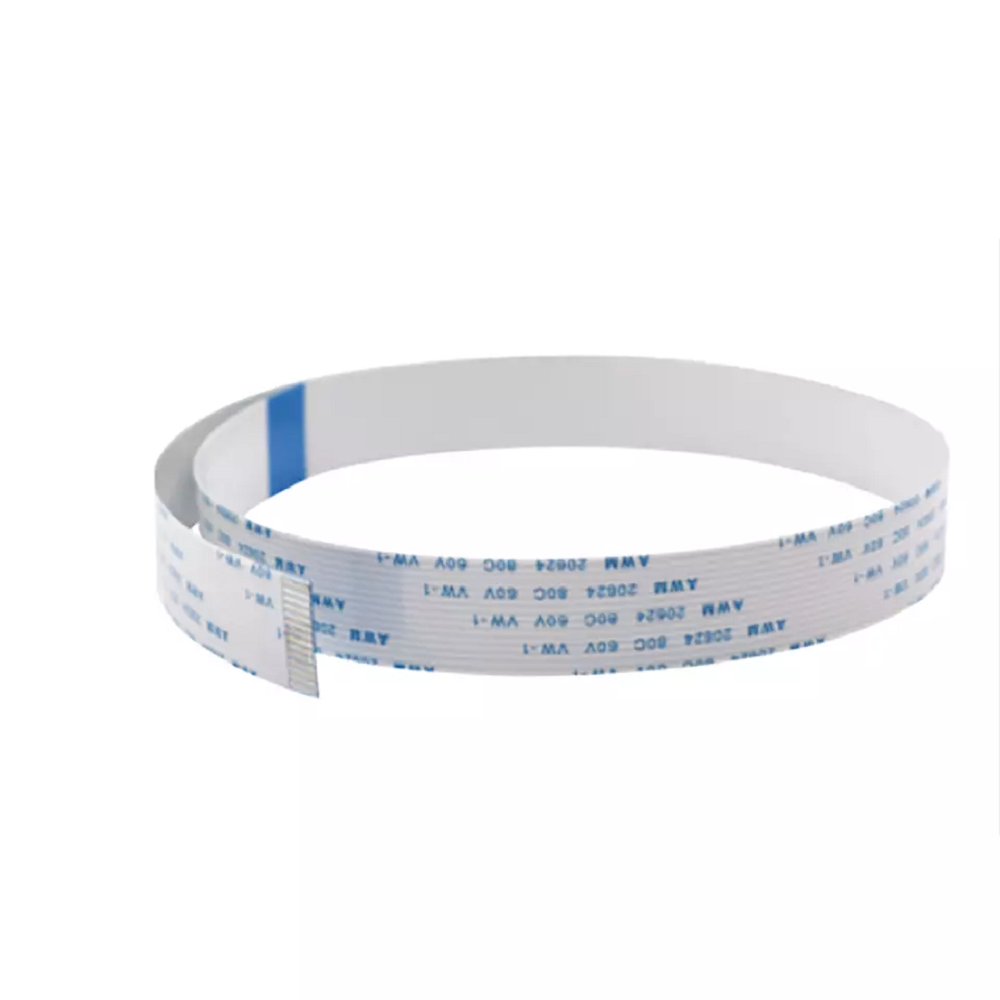
}Epson i3200 4720 WF-4720 Printhead Data Cable 14-Pin
Brand: Epson
Tax excluded. Shipping calculated at checkout
Availability: In stock
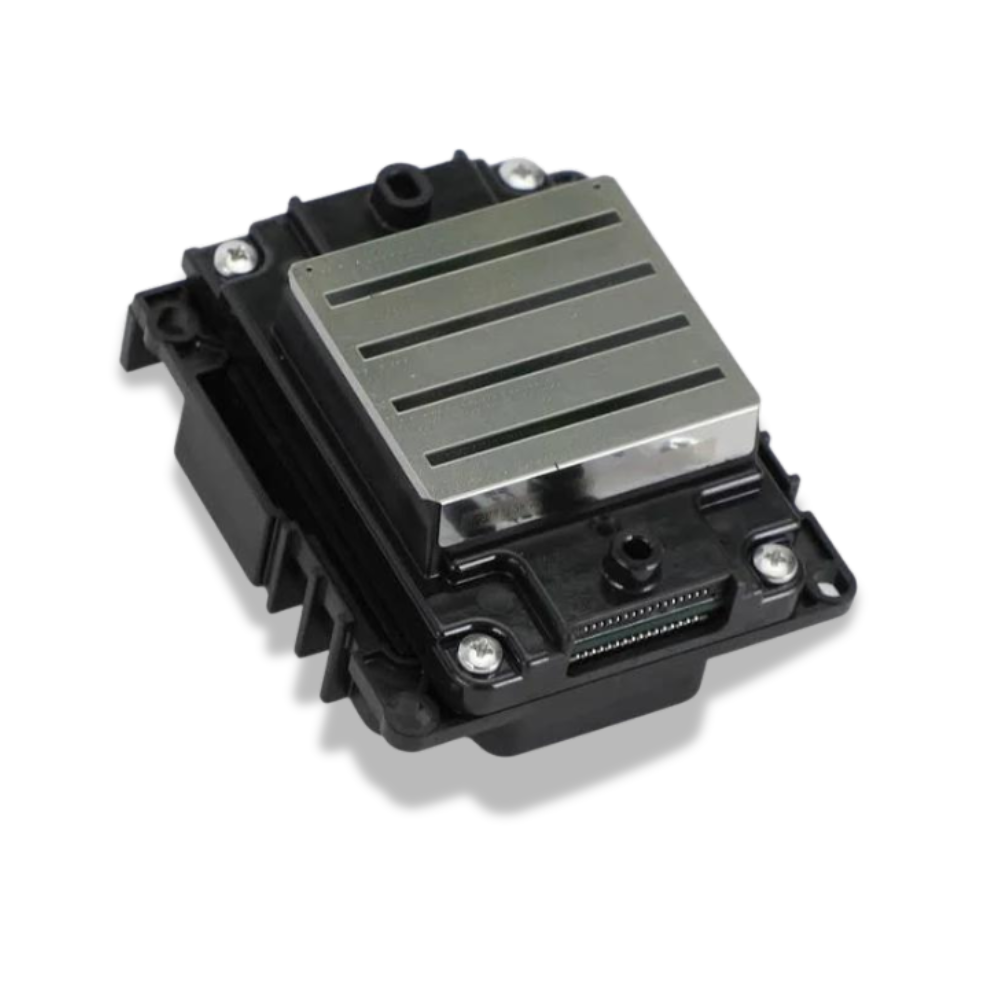
The Epson i3200 Printhead Data Cable is a replacement 14-pin flat flexible cable (FFC) for printers using the Epson i3200-A1, i1600, 4720, or WF-4720 printhead — the industrial PrecisionCore print engine used across a wide range of DTF, UV DTF, and eco-solvent production printers. This cable connects the printhead to the printer's carriage control board, transmitting the nozzle firing signals that drive the i3200's 3,200 nozzles across 10 ink channels. The i3200 printhead requires four (4) data cables per head — replacing all four at every printhead installation is essential to avoid communication errors caused by residual cable wear.
The i3200 requires 4 data cables per head — always replace all four together. Unlike the XP600 printhead (which uses 2 cables), the Epson i3200-A1 and i1600 use four separate 14-pin data cables per printhead. Replacing only some of the cables leaves residual wear in the circuit, which causes intermittent nozzle drop-out indistinguishable from a defective head. Order four cables per i3200 head being replaced — or eight for a dual-head installation.
Product Details
| Specification | Detail |
|---|---|
| Cable type | Flat Flexible Cable (FFC) |
| Pin count | 14 pins |
| Pin pitch | 0.5mm |
| Cable width | 15mm |
| Compatible printheads | Epson i3200-A1, Epson i1600, Epson 4720, Epson WF-4720 |
| Compatible printer types | DTF, UV DTF, eco-solvent, water-based, sublimation printers using i3200/i1600/4720 |
| Cables required per head | 4 cables per i3200 / i1600 printhead |
| Function | Connects printhead to carriage control board — transmits nozzle firing signals |
| Replacement interval | Replace all 4 at every printhead installation — do not reuse |
Why Data Cables Fail — and Why Replacing All Four Matters
Each of the four i3200 data cables flexes with the carriage on every print pass — thousands of cycles per day. Mechanical stress at the flex points causes micro-fractures in the conductor traces over time, resulting in intermittent or permanent loss of signal on specific pins. On the i3200 platform with four cables per head, partial cable replacement is a common mistake: replacing two or three cables while leaving one old cable in place means the residual wear in the old cable will cause the same nozzle communication errors as before. Symptoms of cable failure include:
• Missing nozzle rows on a nozzle check — specific channels or partial rows dropping out
• Regular horizontal banding in output corresponding to specific nozzle rows
• Colour channel loss — one or more channels missing entirely while others fire normally
• Intermittent errors that vary with carriage position or temperature
• Problems appearing immediately after installing a new i3200 head — frequently misdiagnosed as a defective printhead
The correct protocol: replace all four cables simultaneously at every printhead installation. Marking each cable and its corresponding socket with a marker before removal (or photographing the installation) ensures correct reconnection — particularly important given the i3200's four-cable layout.
Compatible Printers
DTF Printers (i3200/i1600-based)
• All major DTF printers using Epson i3200-A1 or i1600 printheads — including Yuxunda, Colorsun, Fedar, ORIC, Prestige, and other i3200-based platforms
Eco-Solvent Wide-Format Printers (i3200-based)
• Wide-format eco-solvent printers using the Epson i3200-A1 or i3200-E1 printhead
Original Epson Printers
• Epson WF-4720 / WF-4720 WorkForce series
• Other Epson printers using the 4720 / i3200 printhead interface
If your DTF, UV, or eco-solvent printer uses the Epson i3200-A1, i1600, or 4720 printhead, this 14-pin cable is the correct replacement. Contact us with your printer model to confirm length compatibility.
i3200 vs 4720 vs XP600 — Cable Differences
Different Epson printhead platforms use different data cable interfaces. Do not mix cables across platforms:
| Printhead | Cable Pins | Width | Cables per Head |
|---|---|---|---|
| i3200-A1 / i1600 / 4720 (this listing) | 14 pins | 15mm | 4 cables |
| XP600 / DX11 / TX800 | 29 pins | — | 2 cables |
i3200 Printhead Installation — Full Consumable Replacement Checklist
For a successful i3200 printhead installation that maximises new head life, replace these consumables at the same time:
• Data cables (this listing) — all 4 per head, never reuse
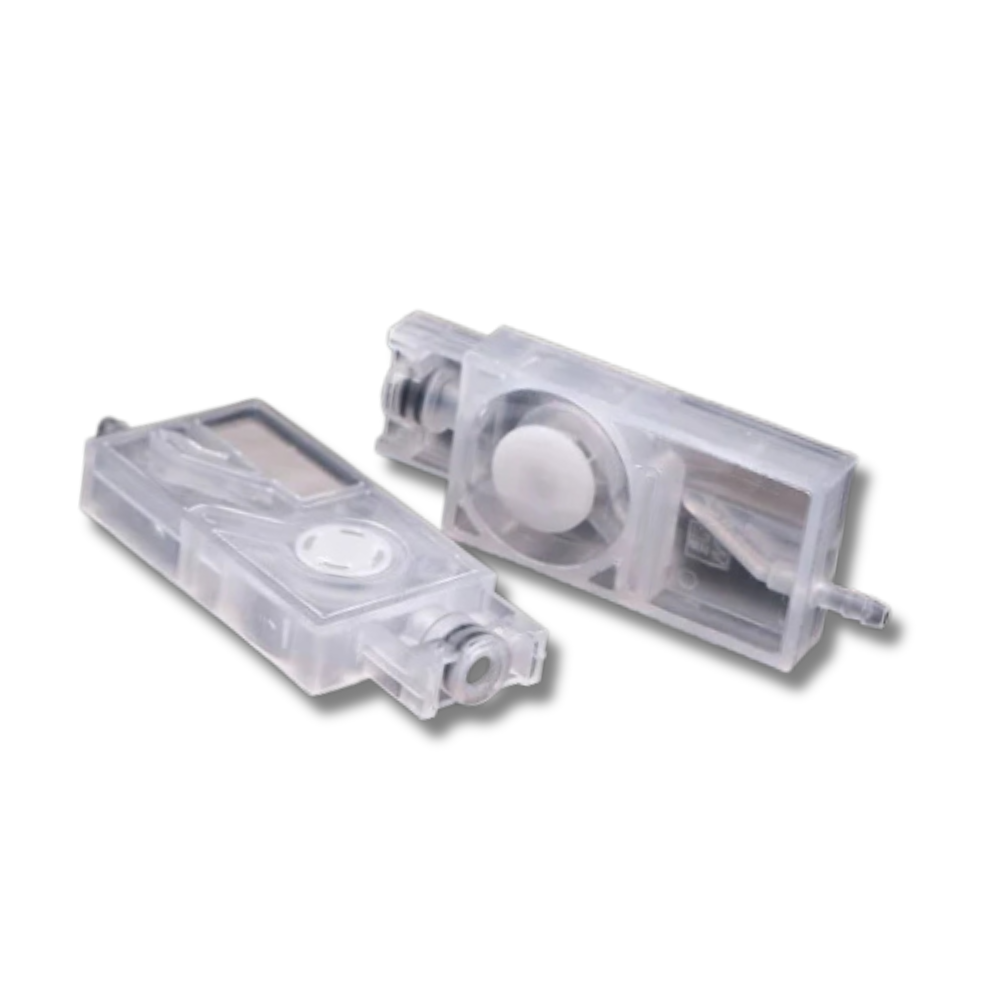
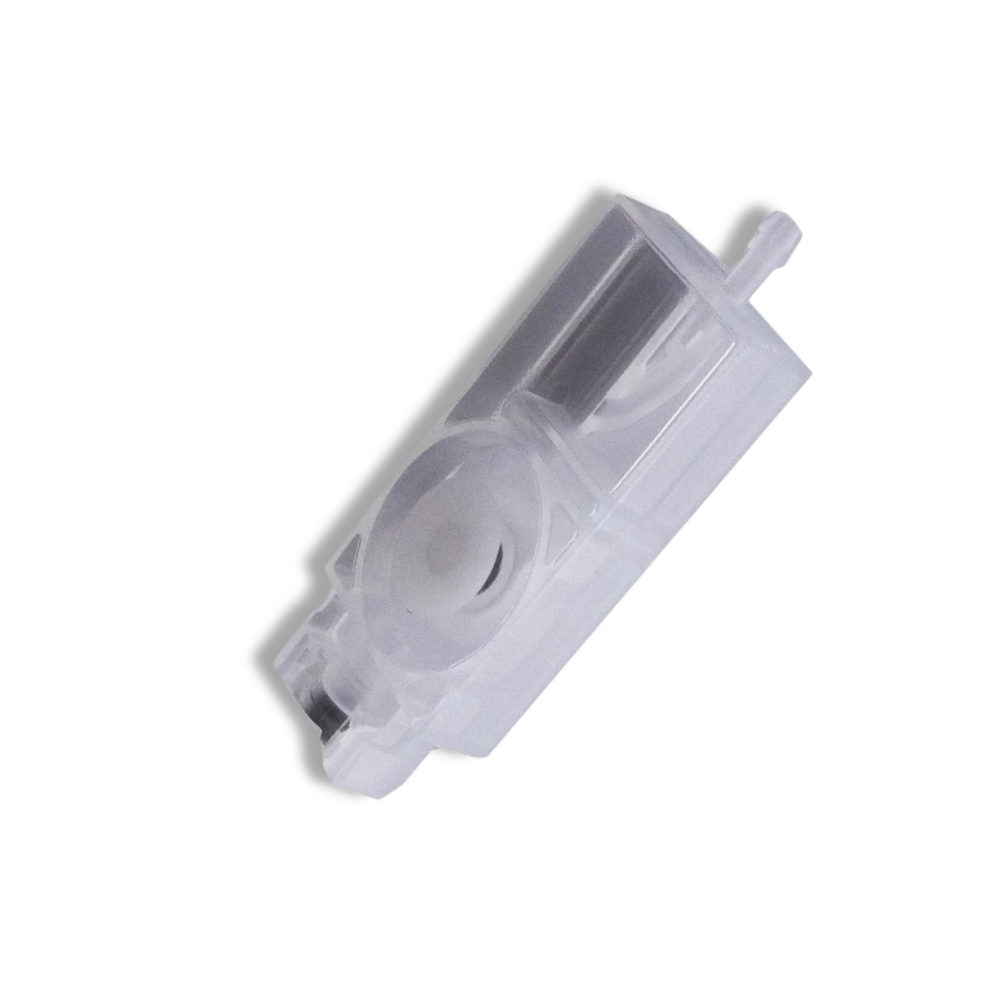
• Dampers — worn dampers cause ink starvation on a new head; replace all dampers for the head being swapped
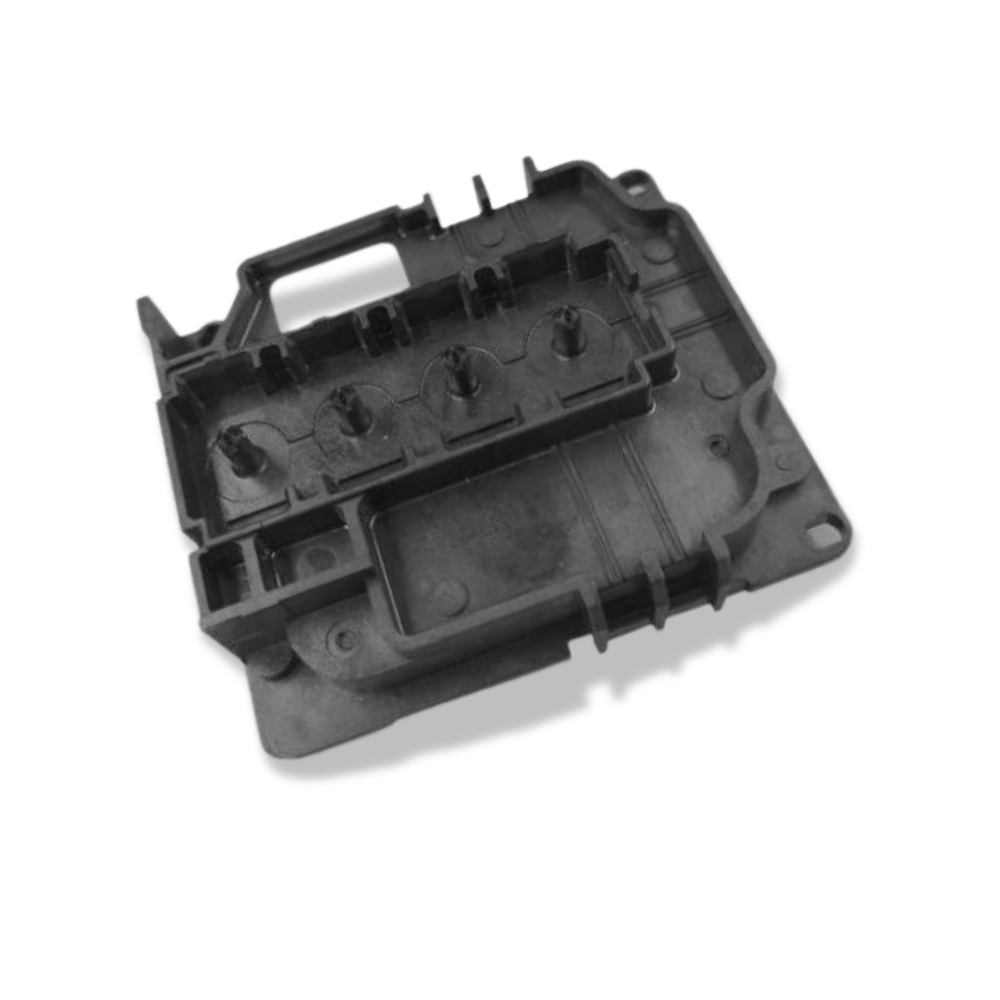
• Capping station / cap top — degraded cap prevents proper head sealing during idle, causing drying and nozzle loss
• Ink tubes / lines — if the machine has been idle for extended periods, flush and replace ink lines before connecting to the new head
Why Buy from Digiprint USA
• Priced for routine replacement — order four per head swap as standard practice
• In stock in Doral, Miami FL — same day shipping before 2PM EST
• We also stock the Epson i3200-A1 printhead, i1600 printhead, XP600 printhead, and associated dampers
• Ideal for Latin American DTF operations and eco-solvent print shops using Miami freight forwarders
View our full range of printhead data cables and printer spare parts stocked by Digiprint USA.
Frequently Asked Questions
Why does the i3200 need 4 cables when the XP600 only needs 2?
The i3200-A1 is a high-channel-count industrial printhead with 3,200 nozzles across 10 ink channels. This nozzle density requires more data bandwidth than a single cable pair can carry, so four separate 14-pin cables are used to transmit the full channel firing data. The XP600 / DX11 head, with 1,080 nozzles across 6 channels, uses a 29-pin interface split across 2 cables. Always check your specific printer's service manual for the cable count and routing before installation.
Is this cable compatible with both i3200 and 4720 printheads?
Yes. The Epson i3200-A1 and the 4720 (the disassembled WF-4720 / WorkForce head) share the same 14-pin physical cable interface. Both use this cable. The i3200-A1 is Epson's officially authorized industrial printhead; the 4720 is a disassembled consumer printer head repurposed for industrial use. They are physically similar but differ in internal construction, nozzle quality, and durability — the i3200-A1 has a 20-30% longer rated service life than the 4720.
How do I avoid reconnecting cables to the wrong sockets?
Before removing the old cables, mark each cable and its corresponding socket on both the printhead and carriage board with a marker or coloured tape — or photograph the full cable routing from multiple angles. The i3200's four-cable layout has physically similar connectors at close spacing; incorrect reconnection causes the same symptoms as a failed cable. Manutech-Print recommends this marking approach as standard practice for i3200 cable replacement.
Do you ship i3200 data cables to Latin America?
Yes — same day shipping from our Doral, Miami FL warehouse. Ideal for Latin American DTF operations, eco-solvent print shops, and wide-format production facilities using the Epson i3200-A1 platform via Miami freight forwarders.
You may also like
%20for%20printers%20using%20the%20Epson%20i3200-A1,%20i1600,%204720,%20or%20WF-4720%20printhead%20%E2%80%94%20the%20industrial%20PrecisionCore%20print...
)