
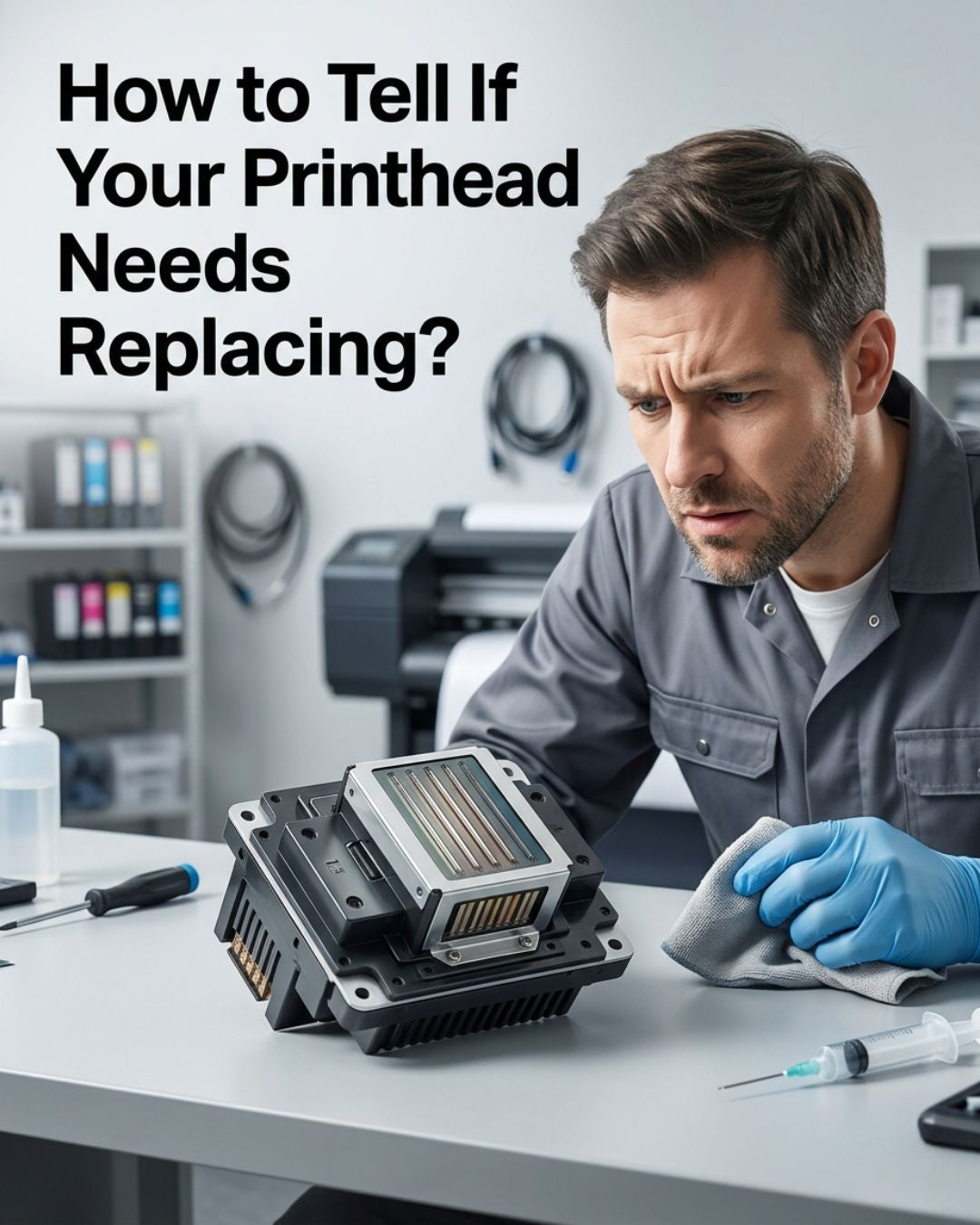
Replace a wide-format or DTF printhead when banding, faded output, or missing nozzles persist after multiple cleaning cycles, new dampers, and a functioning capping station — not before. The three primary signs are: prints showing horizontal bands or streaks, specific color channels dropping out entirely, and missing nozzle rows that do not recover after cleaning. In most cases these symptoms point to failed maintenance accessories — a clogged damper, degraded capping station, or worn wiper blade — rather than a failed head. A printhead that is genuinely at end of life shows no improvement after cleaning cycles, damper replacement, and a fresh capping station. Each nozzle is rated to fire 20–50 billion ink drops over its lifetime; premature failure is almost always caused by dry firing from empty ink lines, incompatible ink, or a capping station that stopped sealing properly.
Most printheads people throw away aren't actually dead. They're starved for ink (damper problem), drying out between jobs (capping station problem), or getting wiped with a worn blade that scratches the nozzle plate (wiper problem). Genuine printhead failure is real, but it's the exception, not the rule.
A printhead actually needs replacing when you see one of six specific failure patterns — and only after you've ruled out the cheaper causes first. Here's how to check each one.
Confirmed it's the head? Shop replacement printheads by brand
- Epson printheads — DX4, DX5, DX7, i3200, i1600, XP600
- Roland printheads — DX4, DX6, DX7 for VS/RF/BN/SG/VG series
- Ricoh printheads — Gen4, Gen5, Gen6, GH2220
- DTF printheads — i3200, i1600, XP600
In stock · Ships same day from Doral, FL on orders before 2 PM EST · Genuine OEM, sealed
The 6 failure modes that confirm a dead head
1. Permanent nozzle dropouts that don't recover after cleaning
Print a nozzle check. If you see missing lines, run a head clean. Print again. If the same nozzles are missing, run a power clean. Print again. If the same nozzles are still missing after three cycles and the missing pattern is identical each time, you have permanent dropouts.
This is the single clearest sign of a dead head. Once nozzles are mechanically blocked or electrically disconnected, no amount of cleaning brings them back.
Before you blame the head: check that ink is actually reaching it. Air in the dampers can starve an entire row of nozzles and look identical to permanent dropouts. Pull the dampers, check for air bubbles in the ink chambers, re-prime the lines, and run the nozzle check again. If the pattern changes after replacing the dampers, the head was never the problem. For a full explanation of how to read what the nozzle pattern is telling you, see our i3200 cleaning and diagnostic guide.
2. Banding that doesn't move
Print a solid color block. If you see horizontal banding, run a nozzle check. If the banding lines up exactly with missing nozzles, you're back to failure mode #1 above.
If the banding doesn't line up with any missing nozzles, the head is probably fine. The cause is more likely a feed motor issue, a worn encoder strip, or a media advance calibration problem — none of which are solved by replacing the head. Don't replace the head.
3. Deflected nozzles
Print a nozzle check. If the lines are present but crooked, angled, or shooting in odd directions, you have nozzle deflection. This is mechanical damage to the nozzle plate — usually caused by a worn wiper blade dragging debris across the surface, or by the head striking raised media during a print run.
Deflection rarely fixes itself. Replace the wiper blade first and give it a week. If the deflection persists after a fresh wiper, the nozzle plate is damaged and the head needs replacing. When you install the new head, replace the wiper blade at the same time — a worn wiper that caused the deflection will damage the new head just as fast.
4. Color cross-contamination
You're printing magenta but the output has cyan in it. Or your white DTF transfers come out with a color tint. Cross-contamination at the head level means the internal channels have failed and ink from one channel is bleeding into another.
Before blaming the head: pull each damper and look at the ink color inside. If a magenta damper has cyan in it, the contamination is upstream — a leaking ink line or a cross-contaminated bulk tank. Fix the upstream problem first. If all dampers show clean, correct colors but the output is still mixing, the internal channels in the head have failed and replacement is the only fix.
5. Mechanical damage to the nozzle plate
Lift the carriage and examine the underside of the head with good lighting. Visible scratches, gouges, or impact marks on the nozzle plate are irreversible. This happens from media strikes on wrinkled or curled substrates, from over-aggressive manual cleaning with the wrong solvent, or from a worn wiper dragging metal contaminants across the surface.
Once the nozzle plate is physically damaged, there is no cleaning procedure that fixes it. Replace the head and replace the wiper blade simultaneously — if a worn wiper caused the damage, it will do the same to the new head.
6. Electrical failure
The printer reports a head error code on startup, or specific channels won't fire at all even with full ink supply and clean dampers. Refer to your printer's service manual for the exact code — if it confirms a head fault rather than a cable or board issue, the head is electrically dead.
Before blaming the head: swap the data cable first. On an i3200-based DTF printer, the 14-pin data cable is a common failure point and costs $7.50 — far less than a printhead. Cable failures cause exactly the same symptoms as electrical head failure and are significantly more common. Swap the cable, clear the error, and test. If the error persists with a known-good cable, then suspect the head or the carriage board.
What to check before you replace — cheaper problems that look identical
Dampers ($10–$60). Old, cracked, or air-filled dampers produce inconsistent ink delivery. The symptom is missing nozzles that come and go between nozzle checks — sometimes there, sometimes not. That intermittency is the tell. Replace dampers first. We stock the i3200-A1 damper and damper sets for Roland, Mimaki, Mutoh, and other major wide format brands.
Capping station ($30–$80). A cracked or hardened capping station fails to seal around the nozzle plate when the printer parks. The head dries out overnight. The symptom is a head that prints well for the first few jobs after a cleaning cycle, then progressively loses nozzles as the day goes on. Replace the cap. A new capping station and a new printhead side by side — the cap costs 5% of what the head costs. Check the cap first, every time. See our full breakdown in our dampers, capping stations, and wiper blades guide.
Wiper blade ($10–$25). A saturated or worn wiper transfers dried ink back onto the nozzle face on every pass instead of cleaning it. The symptom is gradually worsening print quality across multiple cleaning cycles — print quality that gets worse after each clean, not better. Replace the wiper. If deflection appears on the nozzle check pattern, the wiper has been scratching the nozzle plate.
Ink lines and inline filters. If your printer has inline ink filters, they clog over time and starve the head similarly to failed dampers. Check them if you've already replaced the dampers and the ink starvation symptoms continue.
Data cable ($7.50–$18). Carriage data cables fatigue through repeated carriage movement. The symptom is sporadic missing nozzles in random, changing patterns — not the same nozzles each time, which is what distinguishes a cable fault from a genuine head failure. Swap the cable if you have a spare before spending anything on a head.
If you've replaced all of these and the problem remains unchanged, you're dealing with the head itself.
Quick diagnostic flow
Print a nozzle check, then follow the path:
Missing lines that don't clear after two cleaning cycles → replace dampers first, then capping station, then head.
Deflected or crooked lines → replace wiper first, then head if deflection persists after one week.
Color mixing in output → pull each damper and check ink color inside, then check ink lines, then suspect the head.
Electrical error code → swap the data cable first, then the carriage board if available, then suspect the head.
Prints fine for first few jobs then degrades → capping station is the most likely cause.
Print quality gets worse after each cleaning cycle → wiper blade.
When to contact us before deciding
If you're 80% sure the head is dead but want a second opinion before spending $400 to $1,100 on a replacement, send us a photo of your nozzle check pattern and a photo of the underside of the head. We can usually tell from the pattern whether the problem is the head, the dampers, or something else entirely.
Email or chat support — no charge for the diagnosis. We'd rather sell you a $30 capping station that fixes the problem than sell you a $1,000 head that doesn't.
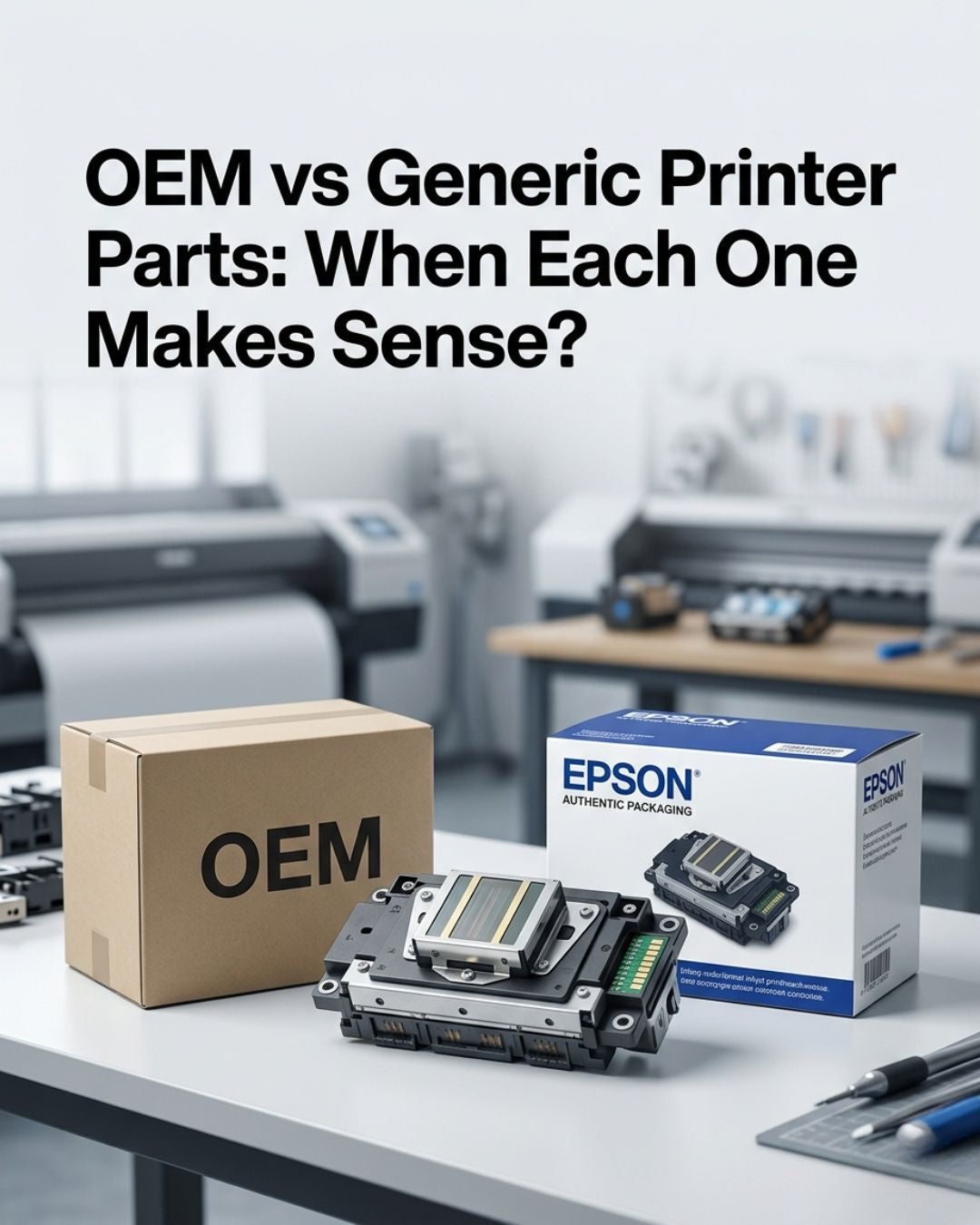
When you've confirmed the head needs replacing, browse our full catalog of genuine OEM printheads — Epson i3200-A1, XP600, DX4, Ricoh GEN4 and more — all in stock in Doral, Florida and shipping same day. And when you install the new head, replace the dampers and capping station at the same time. The head failure you just experienced was probably caused by those parts. Don't give them the chance to do it again. All the spare parts you need ship in the same box.
Most-replaced heads, in stock now
- Epson i3200-A1 printhead (DTF / water-based)
- Epson XP600 printhead F1080-A1 (with Epson seal)
- Ricoh Gen5 MH5420 UV printhead, 500mm cable
- Dampers
In stock · Ships same day from Doral, FL on orders before 2 PM EST · Genuine OEM, sealed



Leave a comment
This site is protected by hCaptcha and the hCaptcha Privacy Policy and Terms of Service apply.