
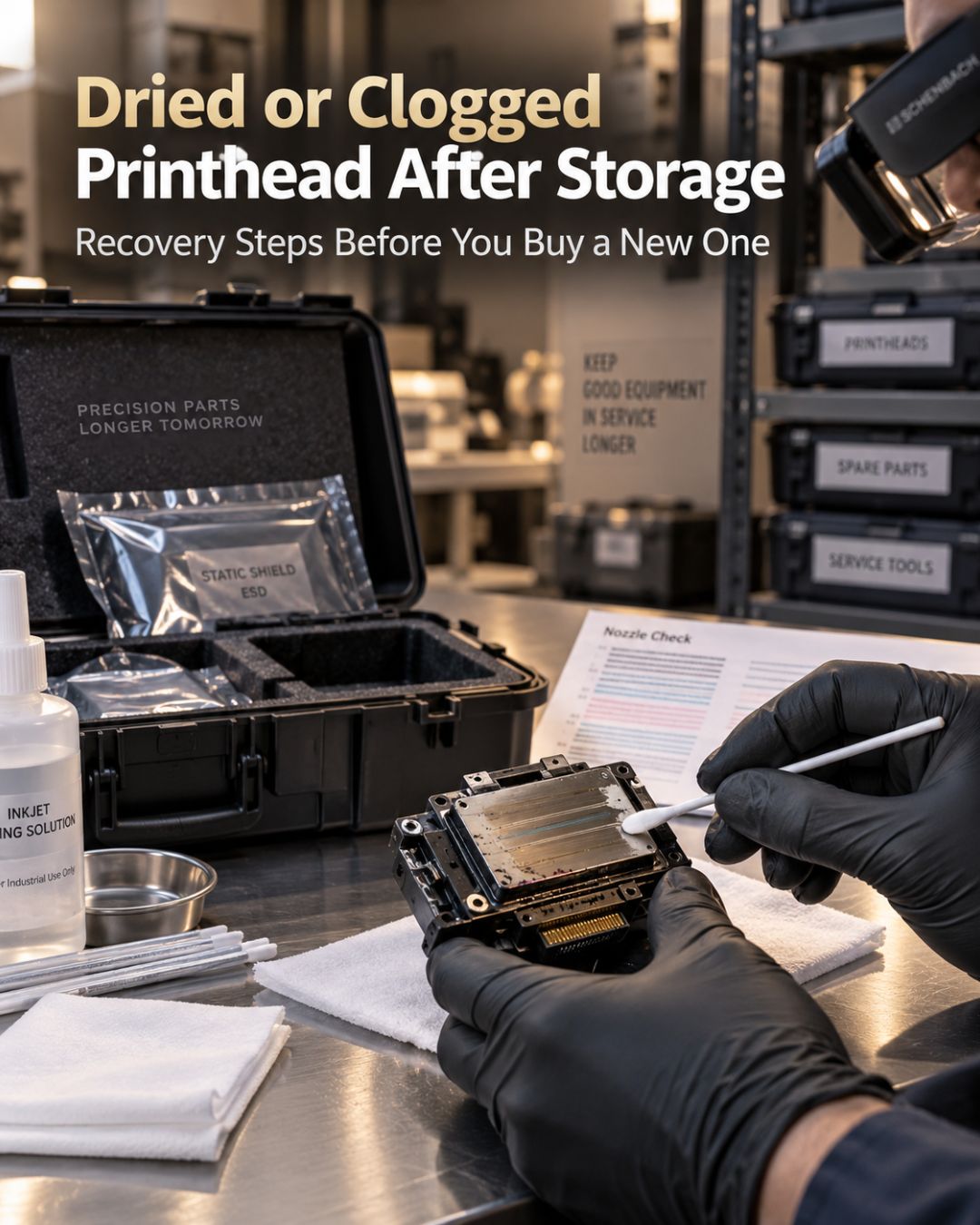
The question after a printer has been idle isn't "is the head clogged" — it is. The question is whether the ink inside it has dried to a state that solution can redissolve, or cured to a state that nothing will. The staged process below answers that in about two days, and it starts with the least risky step so you don't damage a head that was going to recover on its own.
First, what kind of ink sat in it
| Ink type | What happens in storage | Recovery outlook |
|---|---|---|
| Eco-solvent (DX5/DX7/DX6, i3200-E1) | Solvent evaporates, pigment and resin dry at nozzle face | Good up to several weeks; declining after 2–3 months |
| Aqueous colour (i3200-A1, XP600, DTG) | Water evaporates, pigment dries in channels | Good up to a few weeks if capped; poor if uncapped |
| DTF white | TiO₂ settles and packs in the chamber | Poor beyond 1–2 weeks regardless of capping |
| UV (GEN5, KM1024i, i3200-U1) | Stable unless exposed to light | Usually good — unless stray UV cured it, which is permanent |
Stage 1 (hours 0–4): don't touch the head yet
Before you run a single cleaning cycle, replace what's around the head. A capping station that dried out during storage will pull air instead of ink and make things worse; a damper with dried ink in the filter will starve the head during the recovery flush. Fit a new cap, new wiper, and new dampers on affected channels. Shake or replace the ink — ink that sat in the bottle separated too. Then run two normal cleaning cycles and a nozzle check. Some heads clear here.
Stage 2 (hours 4–24): passive soak in the carriage
Soak a lint-free wipe in matched cleaning solution, lay it in the cap, and park the head on it overnight. In the morning, cleaning cycle, nozzle check. Compare against the first check: if gaps have moved or shrunk, the ink is dried, not cured, and you're on the recovery path. If nothing changed at all, go to stage 3 but lower your expectations.
Stage 3 (hours 24–48): remove and flush
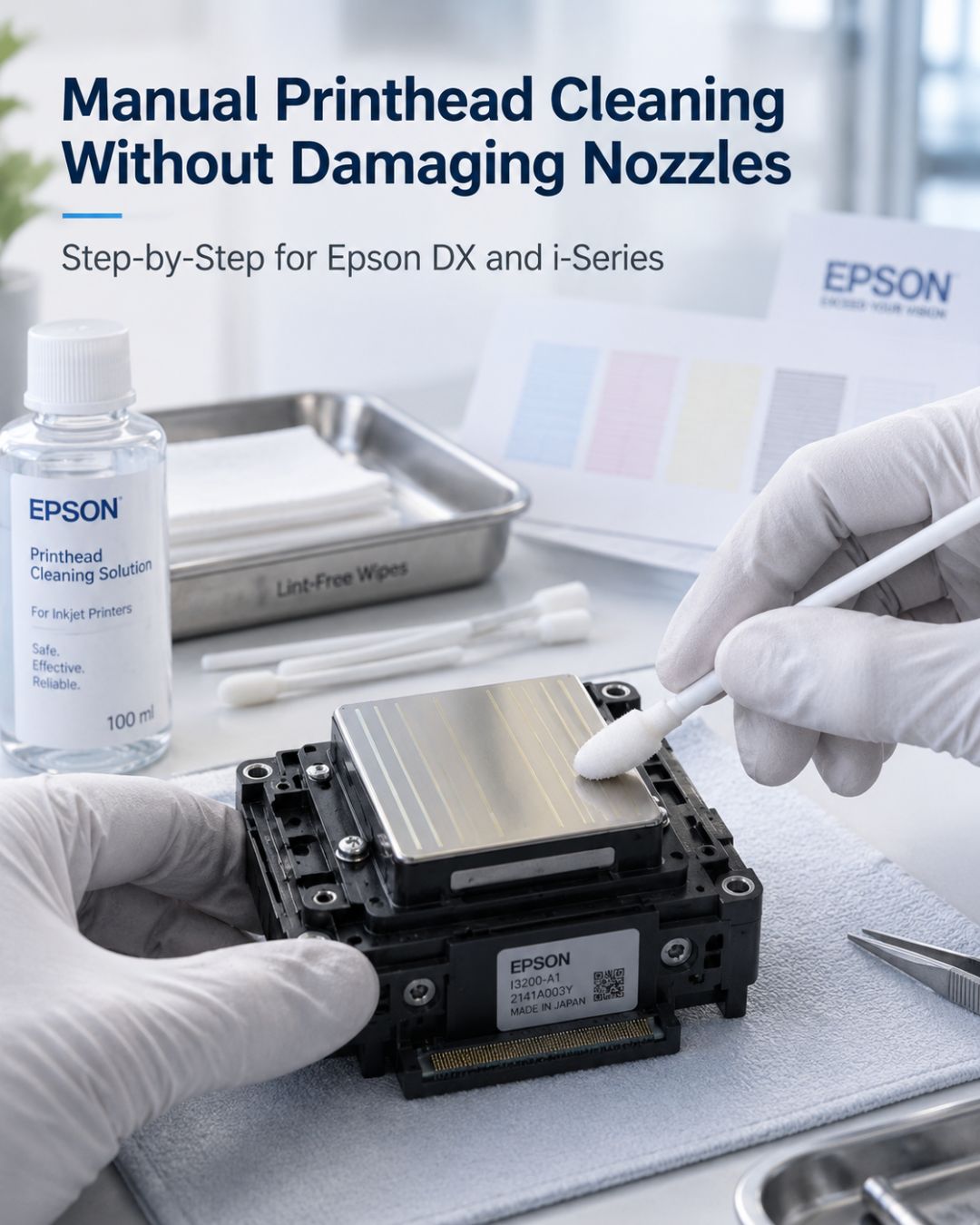
Follow the gentle syringe-and-soak method in our manual printhead cleaning guide: light pressure only, 4–12 hour plate soak, two cycles maximum. At the end of stage 3 you have your answer. Channels that pass solution and print are recovered. Channels that still won't pass solution are packed with cured pigment — typically DTF white or UV ink — and further effort risks damaging the channels that did recover.
When to stop and order
- Any channel still blocked after stage 3.
- Nozzles that fire but deflect — the plate coating was damaged while dry.
- A DTF white channel that sat more than two weeks. Our white ink post explains why it rarely comes back.
At that point, the math in can a printhead be repaired applies: for a $389 XP600 or a $989 i3200-A1, replacement is usually the answer; for a $2,500+ industrial head, a professional recovery service is worth a quote.
How to store a printer so this doesn't happen
- Under 1 week: leave it on, capped, and run an automatic cleaning every 1–2 days. Agitate DTF white daily.
- 1–4 weeks: flush white channels with cleaning solution and leave them filled with solution. Colour channels can stay in ink if capped with a fresh cap. Power on and run a nozzle check weekly.
- Over 4 weeks: flush all channels with matched solution, leave the head filled with solution, fit a fresh cap, and store with the head parked. On solvent machines, follow the manufacturer's long-storage procedure with storage fluid.
- Any duration: new cap and wipers before storage, not after. They're what keeps the plate sealed.
Frequently asked questions
Can a printhead that dried out be recovered?
Often, if the ink dried rather than cured. Eco-solvent and aqueous colour heads that sat capped for a few weeks usually recover with a passive soak and a gentle flush. DTF white that sat more than a couple of weeks and UV ink exposed to light rarely do.
How long can a DTF printer sit unused before the printhead is ruined?
Colour channels can usually survive a few weeks if capped. The white channel is the problem: titanium dioxide settles and packs within one to two weeks. For any idle period over 48 hours, flush white with cleaning solution and leave the channel filled with solution.
What should I do first with a printer that has been in storage?
Replace the capping station, wipers and dampers before running cleaning cycles, and shake or replace the ink. A dried cap pulls air, and a blocked damper starves the head during recovery, so cleaning through old parts makes the clog worse.
How do I prepare a wide-format printer for long-term storage?
For more than four weeks: flush all channels with matched cleaning solution, leave the head filled with solution, fit a new cap and wipers, and park the head. On solvent machines use the manufacturer's storage fluid procedure. Check with a nozzle test monthly if you can power it on.
Related reading
- Why your wide-format printer keeps clogging
- Signs your printhead needs replacing
- Printhead Troubleshooting Center
Shop: Cleaning Solution · Maintenance Kits · Genuine Printheads


Leave a comment
This site is protected by hCaptcha and the hCaptcha Privacy Policy and Terms of Service apply.