 }
} }
}DTF Strong Print Head Cleaning Maintenance Solution
Brand: Epson
Tax excluded. Shipping calculated at checkout
Availability: In stock
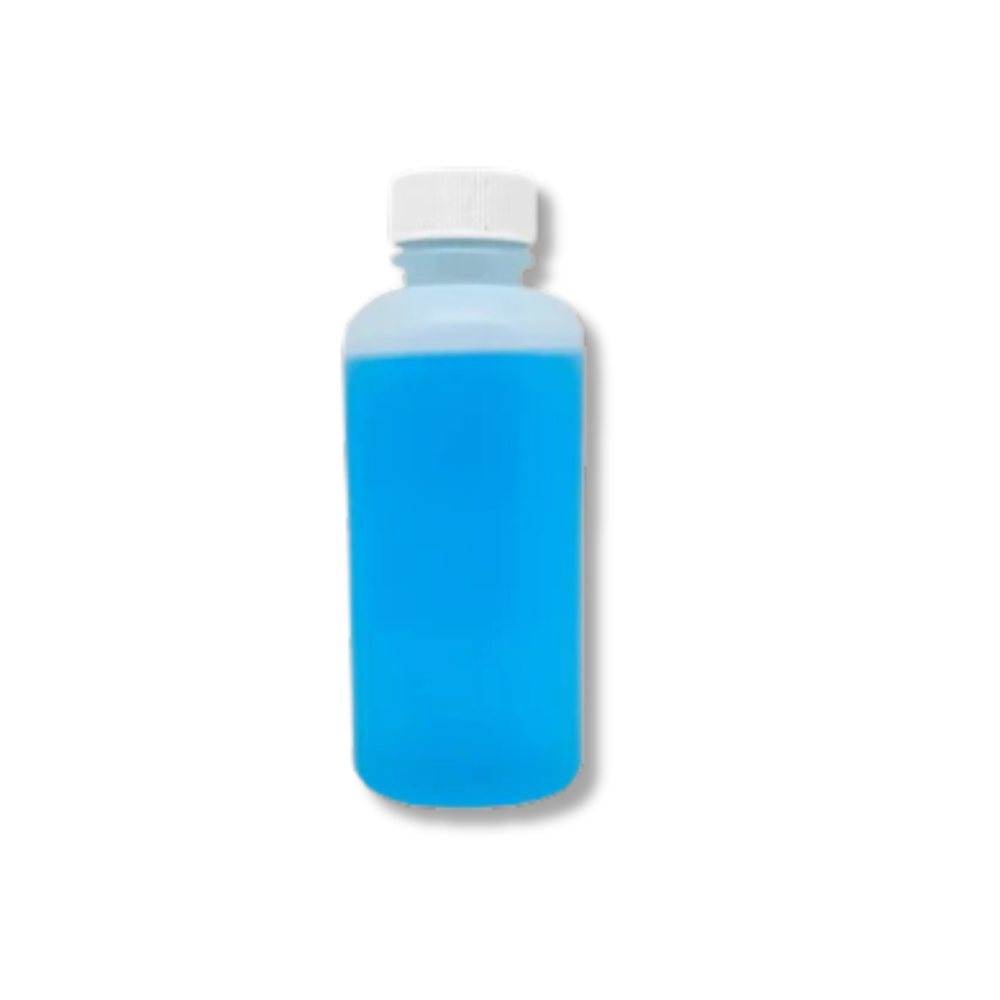
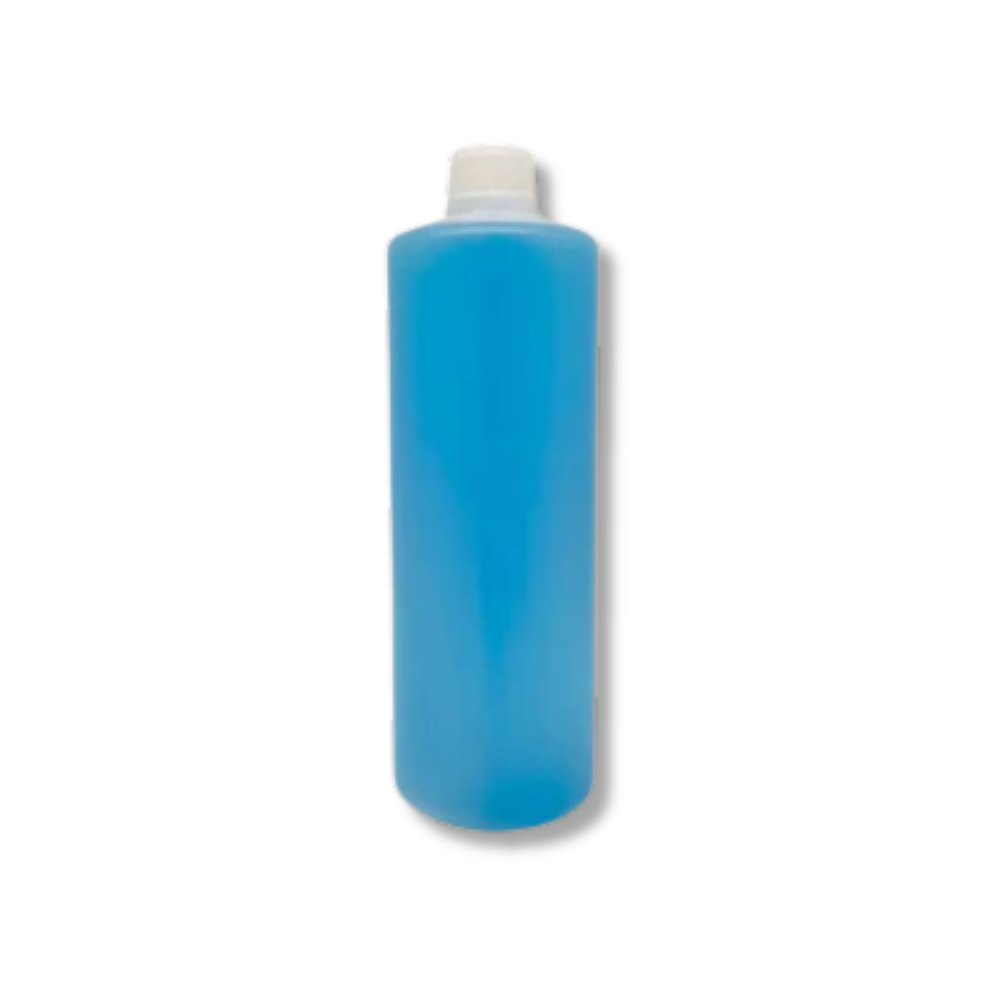
DTF Strong Printhead Cleaning Solution is a heavy-duty maintenance fluid specifically formulated for Direct-to-Film (DTF) printers — designed to dissolve stubborn pigment ink residue, break down hardened titanium dioxide (TiO₂) white ink deposits, and restore smooth ink flow in clogged printheads, dampers, capping stations, wiper blades, and ink lines. The "strong" formula goes beyond regular daily cleaning solution — it is the correct tool for deep cleaning after extended idle periods, recovery of partially or severely clogged systems, full ink line flushes when switching ink brands, and restoration of printheads with hardened white ink blockages. Compatible with Epson i3200-A1, XP600/DX11, i1600-A1, 4720, L1800, and all Epson-based DTF printer configurations using water-based DTF pigment inks.
Strong cleaning solution — confirm bottle size before ordering. DTF cleaning solutions are sold in multiple sizes (typically 100ml and 1000ml). Contact us to confirm the exact bottle size and volume of this listing before ordering to ensure you receive the correct quantity for your maintenance needs.
Product Details
| Specification | Detail |
|---|---|
| Product type | DTF Strong Printhead Cleaning Solution — heavy-duty formula |
| Bottle size | ⚠️ Verify from stock — contact us to confirm available volume |
| Compatible printheads | Epson i3200-A1 / i1600-A1 / XP600 (DX11) / 4720 / L1800 / L805 / DX5 / DX7 |
| Ink compatibility | Water-based DTF pigment inks — CMYK and White (TiO₂) |
| Application areas | Printhead nozzles, dampers, capping station, wiper blade, ink lines |
| Use case | Deep cleaning, clog recovery, ink brand switching, idle printer restoration |
| Formula strength | Strong / heavy-duty — dissolves hardened TiO₂ deposits and stubborn pigment buildup |
| Component safety | Non-corrosive — safe for printhead membranes, rubber seals, and plastic components |
| Shelf life | 24 months sealed in airtight container, away from direct sunlight |
Strong vs Regular DTF Cleaning Solution — When to Use Each
| Scenario | Use Regular Cleaning Solution | Use Strong Cleaning Solution (this listing) |
|---|---|---|
| Daily maintenance | ✅ Capping station rim wipe, wiper blade wipe | Not needed for routine daily care |
| Minor nozzle dropout after overnight idle | ✅ Run 1–2 cleaning cycles | Not needed if regular maintenance was performed |
| Printer idle for days/weeks | Insufficient for hardened deposits | ✅ Soak capping station; flush ink lines; syringe-feed head |
| Severe white ink blockage | Cannot dissolve hardened TiO₂ | ✅ Extended soak cycle to break down TiO₂ mineral deposits |
| Switching DTF ink brands | Light flush — may leave residue | ✅ Full system flush to remove prior ink chemistry before loading new brand |
| Printer purchased used / unknown ink history | Insufficient | ✅ Full system restoration flush before loading fresh ink |
Why White Ink Creates the Hardest Clogs
DTF white ink contains titanium dioxide (TiO₂) — a dense mineral pigment that settles rapidly out of suspension when static. In a printer left idle without daily agitation or circulation, TiO₂ particles settle into the bottom of cartridges, dampers, ink lines, and printhead channels. Over days, the settled particles dehydrate and consolidate into a paste-like mass. Over weeks, this paste hardens into a mineral deposit with a consistency similar to chalk or clay. Standard cleaning solutions are water-based and can dissolve fresh or lightly dried ink residue, but they lack the chemical penetration to break apart fully hardened TiO₂ deposits. The strong cleaning solution contains active ingredients specifically formulated to break the bonds of these mineral deposits — penetrating the hardened layer, re-suspending the TiO₂ particles, and allowing them to be flushed from the system. This is why the strong formula is essential for recovering printers that have experienced significant idle time without white ink management.
How to Use — Application Methods
Method 1 — Capping Station Soak (most common for white ink recovery):
1. Park the printhead over the capping station
2. Pipette 5–10ml of strong cleaning solution into the capping station cup
3. Leave for 30 minutes to 4 hours depending on severity of blockage
4. Run printer cleaning cycles to draw solution through the printhead and flush deposits
5. Repeat if necessary; follow with regular cleaning solution to flush residual strong formula
Method 2 — Syringe Flush (for severely blocked ink lines):
1. Remove ink cartridges
2. Fill syringe with 5–10ml of strong cleaning solution
3. Gently inject into ink port or ink tube connection — do not force
4. Allow to soak for 15–60 minutes
5. Run cleaning cycles to evacuate; repeat until nozzle check shows recovery
Method 3 — Nozzle Face Wipe (daily maintenance):
1. Move printhead to maintenance position
2. Apply a few drops to a clean printhead wipe or lint-free swab
3. Gently wipe the nozzle face in one direction only — never back and forth
4. Use a clean section of the wipe for each stroke — never reuse a contaminated area
Method 4 — Full System Flush (when switching ink brands):
1. Empty all ink cartridges
2. Fill cartridges with strong cleaning solution
3. Run multiple cleaning cycles until solution runs clear from all channels
4. Follow with regular cleaning solution flush to neutralise strong formula before loading new ink
Compatible DTF Printers and Printheads
• Epson i3200-A1 — all dual-head and quad-head DTF configurations
• Epson XP600 / DX11 — desktop and converted DTF printers
• Epson i1600-A1 — small-format DTF
• Epson 4720 / WF-4720 — converted DTF
• Epson L1800 / L805 / 1390 / L1300 — converted desktop DTF
• Epson DX5 / DX7 — older generation DTF and eco-solvent printers
• All DTF printers using water-based pigment inks (CMYK + White)
Safety and Handling
• Use in a well-ventilated workspace
• Wear disposable gloves — avoid prolonged skin contact
• Do not spill onto motherboard, cables, or electronic components — keep away from electrical parts
• Store sealed in cool, dry location away from direct sunlight — 24-month shelf life
• Do not use on UV printers — UV ink requires a UV-specific cleaning solution (different formula)
Why Buy from Digiprint USA
• Heavy-duty formula — dissolves hardened TiO₂ deposits that regular cleaning solution cannot address
• Non-corrosive — safe for Epson PrecisionCore printhead membranes, seals, and plastics
• In stock in Doral, Miami FL — same day shipping before 2PM EST
• We also stock DTF inks, fine and medium TPU powder, hot and cold peel films, and i3200-A1 spare parts
• Ideal for Latin American DTF service technicians and production facilities using Miami freight forwarders
View our full range of DTF printing supplies and consumables stocked by Digiprint USA.
Frequently Asked Questions
What is the difference between strong cleaning solution and regular cleaning solution?
Regular DTF cleaning solution is formulated for routine daily maintenance — capping station wipes, wiper blade cleaning, and light nozzle flushing to prevent minor ink buildup. The strong formula has a more aggressive active ingredient concentration specifically designed to break apart hardened pigment deposits and TiO₂ mineral buildups that regular solution cannot dissolve. Use regular solution for ongoing daily maintenance; use strong solution for deep cleaning, clog recovery, idle printer restoration, and ink brand switching.
Can this strong solution damage the printhead?
The strong formula is specifically engineered to be powerful against dried ink and TiO₂ deposits while remaining non-corrosive to Epson printhead components — the membranes, rubber seals, and plastic flow path structures. Do not leave the strong solution in contact with printhead components for longer than the recommended soak time (maximum 4–8 hours for extended soak). Always follow the soak with regular cleaning solution or fresh ink to flush residual strong formula from the system before resuming printing.
How long should I soak clogged components in strong cleaning solution?
For light to moderate clogs: 30 minutes to 2 hours. For severe clogs from extended idle: 4 hours. For the capping station or wiper blade: overnight soak in a shallow container with a small amount of solution. After soaking, run printer cleaning cycles to flush dislodged deposits. If a full nozzle check shows improvement but not full recovery, repeat the soak cycle before attempting another cleaning cycle. Do not run excessive back-to-back printing cleaning cycles — this wastes ink without dissolving deposits.
Do you ship DTF cleaning solution to Latin America?
Yes — same day shipping from our Doral, Miami FL warehouse. Ideal for Latin American DTF service technicians, production facilities, and print shops using freight forwarders in the Doral area.
You may also like


%20printers%20%E2%80%94%20designed%20to%20dissolve%20stubborn%20pigment%20ink%20residue,%20break%20down%20h...
)