
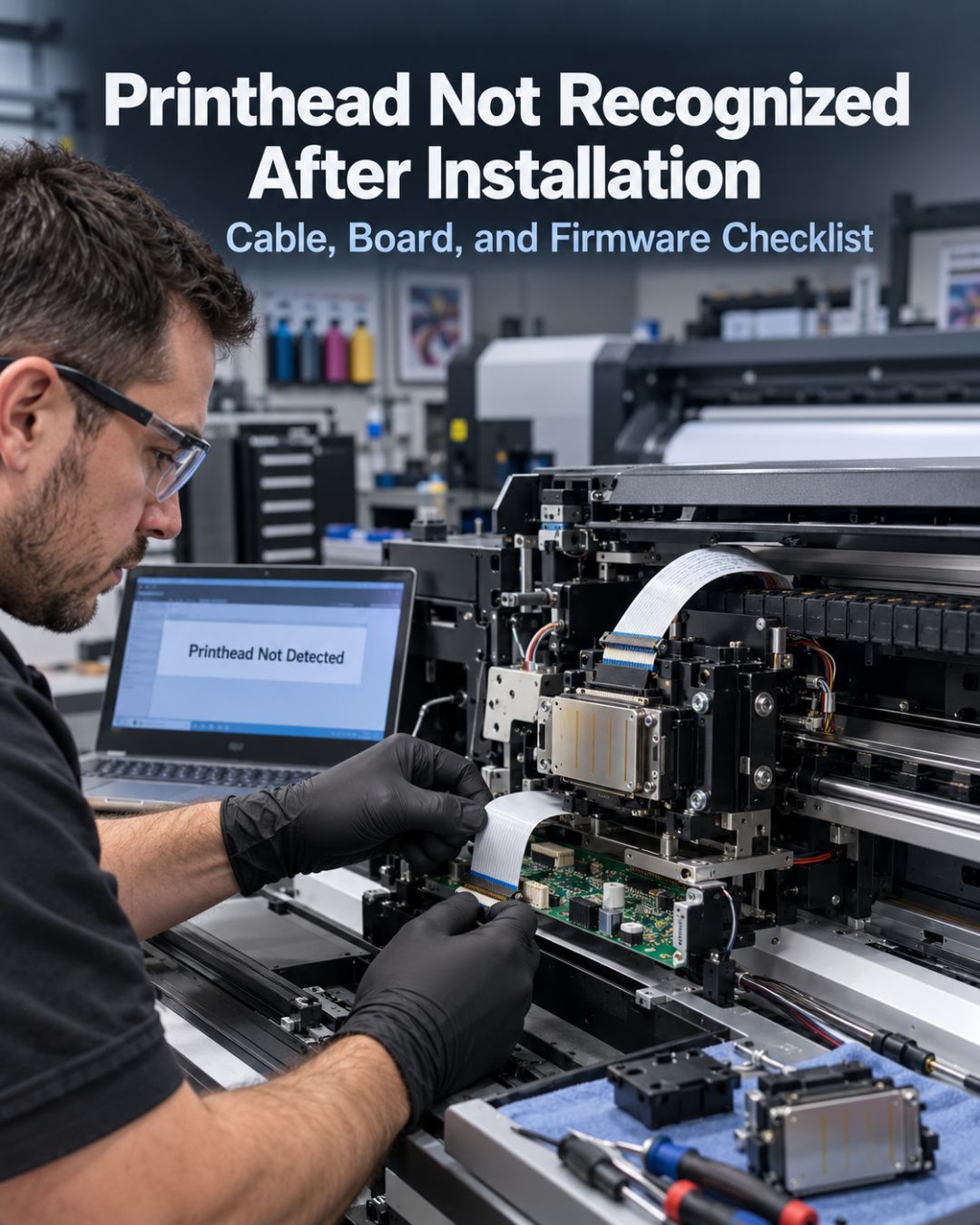
"Installed the new head, printer says no head detected" is the most common support call we take. In the large majority of cases the head is fine. The order below is the order that finds the fault fastest, and it's the order we'll ask you to have followed before an RMA is considered.
Step 0: power off, properly
If you connected the head with the printer powered on — even in standby — stop and read our post on printhead failure causes before continuing. Hot-plugging can damage the head and the board in one event. If you're sure it was off at the switch, proceed.
Step 1: the data cable
- New cable? If you reused the old one, replace it now. On the i3200 (14-pin) and XP600 (29-pin) the cable costs less than a coffee and fails invisibly — a hairline crack at the crease is enough.
- Orientation. The blue stiffener side faces the same way as the old cable did. One flipped ribbon is the single most common cause of "not recognized."
- Seating. Fully inserted and the connector latch closed at both the head and the board end. Push until you feel the stop; latch; tug gently.
- Pin count. Confirm the cable matches the head. XP600 cables come in more than one pin count depending on the board — our XP600 maintenance kit pairs the correct set.
Step 2: head variant and rank
On i3200 printers the board expects a specific variant. An E1 or U1 head fitted where the board is configured for A1 will fail recognition or fire incorrectly. Check the suffix on the head label against the machine's configuration; the i3200 head rank and Hoson board page covers how to read and enter the head rank ID. Some boards require the rank string typed into the printer software before the head is accepted.
Step 3: the head board
If a new cable, correct orientation and correct variant still produce no detection, the board is the next suspect. Signs: the printer previously lost the head suddenly (not gradually), a burnt smell near the carriage, or a visible scorch mark on the board. On Chinese DTF machines the head board is a modest part; on Roland, Mimaki and Mutoh machines it's a main board and priced accordingly — see our boards collection. Diagnose by swapping the board or having a technician test it; don't buy a second head.
Step 4: firmware and software
- Printer software restarted after the head change? Some RIP/board combinations cache the head ID.
- Correct printer profile selected for the head model?
- On dual-head DTF machines, is the head installed in the position the software expects (head 1 vs head 2)?
Step 5: then, and only then, the head
A genuine sealed head that fails all of the above on a machine that then detects a second known-good head is a claim. Keep the cable you used, note the orientation photos, and contact us with your order number. What we'll ask for is exactly this checklist, so having done it makes the claim fast.
Preventing it next time
Replace the cable with every head. Take a photo of the old cable's orientation before you pull it. Power off at the switch. Those three habits eliminate most of the calls we get. The full pre-install routine is in our DTF printer maintenance checklist.
Frequently asked questions
Why does my printer say no printhead detected after installing a new one?
Most often the data cable: reused, cracked, inserted upside down or not fully seated. Replace the cable, match its orientation to the old one, and confirm the latch is closed at both ends before suspecting the head.
Can a wrong i3200 variant cause a head to be unrecognized?
Yes. Boards configured for an A1 head can reject or misfire an E1 or U1, and some boards require the head rank ID from the label to be entered in software before the head is accepted.
How do I know if the head board is faulty rather than the printhead?
If a new cable in the correct orientation and the correct head variant still give no detection, and especially if the old head was lost suddenly or there's a scorch mark or burnt smell near the carriage, the board is the likely fault. Test with a known-good head or have a technician check the board.
Does Digiprint USA replace a printhead that isn't recognized?
If a genuine sealed head fails after the cable, orientation, variant and board checks and a second known-good head is detected on the same machine, contact us with your order number and the checklist results and we'll review the claim.
Related reading
- Epson i3200 A1 vs U1 vs E1
- Missing nozzles on a wide-format printer
- Printhead Troubleshooting Center
Shop: Printhead Cables · Boards


Leave a comment
This site is protected by hCaptcha and the hCaptcha Privacy Policy and Terms of Service apply.